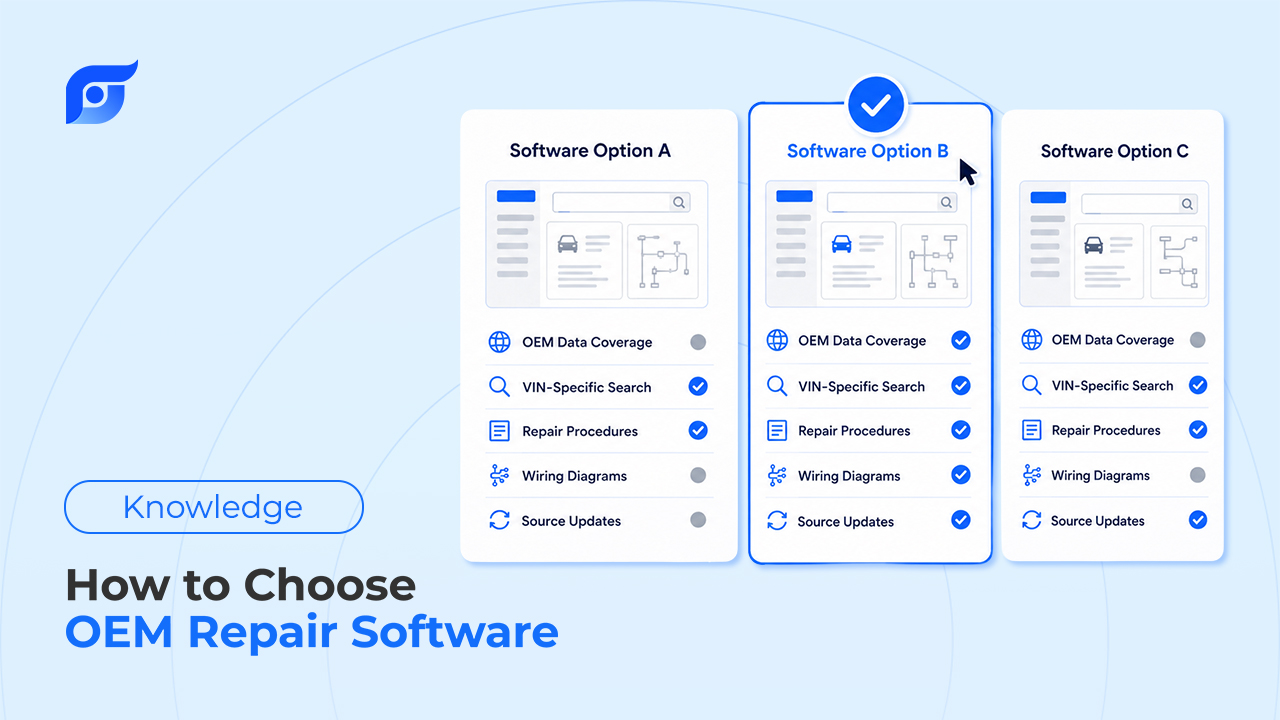
Quick answer: Choose OEM repair software by evaluating five things in order: vehicle coverage for the makes you actually service, how current the data is, whether answers are sourced from licensed OEM content or AI-generated, the real pricing structure (not just the sticker price), and how it fits your team’s actual workflow. Run a real trial on a hard job before committing — don’t decide from a demo. Jayda is one option built specifically around licensed OEM data with AI-powered answer access, evaluated against the same criteria below.
Key takeaways:
- The most common mistake is buying for total market coverage instead of the makes your shop actually services — audit your last 6–12 months of ROs first.
- ~95% of professional shops already pay for some repair-information subscription — the real decision is often “replace vs. run alongside,” not “buy vs. don’t.”
- The newest, most important criterion: does the tool retrieve and cite OEM documentation, or does it generate/interpret an answer? These are different products even when the interface looks identical.
- Pricing structure matters more than the headline number — ask about per-seat cost, annual update fees, and contract length before comparing prices across vendors.
- A real trial means testing your hardest recent job, not watching a sales demo.
Why This Decision Is Bigger Than It Looks
OEM repair software isn’t a tool you swap every year. Once a shop standardizes on one, it shapes technician training, quoting accuracy, and how confidently new hires can work independently — for years, not months. Getting it wrong doesn’t just waste a subscription fee: it shows up later as comebacks from a mis-specified torque value, a denied warranty claim from the wrong fluid spec, or a new tech who takes twice as long as they should because the tool they were handed is slower than the one they trained on.
That’s also why ~95% of professional shops already pay for some form of repair-information subscription. For most shops reading this, the question isn’t “should we buy OEM software” — it’s “is what we’re paying for still the right fit, and is there a faster way to get the same trustworthy answer.”
Key Factors to Evaluate
| Criteria | Why It Matters | Question to Ask the Vendor |
|---|---|---|
| Vehicle coverage | A tool that’s strong on European makes is wasted spend if your shop is 80% domestic and Asian imports. | “Show me your coverage for the five makes we service most, not your total catalog size.” |
| Data currency | New TSBs and recalls lose value fast if they take weeks to appear. | “How soon after a manufacturer publishes a bulletin does it show up in your system?” |
| Source-bound vs. generated answers | This is the newest and most consequential criterion. A tool that generates or paraphrases an answer can sound right while describing the wrong trim or model year. A tool that retrieves licensed OEM content and cites it can be checked before you rely on it. | “When I get an answer, does it show me the exact source document and model year — or just a response?” |
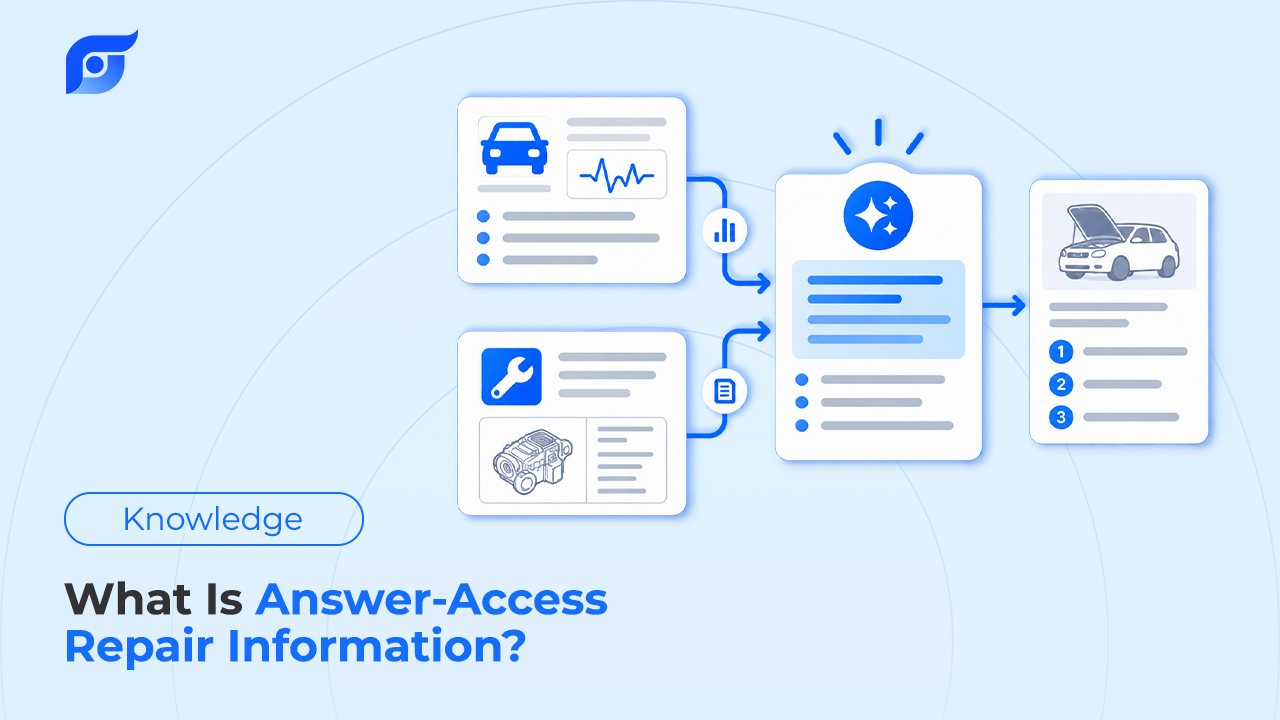
| Access model | Menu-navigation tools require you to know where the answer lives. Answer-access tools let you ask directly. | “Can a tech ask a specific question and get the answer, or do they need to browse a category tree first?” |
| Pricing structure | Sticker price rarely reflects real cost — per-seat fees, annual update charges, and contract minimums vary widely. | “What’s the full annual cost per seat, including update fees, not just the monthly rate?” |
| Integration and access | Matters most for multi-location shops or teams needing programmatic access. | “Is there API access, and what does it cost at our scale?” |
A Step-by-Step Process for Evaluating OEM Repair Software
- Audit what you actually repair. Pull the makes and models from your last 6–12 months of repair orders. Don’t pay for a catalog that covers every manufacturer if your shop is realistically working on five or six of them regularly.
- Run a real trial on a hard job, not a demo. Ask for enough trial time to test a genuinely difficult recent case — an intermittent electrical fault, an unusual TSB, a less common trim. A polished sales demo tells you nothing about how the tool performs on your actual work.
- Get the full pricing structure in writing. Confirm whether it’s a flat subscription, a per-seat fee, or usage-based, and whether annual data updates are included or billed separately.
- Check what happens when the answer isn’t there. Every OEM database has gaps. What matters is whether the tool tells you directly (“not found”) or fills the gap with something that sounds plausible. The second behavior is the one that causes comebacks.
- Decide replace vs. run alongside. If your shop already has a subscription, you don’t have to cancel it to evaluate something new. Run the new tool beside your current system on real jobs for a few weeks, then decide whether it earns a permanent spot — or a full switch.
Where AI Changes the Buying Decision
Most of the criteria above have applied to OEM software for years. What’s new is the fourth row in that table — source-bound retrieval versus generated content — and it exists because of a shift already underway in the category: some vendors are adding AI that lets you ask a direct question instead of navigating a menu tree.
That distinction is worth testing directly during a trial. Type a specific, real question — something like “torque sequence for a 2021 Mazda 3 cylinder head” — and see what comes back. A source-bound tool returns the manufacturer’s procedure with a citation to the document and model year. A tool that’s generating or summarizing an answer may sound just as confident without a source behind it — and there’s no way to tell the difference from the output alone.
Jayda is built specifically around the first model: it searches licensed OEM data from MOTOR Information Systems and shows the source — document, manufacturer, model year, last-updated date — rather than generating or paraphrasing an answer. Typing a question like the one above typically returns a cited result in seconds rather than the minutes it takes to browse to the same page in a menu-based system.
Learn more: AI Won’t Replace Mechanics. It Will Replace Searching.
Should You Replace Your Current Software, or Run Something Alongside It?
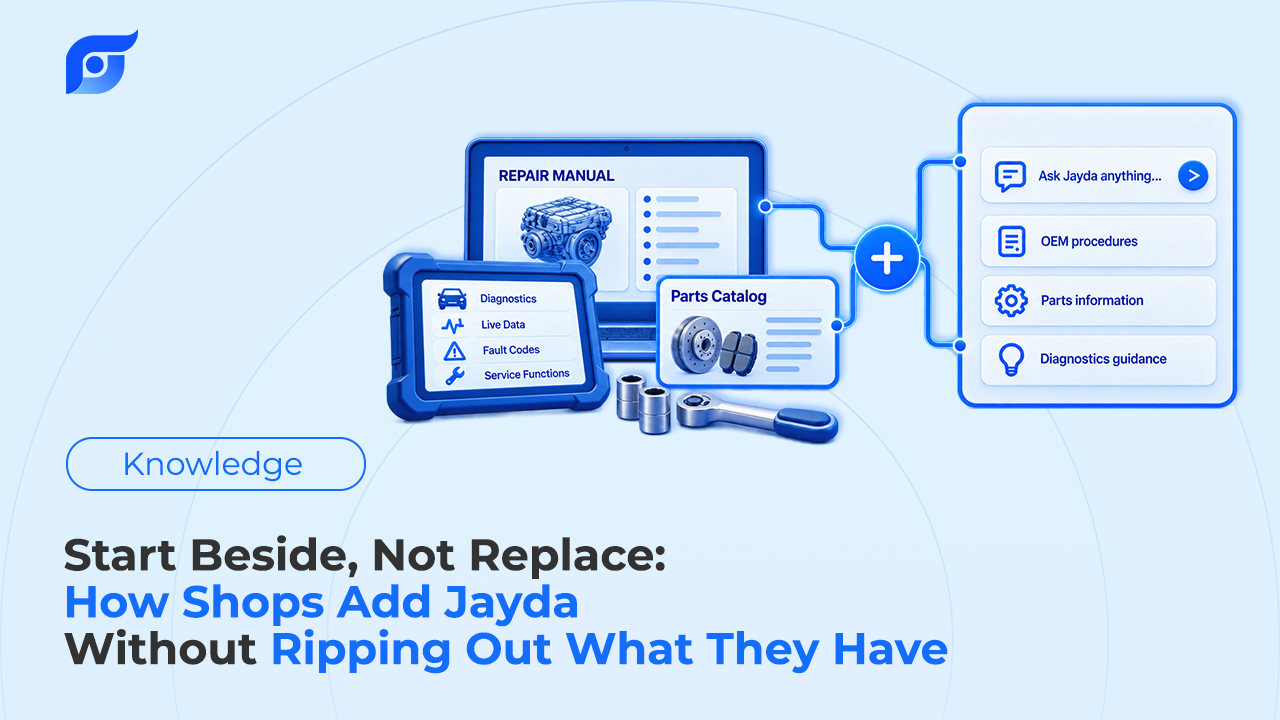
If your shop already has ALLDATA, Mitchell 1 ProDemand, or a similar subscription, the practical move isn’t ripping it out on day one. Keep it, and use a faster answer-access tool like Jayda for the specific moments navigation is the bottleneck — at the vehicle, mid-diagnosis, when a tech needs the answer now instead of after five clicks. If it earns its place over a few weeks of real use, that’s the point to evaluate consolidating — not before.
Buyer’s Checklist (Save This)
- Coverage confirmed for our top 5–6 makes/models by repair volume
- Data update speed confirmed (ask: “how soon after OEM release?”)
- Confirmed whether answers are sourced/cited or AI-generated
- Full annual per-seat cost confirmed, including update fees
- Trial run on a real, difficult job — not a sales demo
- Confirmed how the tool handles “not found” cases
- Decision made: replace existing system, or run alongside it first
About Jayda
Jayda gives technicians the OEM answer for the exact vehicle, with source, in seconds. Built on licensed data from MOTOR Information Systems — an automotive data provider operating since 1903, part of the Hearst organization — Jayda’s AI searches official repair procedures, specifications, wiring diagrams, DTCs, TSBs, and recalls, and returns them with a citation rather than generating an answer. Independent technicians, mobile mechanics, and repair shops use Jayda to find OEM information without navigating static manuals or cross-referencing multiple sources. Plans are available for individual technicians and shop teams, with a free trial for new users.
Frequently Asked Questions
What should I look for when choosing OEM repair software?
Vehicle coverage for the makes you actually service, how quickly new OEM content appears after manufacturer release, whether answers are sourced from licensed OEM documentation or AI-generated, the full pricing structure including update fees, and how well it fits your team’s actual workflow.
Is OEM repair software the same as a shop management system (DMS)?
No. OEM repair software provides manufacturer repair procedures, specs, diagrams, and bulletins for the vehicle. A DMS/SMS manages shop operations — scheduling, invoicing, customer records. Some shops need both, evaluated and purchased separately.
Do I need to replace my current OEM software to try a new one?
No. Most shops keep their existing subscription and run a new tool alongside it on real jobs first, then decide whether to consolidate based on actual results rather than switching upfront.
How can I tell if OEM software is showing me a real manufacturer procedure or an AI-generated answer?
Check whether the result cites a specific source document, manufacturer, and model year. A source-bound tool shows this by default. A generated or summarized answer typically won’t have a verifiable citation behind it, even if it sounds confident.
How much does OEM repair software typically cost?
Legacy OEM databases like ALLDATA or Mitchell 1 commonly run $100–$200+ per month per individual license, often on annual contracts. Newer AI-powered answer-access tools, like Jayda, offer tiered monthly pricing starting under $10/month for individual use, with team plans priced per seat.