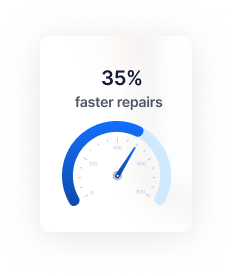
Searching through manuals, cross-referencing specs, and second-guessing procedures - it adds up. Every minute spent hunting for information is a minute not spent on the repair.
Jayda gives you the right answer, right away.
How Jayda Helps You Fix Faster and Smarter
From diagnosis to final torque, Jayda puts verified OEM data at your fingertips - so you can focus on the repair.
Diagnose With Confidence
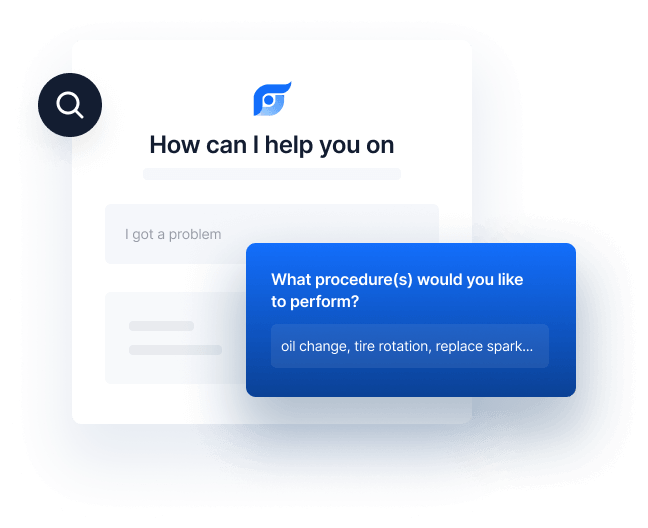
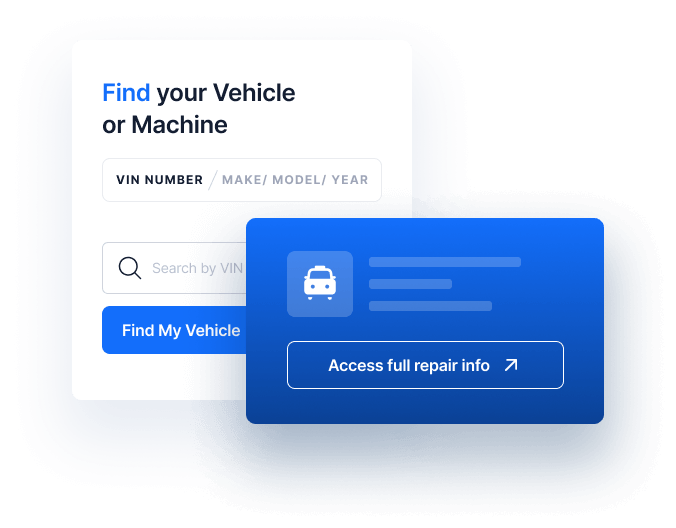
Enter the symptoms or DTC code. Jayda finds the OEM troubleshooting steps for your exact vehicle - so you can pinpoint the issue without trial and error.
Instant Spec Lookup
Torque values, fluid types, wiring diagrams, capacities - pulled up in seconds. No more digging through service manuals or outdated PDFs.
Handle Any Vehicle, Any System
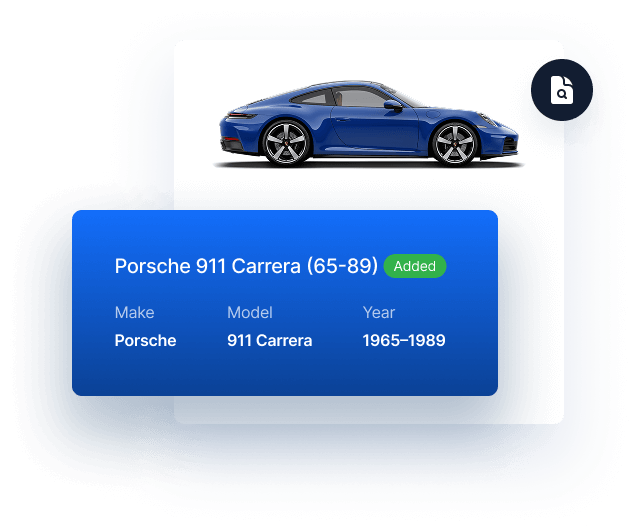
Domestic, Asian, hybrid, or high-mileage - doesn't matter. Jayda covers OEM data for vehicles sold in the U.S. and Canada, so you never have to turn down a job.
Step-by-Step OEM Procedures
Complete repair instructions exactly as the manufacturer published them. Every step cited to the original source - so you can verify before you wrench.
Built for Every Level of Repair
Whether you're a DIYer, a shop owner, or managing a fleet - there's a plan built for your workflow.
Pro Tech
Built for professional technicians who need full wiring diagrams, guided DTC diagnostics, OEM parts lookup, and unlimited AI-powered repair assistance.
The powerful features to assist with maintenance and repair:
OEM Procedures for component Replacement & Repair
Vehicle Specifications including Torques, Measurements, Tolerances and more
OEM Maintenance Schedules
Vehicle Fluid Types and Capacities
Technical Service Bulletins & Recalls
AI Assistance with vehicle Service data and Diagnostics
Full OEM Wiring Diagrams
DTC code Diagnostics including OBD-II codes and OE-specific codes
Component Locations with Diagrams
MOTOR labor guides
OEM Part Numbers
Part Prices (MSRP)
Exploded Part Diagrams
Best for Mobile Mechanics
Mastertech
Perfect for mobile mechanics and small businesses that service multiple customer vehicles with professional OEM repair data and AI-powered diagnostics.
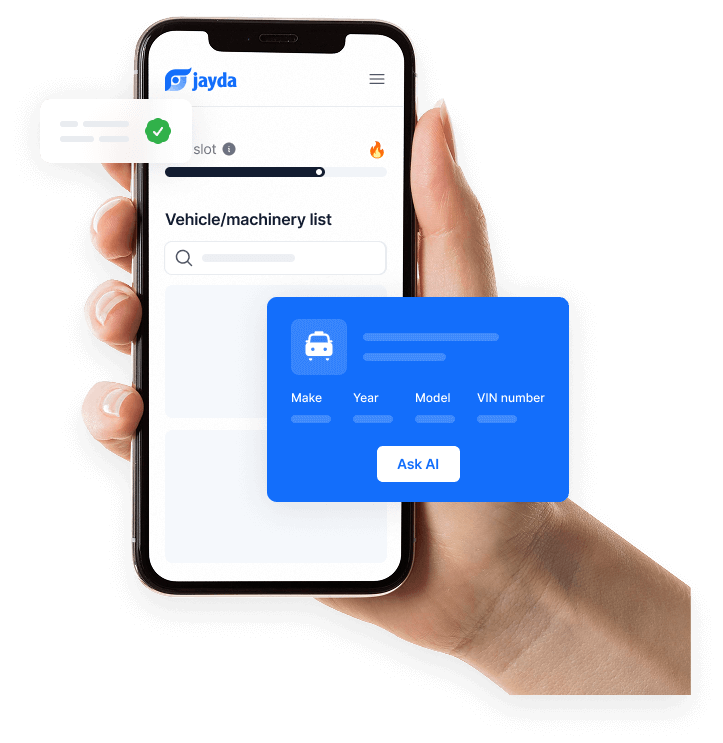
30 vehicle slots that reset every month - swap in different customer vehicles as your job list changes
Priority support with faster response times
Month-to-month billing - no annual contract, cancel anytime
Business
Built for pro repair shops and growing teams that need full OEM repair data, advanced diagnostics, wiring diagrams, and standardized repair workflows across multiple technicians.
1. What kind of repair information does Jayda provide?
Jayda gives you access to all 12 OEM data features: component location diagrams, diagnostic trouble codes with test procedures, labor time estimates, fluid specs and capacities, maintenance schedules, part illustrations, OEM part numbers and supersessions, step-by-step repair procedures, torque and technical specifications, wiring diagrams, technical service bulletins (TSBs), and recall information. The DIY plan includes all 12 features everything a professional shop has access to.
2. How accurate is the repair information?
Every procedure, diagram, and specification comes directly from the original manufacturer – unmodified and fully traceable. Jayda’s AI only searches and retrieves. It never writes, rewrites, or guesses repair content. Every answer includes a citation to the original OEM source, so you can verify before you wrench.
3. Which plan is right for a working mechanic?
It depends on how you work. The DIY plan ($29.90/mo) is built for solo mechanics – 300 queries per month, all 12 OEM data features, and access from any device. The Business plan ($199/mo) is built for mechanics running a team – unlimited queries, up to 10 members with individual logins, and management for up to 250 vehicles. Both plans include 17% off with 6-month billing.
4. How does Jayda save time on each repair?
Instead of navigating menus, flipping through manuals, or searching forums, you just describe the repair in plain language – for example, “cam phaser replacement procedure for 2018 F-150.” Jayda returns the exact OEM procedure, torque specs, and related documents in seconds. No keyword guessing. No manual navigation.
5. Can I use Jayda alongside my current shop tools?
Yes. Jayda is not a replacement for your existing workflow – it works alongside whatever tools you already use. Access it from your phone at the lift, a tablet on the bench, or a desktop at the front desk. No software to install, no hardware required.
6. Can my team share access under one subscription?
With the Business plan, you can invite up to 10 team members. Each person gets their own login with full OEM data access and can add vehicles on their own. You manage the team from one central account – no shared passwords, no overlapping sessions.