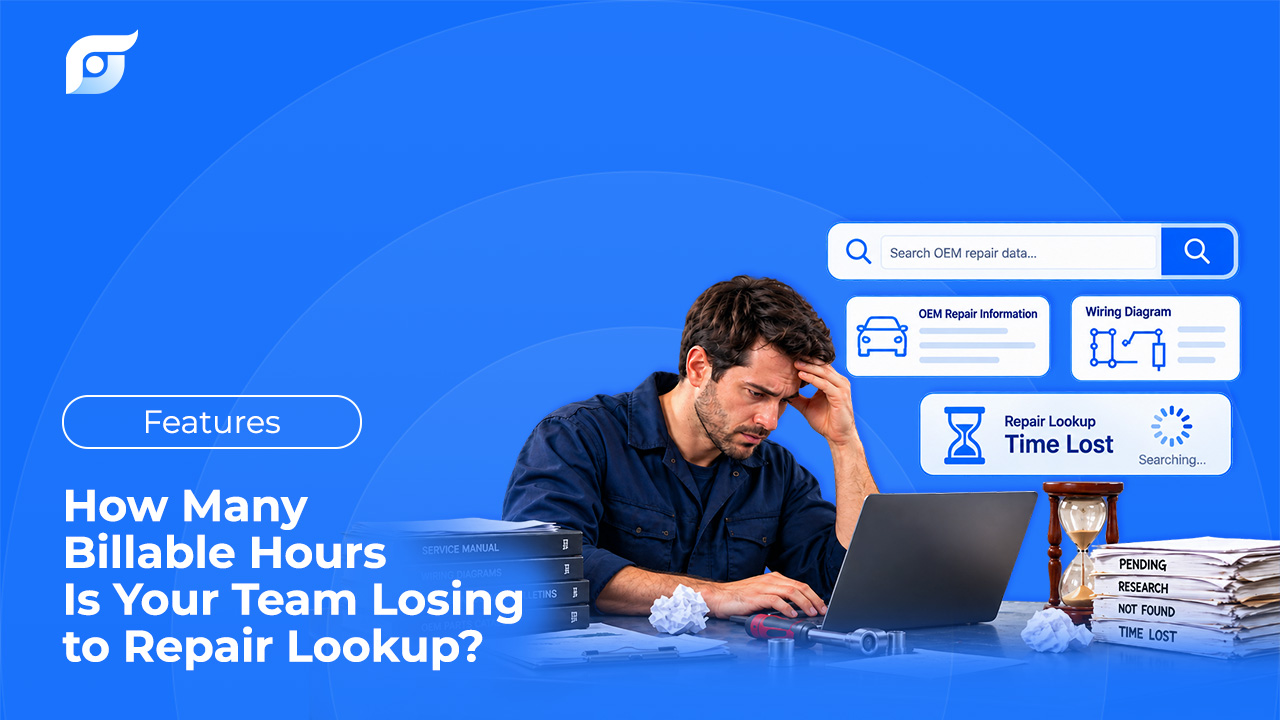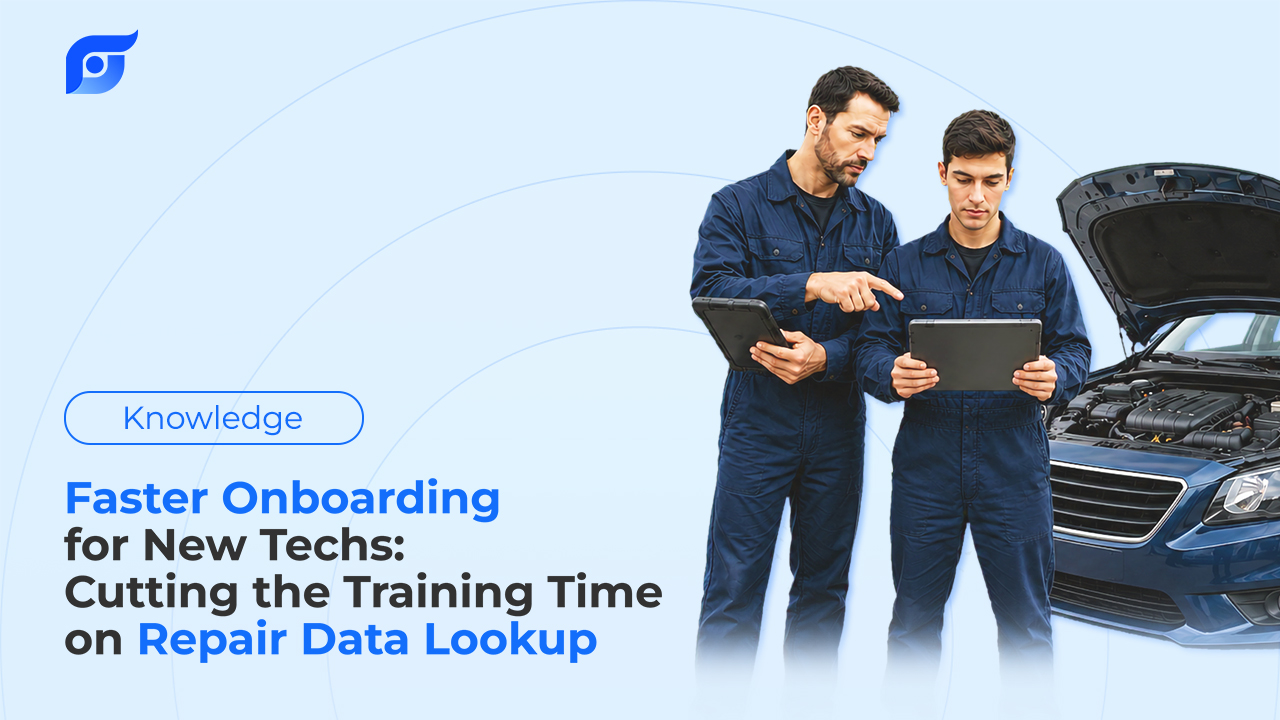
A new tech doesn’t usually struggle with the repair itself — most of what they learned in school or a prior shop still applies. What they struggle with is a piece of software built around the assumption that whoever’s using it already knows where everything lives. Menu depth that a five-year veteran navigates without thinking is, to someone new, a maze with no map.
That’s the part of onboarding that’s actually fixable without more training time — because it isn’t a skills gap. It’s a software gap.
The Real Onboarding Bottleneck Isn’t the Repair — It’s the Software
A junior tech who knows how to read a torque spec still has to find it first, in a menu tree organized around a manufacturer’s internal category structure rather than how a new hire would think to look for it. That’s a real barrier independent of mechanical skill, and it’s the part of the ramp-up period that has nothing to do with whether someone’s a good technician.
What It Actually Costs When a Senior Tech Becomes the Search Engine
Every time a new hire gets stuck, the fastest fix is usually asking someone who already knows the software — which means pulling a senior tech off their own job. Even a modest version of this adds up: if a senior tech gets flagged down twice a day, five minutes each time, just to point to the right menu path, that’s 10 minutes of a senior tech’s own billable time spent on training interruptions rather than repair work — on top of whatever time the new hire spent stuck before asking.
That’s a conservative, illustrative estimate, not a measured industry figure — but it’s the same category of loss covered in more depth in the ROI math behind lookup time generally, and it compounds across every week a new hire is still learning the software instead of just the trade.
Learning a Menu Tree vs. Asking a Question
| Traditional OEM Software | Jayda | |
|---|---|---|
| Time to get comfortable with lookup | Weeks of learning the menu structure and internal vocabulary | Minutes — ask the way you’d ask a coworker |
| How you find an answer | Navigate categories built around the manufacturer’s structure | Type the question in your own words |
| Dependence on a senior tech | High — frequent interruptions to confirm the right page | Lower — the source citation lets a new tech verify independently |
| Where it’s used | Usually a shop terminal | Phone or tablet, at the vehicle |
What Actually Changes for a New Tech on Day One
No internal vocabulary required. Asking a direct question replaces knowing which menu category a manufacturer filed something under — a new tech doesn’t need months of exposure to learn where things live.
The vehicle is matched automatically. Year, make, model, and engine get confirmed before an answer comes back, so a new tech isn’t guessing whether a result actually applies to the exact trim on the lift.
Every answer shows its source. The document, manufacturer, and model year are attached to every result — which matters more for a new tech than an experienced one, because it means they can check an answer against the original themselves instead of needing a senior tech to confirm it’s right.
Case history follows the vehicle, not the person. On Business tier, a Project’s saved questions and notes are shared across the team — a new tech picking up a vehicle a senior tech already looked at inherits that context instead of starting from nothing.
One thing worth being precise about: Jayda doesn’t simplify or rewrite OEM procedures into easier language. What a new tech sees is the same unedited manufacturer content an experienced tech would see — the change is how fast they get matched to the right one, not a dumbed-down version of it.
What This Doesn’t Replace
None of this shortens the time it takes to become a good technician. Reading a wiring diagram, judging a borderline diagnosis, knowing when a spec looks wrong for the vehicle in front of you — that’s still built through hands-on repair experience, and it isn’t something faster lookup substitutes for. What changes is narrower: the time spent learning where things are in a piece of software, which is a real cost, but a different one from learning the trade itself.
A Simple First 30 Days
- Have new hires ask Jayda directly instead of defaulting to “go find a senior tech” as the first move for a lookup
- Encourage checking the source citation on unfamiliar answers — it builds the habit of verifying instead of just trusting either the software or a guess
- Track how often a senior tech gets pulled aside for lookup help specifically (not diagnosis or judgment calls) over the first few weeks — that number is the one this actually targets
Frequently Asked Questions
Does this replace hands-on mentorship for new technicians? No. It removes the software-navigation learning curve specifically — the mechanical judgment and diagnostic experience that come from mentorship and hands-on repair work aren’t something a lookup tool replaces.
Will a new tech still need to ask a senior tech questions? Yes, for diagnosis and judgment calls. What changes is the volume of interruptions specifically about finding information, since a new tech can verify a cited answer independently instead of needing someone else to confirm it.
Does Jayda simplify OEM procedures for beginners? No — the content shown is the same unedited manufacturer procedure an experienced tech would see. Jayda’s AI matches a question to the right content; it doesn’t rewrite or simplify it.
Is this useful for an experienced tech joining from a different brand of OEM software? Yes — the same friction applies to anyone unfamiliar with a specific software’s menu structure, not just technicians new to the trade.
If you’re onboarding new technicians this month, contact us to see how it fits your training process. If you’re a technician getting started solo, start a free trial and ask your first question the way you’d ask a coworker.