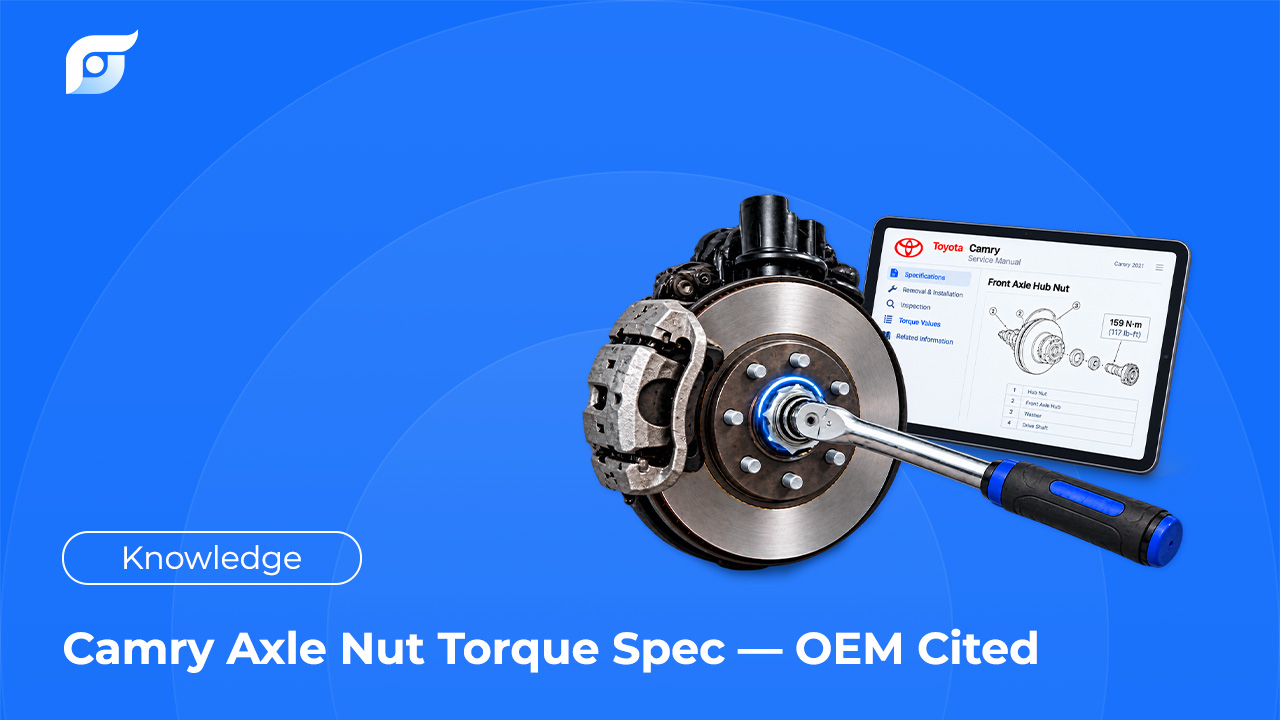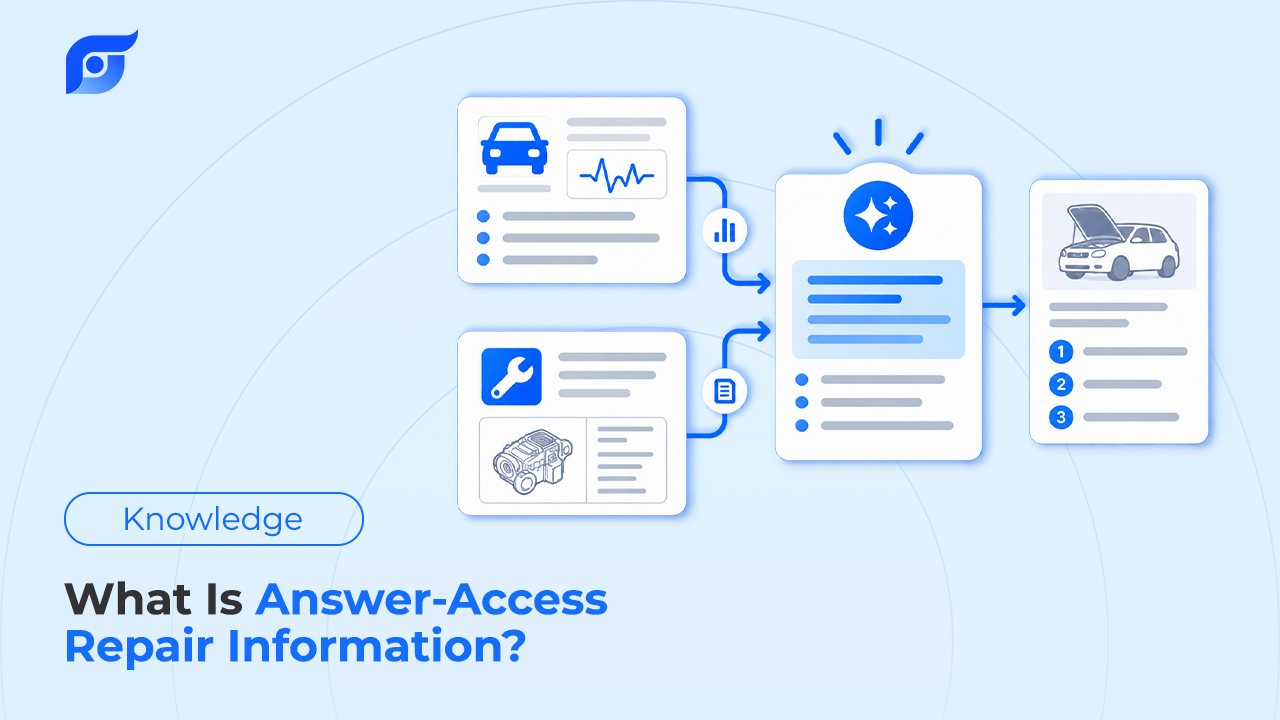
Most technicians reach repair information the same way: pick the year, make, and model, drill into a system, open a document, and scroll until the right page appears. Answer access is a different way to reach the same data. The tech asks the repair question and gets the manufacturer’s answer for that vehicle, with the source attached. The torque specs and wiring diagrams don’t change. The path to them does.
Quick Answer: Answer-access repair information is a way of reaching OEM repair data where a technician asks a specific question for a specific vehicle, such as “cam phaser replacement procedure, 2018 F-150,” and gets back the matching manufacturer document with its source shown, instead of navigating menus or sorting through a list of search results. It differs from navigation-based repair databases, where the tech browses year, make, model, system, and document, and from general AI chatbots, which write an answer that can’t be traced to a manufacturer source. A dependable answer-access tool does four things: it matches the exact vehicle, shows the OEM content itself rather than an AI-written version of it, cites where that content came from, and says “not found” when the data isn’t there.
What Does “Answer Access” Actually Mean?
Answer access describes the access model, not the data. Repair information has two layers: the content (procedures, specs, wiring diagrams, TSBs, DTC workflows) and the way a technician reaches it. For decades the second layer has been a library. The tool organizes documents in a tree, and the tech has to know where a document lives before reading it.
An answer-access tool turns that around. The question comes first, and the tool does the locating. The content underneath is still OEM repair information published by the vehicle manufacturer; only the route to it is different.
The term itself is new and is not an industry standard like “OEM” or “TSB.” Vendors describe similar ideas in different words, so the useful test is not what a tool calls itself but what it hands back when you ask it a question.
How Is It Different From Searching a Repair Database?
The clearest way to see the difference is to compare what each access model returns for the same question.
| Access model | What the tech does | What comes back | Where the risk sits |
|---|---|---|---|
| Navigation (menu tree) | Selects year, make, model, system, document | The OEM document, once found | Time spent finding it; wrong engine or submodel selected |
| Keyword search | Types terms into a search bar | A list of documents that match the words | Choosing the right result from the list |
| General AI chatbot | Asks a question | A written answer with no manufacturer source | The answer may be invented or belong to another vehicle |
| AI summary of retrieved sources | Asks a question | An AI-written answer based on documents, often with citations | The summary can misstate what the source says |
| Answer access | Asks a question for a specific vehicle | The matching OEM content itself, with its source | Coverage gaps, which the tool should state openly |
Search inside established repair databases keeps improving. On October 27, 2025, Mitchell 1 added a “Did You Mean” feature to its 1Search Plus dashboard in ProDemand and ShopKey Pro, which suggests corrected industry terms when a search contains a typo. That makes keyword search faster and more forgiving, but the result is still a list for the tech to choose from. Incumbents are adding AI layers as well: ALLDATA’s Diagnostic Intelligence combines OEM service information with frequency-ranked known fixes, community answers, and AI-guided insights in one diagnostic workflow.
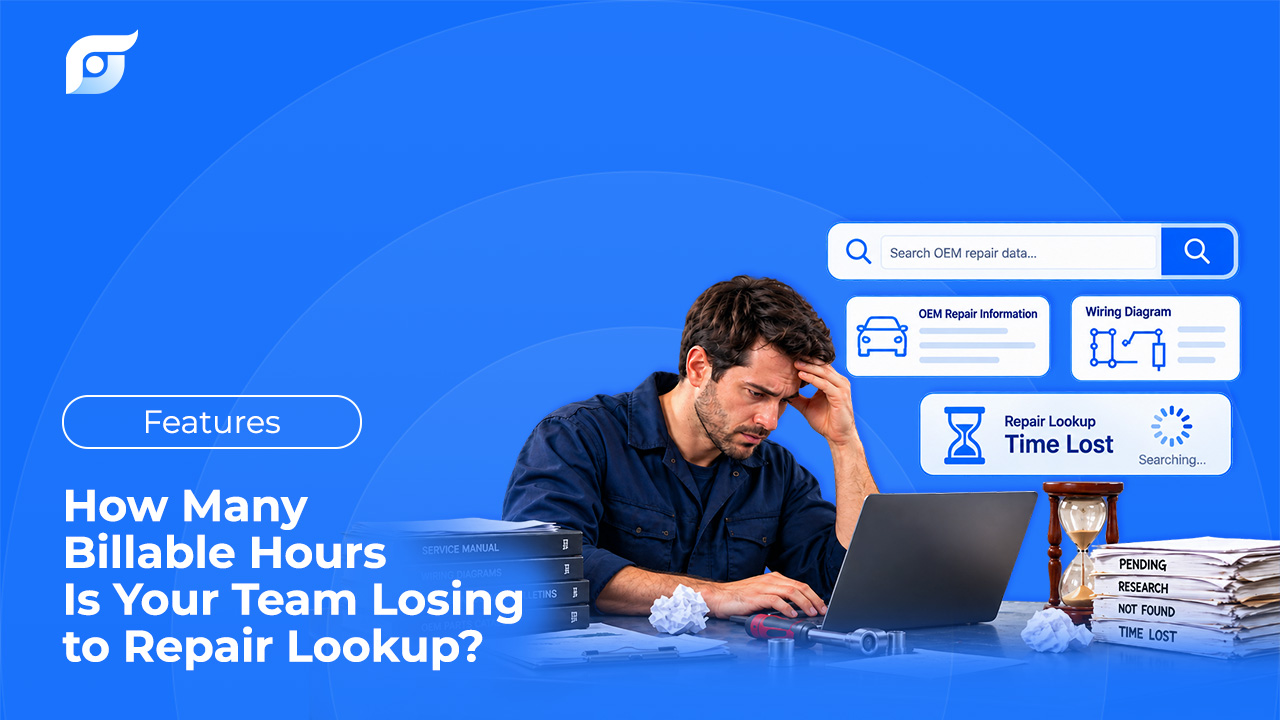
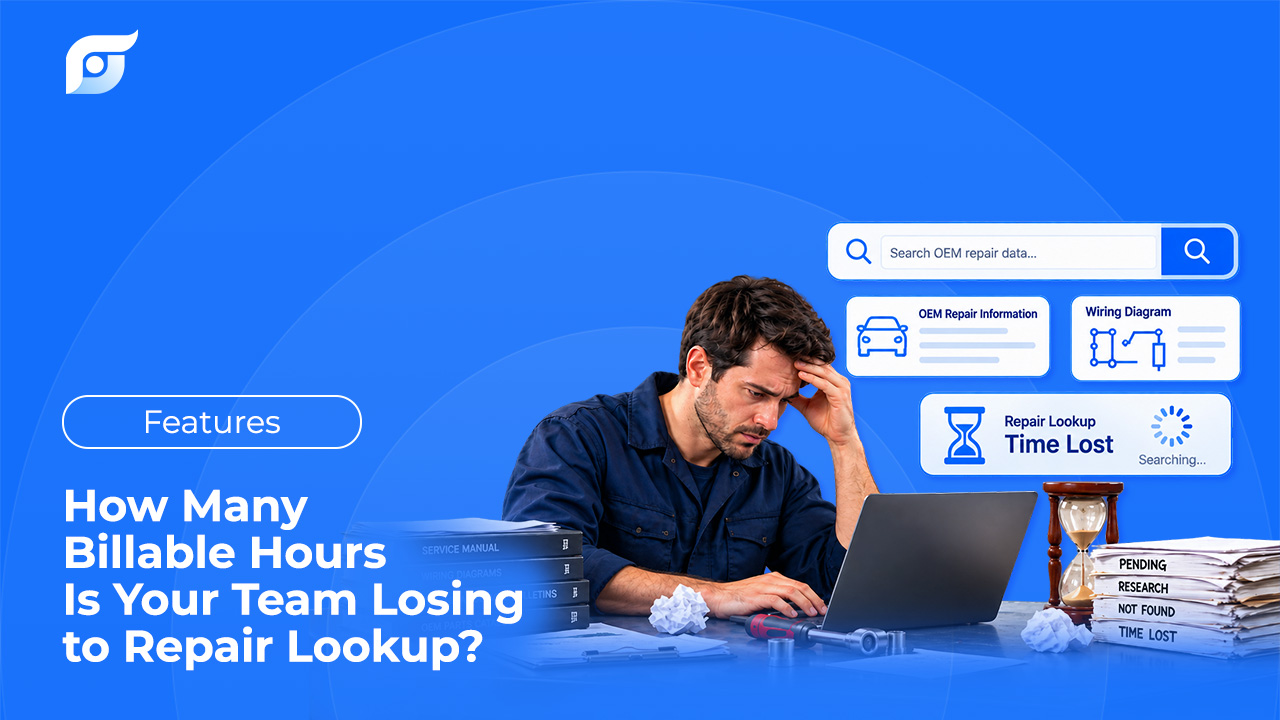
Navigation has a cost that rarely gets measured, because it is spread across every lookup on every repair order. For a closer look at where those minutes go, see why technicians lose time looking for repair information.
Why Does Showing the Source Matter More Than the Answer?
A fast answer is only useful if the tech can confirm it before touching the vehicle. That is the line between answer access and AI-written repair answers.
Retrieving sources first reduces errors, but it does not remove them when an AI rewrites what it retrieved. The clearest evidence comes from a neighboring profession. A preregistered 2024 Stanford RegLab study of AI legal research tools built on retrieval found that they still produced incorrect or misgrounded answers in 17% to 33% of queries, compared with 43% for GPT-4 on its own. Critics questioned parts of the methodology, and the researchers committed to expanding the study in response. Even so, the published results make one point clearly: attaching citations to an AI-written answer did not by itself stop the tools from misstating their sources.
In repair work, a misstated source is a wrong torque value, a skipped one-time-use bolt, or a wiring color from another model year. That is why the strict form of answer access shows the OEM content as the manufacturer published it, not a paraphrase. The argument is laid out in detail in why AI should search repair information, not generate it. It is the same reason a manufacturer procedure carries more weight than an aftermarket repair guide when the job has to be right the first time.
What Should an Answer-Access Tool Do?
Any tool that claims this model, whatever it calls itself, can be checked against five questions:
- Does it match the exact vehicle? Year, make, model, and engine at minimum, and VIN where available. A result for a “similar” vehicle is not a match.
- Does it show the OEM content itself? The procedure, spec, or diagram should appear as the manufacturer published it, not rewritten in the tool’s own words.
- Does it cite the source? Every result should identify the source document, the manufacturer, and the model year so the tech can verify it.
- Does it say “not found”? A tool that always produces an answer, even for rare trims and edge cases, is filling gaps with something other than OEM data.
- Does the technician still make the call? The tool finds the page. Diagnosis and the decision to proceed stay with the person working on the vehicle.
Question 4 is the most revealing of the five. An honest “not found” is evidence that the tool retrieves instead of composing, because a system that writes answers can always produce one. For the broader buying criteria, including data licensing and coverage, see how to choose OEM repair software.
Where Does Jayda Fit?
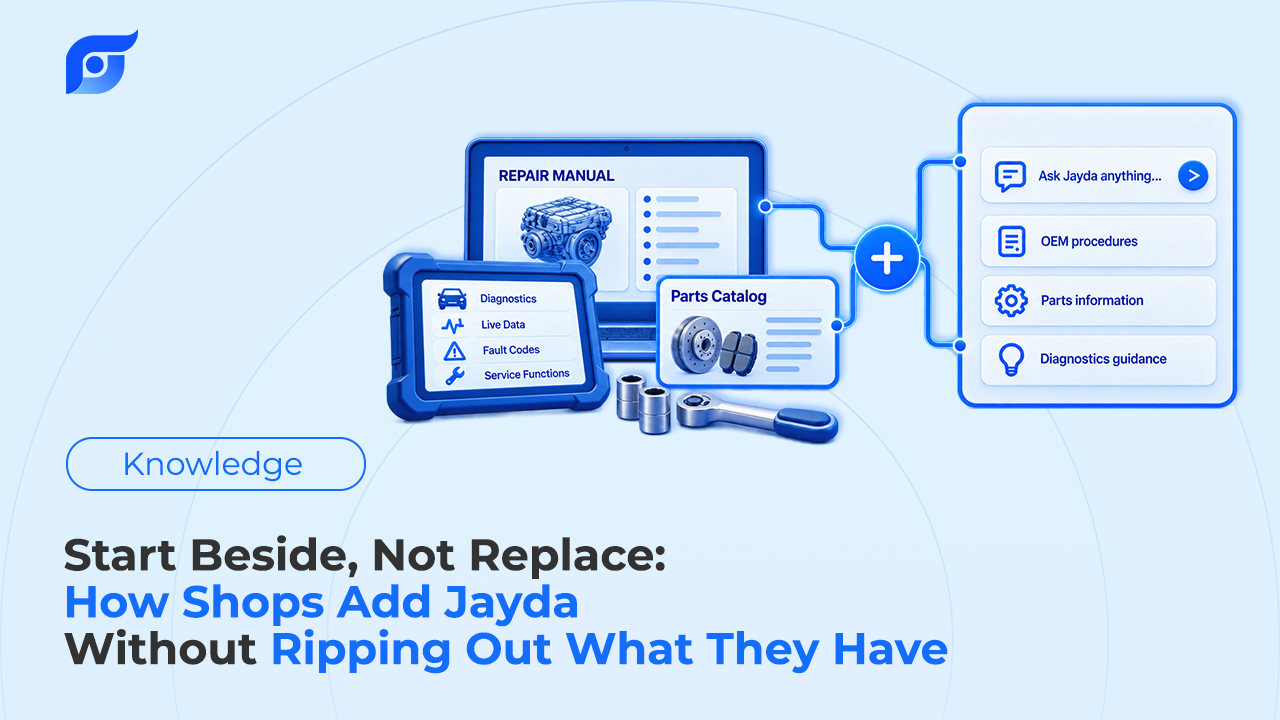
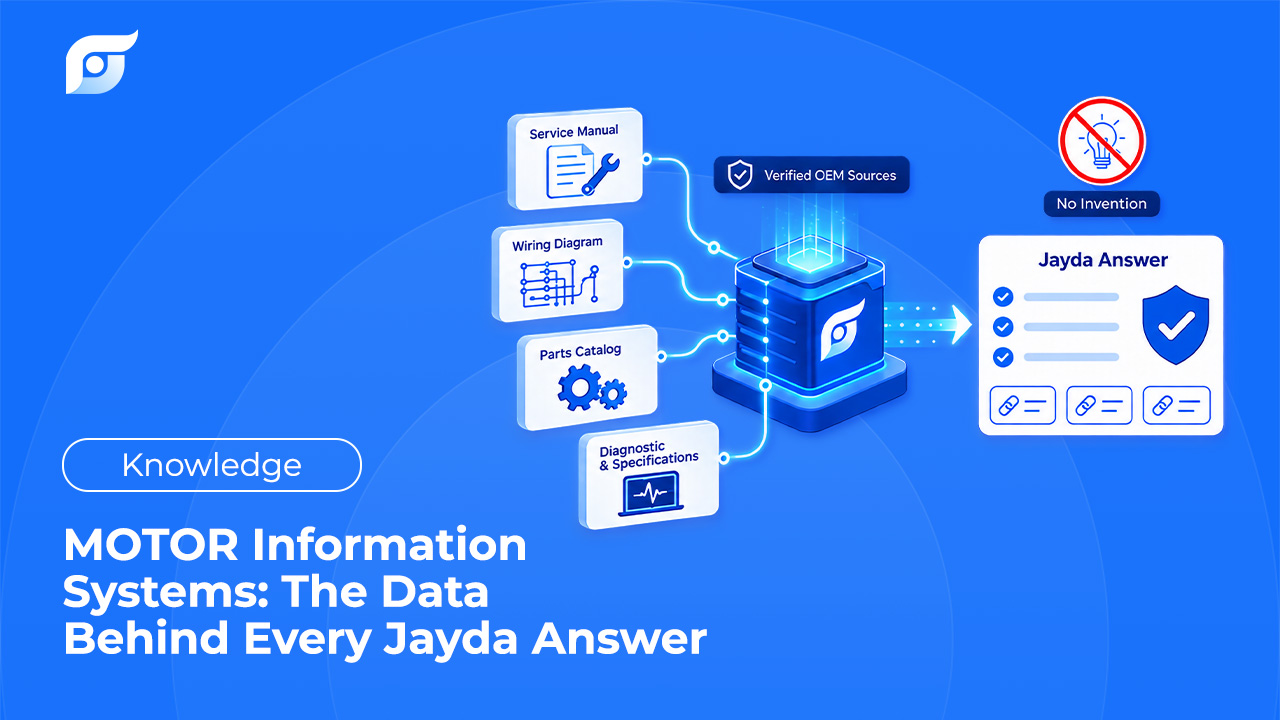
Jayda is built on the answer-access model. A technician asks the question the way they would ask another tech, and Jayda returns the matching OEM document for that vehicle with the source shown. The repair data is licensed from MOTOR Information Systems, a Hearst company operating since 1903, and covers 43 manufacturers from 1985 to 2026.
Jayda’s AI searches and retrieves OEM content; it does not write repair steps. It does not summarize procedures in its own words or approximate from a similar vehicle, and when a procedure isn’t in the database, Jayda says so. The reasoning behind that boundary is explained in why Jayda never generates OEM repair procedures with AI. The technician reads the manufacturer’s page, checks the source, and makes the call.