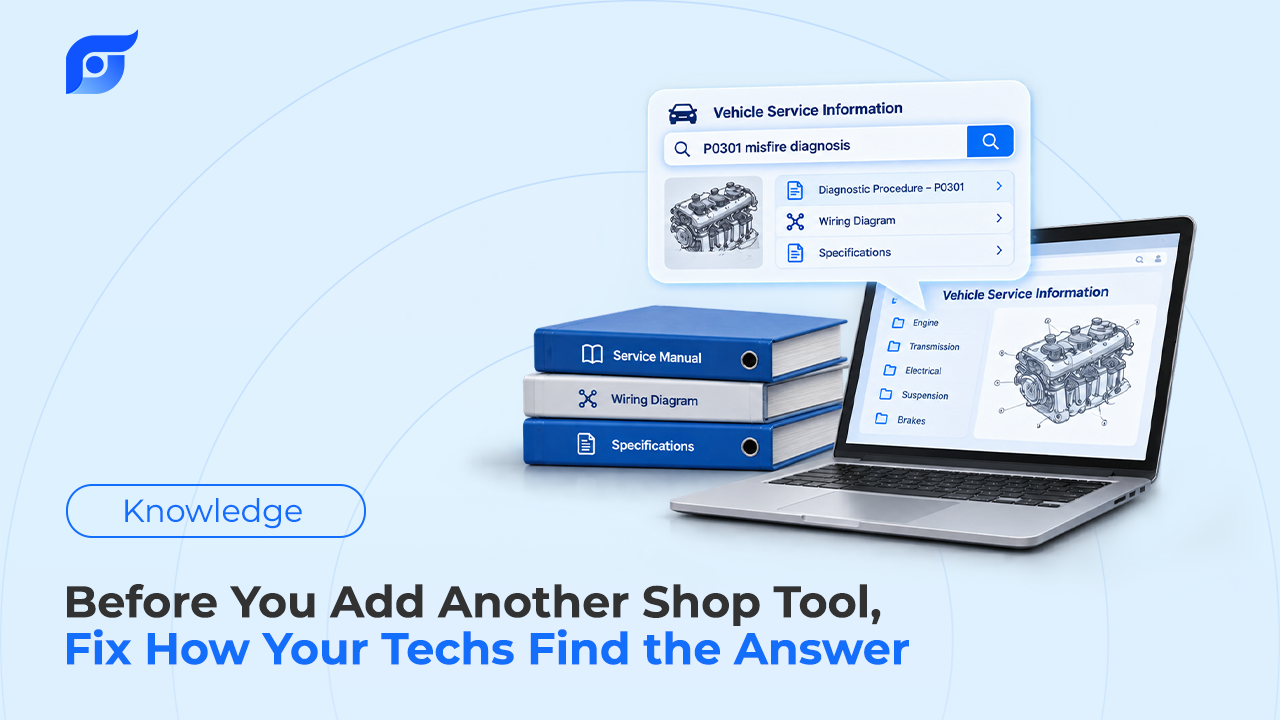
When a shop feels slow, the usual fix is another subscription: a second repair information product, another portal, another app on the shared tablet. Sometimes that’s exactly right. More often, the data the tech needed was already paid for — it just took too many logins, menus, and vehicle re-entries to reach. Before adding a tool, it’s worth measuring the one step every repair depends on: the time between a tech’s question and the page that answers it.
Quick Answer: Before buying another shop tool, measure how long it takes your techs to get from a question to the OEM page that answers it, and count how many systems they touch along the way. If the data exists in a system you already pay for but takes several screens to reach, the problem is access, not capability — and another system with its own login and menu tree usually makes access slower. Switching between applications has a measurable cost: in an August 2022 Harvard Business Review study of 137 users at three Fortune 500 companies, the average worker toggled between apps nearly 1,200 times a day and spent just under four hours a week reorienting, about 9% of their working time. At Tekmetric’s 2026 U.S. average labor rate of $132 per hour, every minute a tech spends finding an answer is worth about $2.20 when there’s billable work waiting. Add a tool when it does a job nothing else in the shop can do; fix the lookup path when the answer already exists.
What Problem Is the New Tool Supposed to Solve?
Most tool purchases start with a feeling — “finding things takes too long” — rather than a diagnosis. That feeling usually has one of two causes, and they call for opposite fixes.
- The data doesn’t exist in the shop. The repair information product doesn’t cover a make the shop now sees, or the scan tool can’t perform a module programming function a job requires. Adding a tool is the right answer here.
- The data exists, but reaching it is slow. The procedure is in the system, but the tech has to pick the year, make, model, engine, and submodel, then walk a menu tree that’s organized differently from how the question came to mind. Adding a tool here gives the tech one more place to look.
The second case is more common than most owners expect, and it’s where most lookup time actually goes: menu paths, the wrong engine selected, a walk back to the shared terminal. None of that shows up on an invoice, so it rarely shows up in a purchasing decision either.
Why Does Every Extra System Cost More Than Its Subscription?
A subscription has a price on the invoice. The switching cost doesn’t. Every system in a shop has its own login, its own way of selecting the vehicle, and its own menu logic, and a tech moving between them has to reorient each time.
That reorientation cost has been measured, though not in auto repair. In a study published by Harvard Business Review in August 2022, Rohan Narayana Murty, Sandeep Dadlani, and Rajath B. Das tracked 20 teams totaling 137 users across three Fortune 500 companies, covering about 3,200 days of work. The average worker in that study switched between apps and websites nearly 1,200 times a day. The time spent getting back on track after those switches added up to just under four hours a week — roughly 9% of their annual time at work, or about five working weeks a year.
Those were office workers, and a technician’s day looks nothing like theirs. Nobody has measured toggling in a service bay the same way, so the HBR numbers shouldn’t be read as a shop figure. What carries over is the mechanism: each switch between systems costs more than the click itself, because the person has to rebuild context on the other side. For a tech, that means re-entering the vehicle, re-finding the section, and re-reading enough of the page to trust it.
Think of it like adding another drawer to a toolbox without labeling any of them. The toolbox holds more, but the time to find the 10mm goes up, not down.
How Do You Measure “Time to Answer” Before Buying Anything?
A one-week audit with a stopwatch tells you more than any vendor demo. Pick the lookups your techs make most often and time them on real repair orders:
- A torque spec for a fastener on today’s job
- A wiring diagram for a circuit on an electrical fault
- A DTC test procedure on a diagnostic ticket
- Whether a TSB covers the customer’s complaint before diagnosis starts
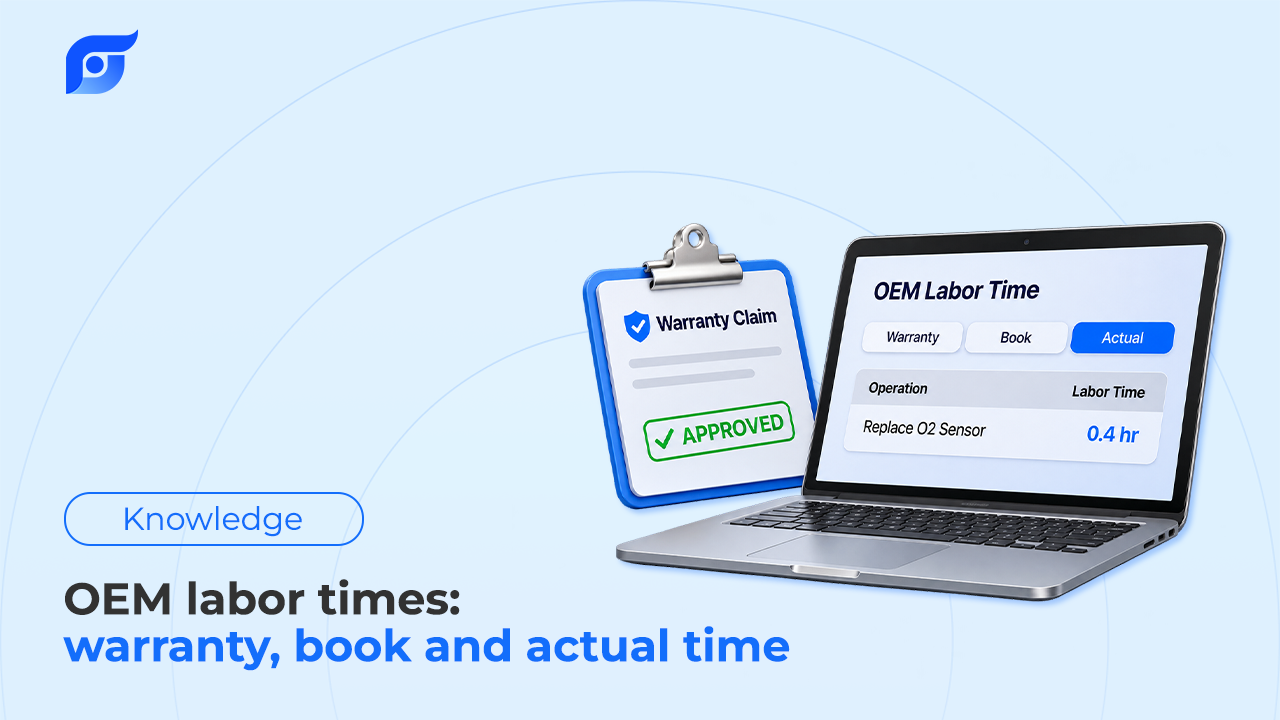
- An OEM labor time for an operation on the estimate
For each lookup, record three things: minutes from question to the correct page, the number of systems touched, and whether the tech found it at all. The third number matters as much as the first. A lookup that ends in “I’ll just go with what I remember” is the expensive one, and it never appears as lost time.
Putting a dollar figure on it
Tekmetric’s 2026 data, drawn from more than 10,000 shops, puts the U.S. average labor rate at $132 per hour — about $2.20 per minute. Multiply by your own audit numbers:
minutes per lookup × lookups per tech per day × number of techs × $2.20
As an illustration only: if the audit showed that cutting three minutes from each of ten daily lookups were possible for four techs, that’s 120 minutes a day, or about $264 a day at the national average rate. Your numbers will differ, so use your own labor rate and your own stopwatch. One honest limit applies to any figure like this: recovered time only becomes revenue when there’s another repair order waiting for that tech. In a slow week, faster lookups buy capacity, not cash. The hidden cost of searching before every repair order is real, but it’s a function of how busy the shop is.
What Does Upgrading How You Find the Answer Actually Mean?
If the audit points to access rather than missing data, the fix isn’t more data. It’s a shorter path to the data. A lookup method worth paying for meets most of these criteria:
- It starts from the vehicle. The tech enters the VIN once, and every answer after that is for that exact build — not a near match from the wrong engine or trim.
- It takes the question the way the tech would ask it. “Oil pressure sensor location, 2019 Silverado 5.3” instead of a five-level menu path.
- It returns the manufacturer’s document, with the source shown. A summary isn’t the same as OEM repair information. The tech should be able to open the original page and read the scope.
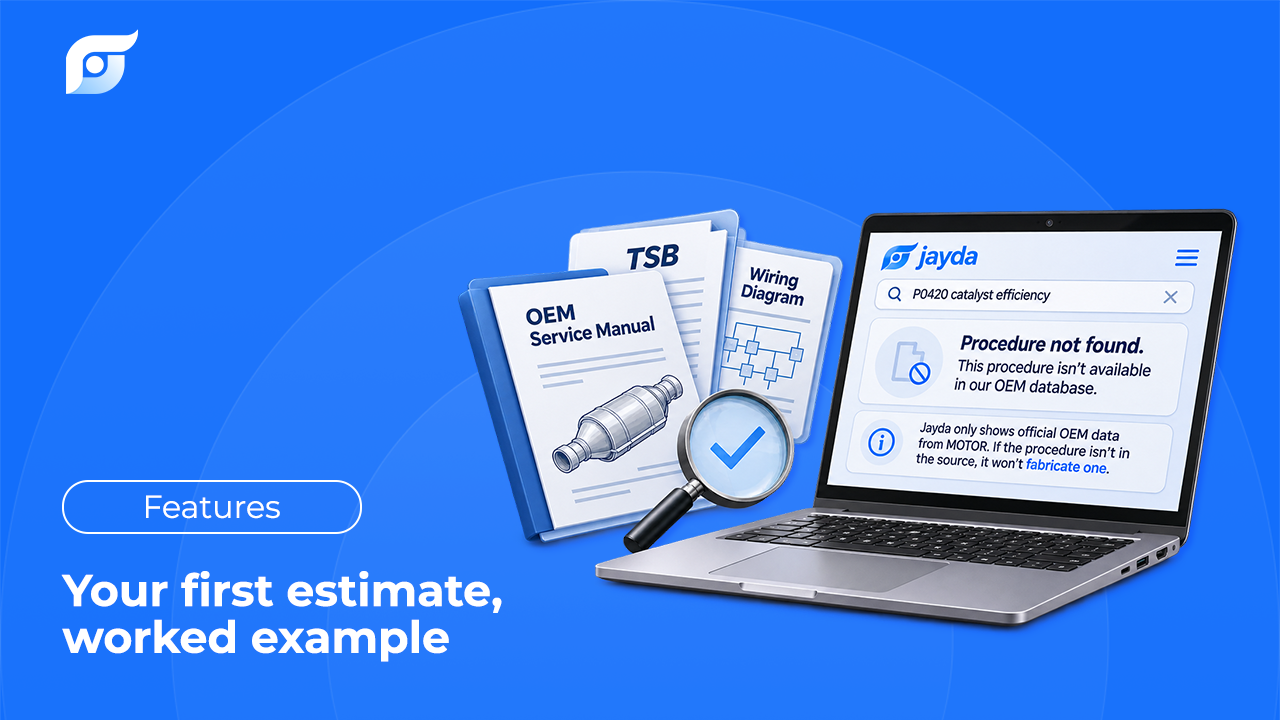
- It says so when it doesn’t have the answer. A blank result costs a few seconds. A plausible wrong answer costs a comeback.
- It works at the vehicle. A lookup that requires walking to the front office gets skipped on the jobs where it matters most.
Those criteria apply whether a shop reconfigures what it already owns or evaluates something new. For a fuller framework covering data source and coverage, see how to choose OEM repair software.
When Is Adding a Tool the Right Call?
None of this is an argument against buying software. Some tools do jobs that nothing else in the shop does: shop management for repair orders and invoicing, digital inspections for customer approval, a scan tool with the coverage your car count requires. Those are additions that earn their place because they fill a real gap.
The test is simple. A new tool earns a spot in the shop when it does a job no existing system can do, or does an existing job with fewer steps. A tool that does the same job through the same kind of path — another login, another vehicle selector, another menu tree — mostly adds another place to look.
Where Jayda Fits
Jayda is built for one step: the moment a tech needs a specific answer for the vehicle in the bay. The tech asks the question the way they’d ask the most experienced tech in the shop, and Jayda returns the matching OEM document with the source shown. The data comes from MOTOR Information Systems, a Hearst company operating since 1903, covering domestic and import cars, SUVs, vans, and light trucks. The OEM content is unaltered, and new manufacturer content is available within days of its release.
Jayda runs beside the systems a shop already uses rather than asking anyone to rip them out. When a procedure isn’t in the database, Jayda says so instead of producing something that sounds right — the reasoning behind searching repair information rather than generating it. The decision about what the document means for the car stays with the technician, which is where the judgment in a repair belongs. Run the audit first. If the stopwatch says the problem is access, that’s the step worth upgrading.