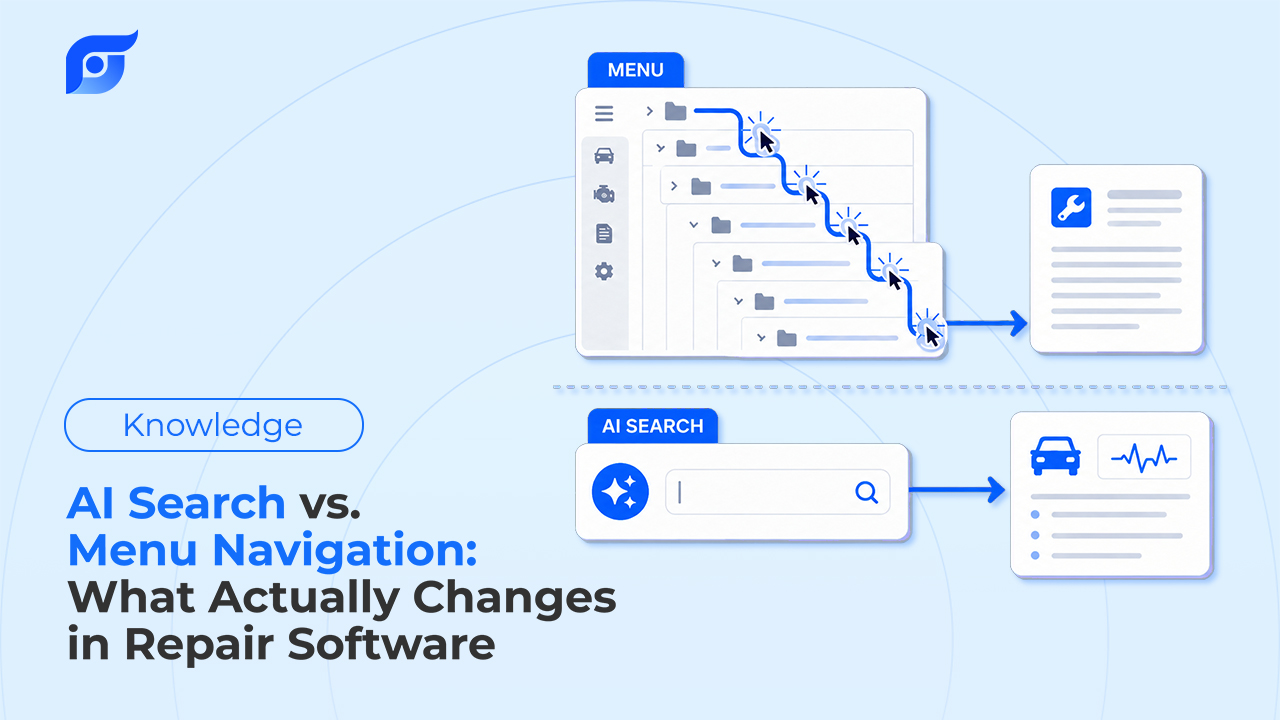
A tech needs the torque spec for a wheel bearing hub nut. On a menu-based system, that’s Year → Make → Model → Engine → System → Component → the PDF page that actually has the number. Six or seven decisions, each one a chance to pick the wrong branch and start over. On a system built around asking directly, it’s one line: “wheel bearing hub nut torque, [year/make/model].”
Both paths can land on the same OEM number. The question worth asking isn’t whether AI search is a gimmick — it’s what actually changes about the work when the path to the answer gets shorter.
The Evolution of Repair Information: From Paper Manuals to Dropdown Menus
Repair documentation went from printed manuals to CD-ROM libraries to the dropdown-menu structure ALLDATA and Mitchell 1 are built around today. That structure exists for a real reason: organizing millions of OEM pages requires some hierarchy, and year/make/model/system is a reasonable one to build a library around.
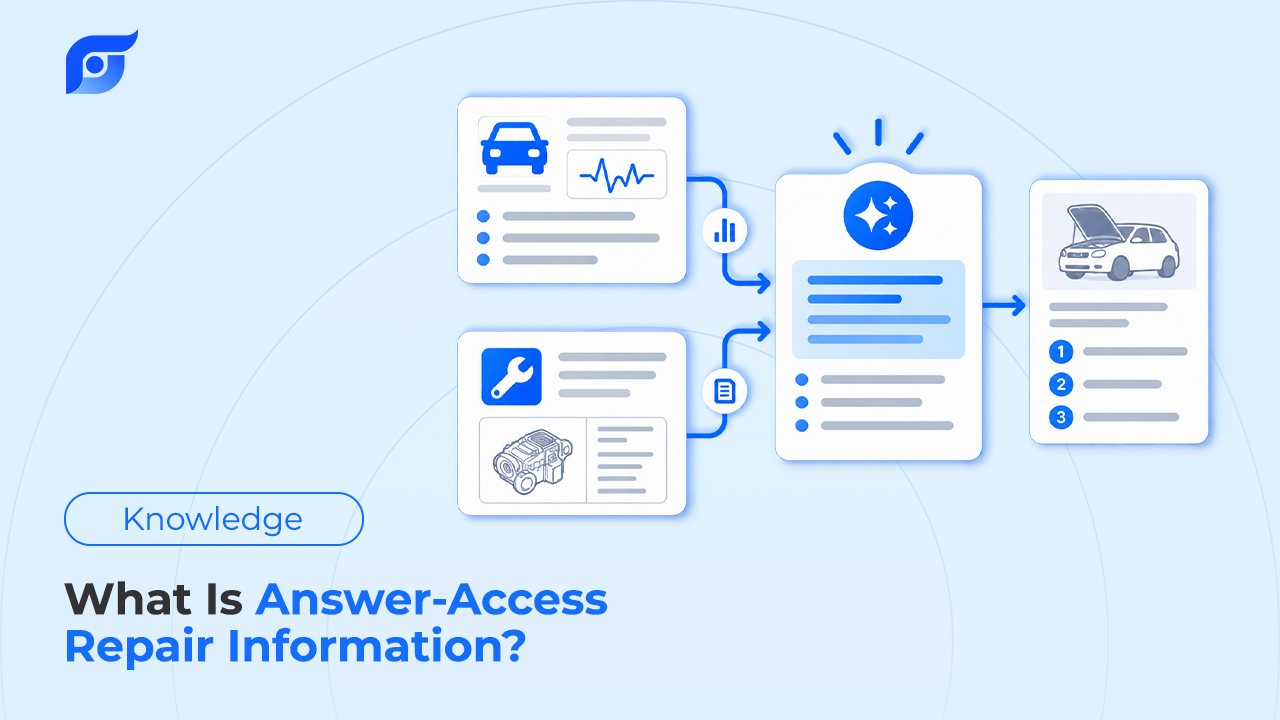
The menu was never the problem to solve — it was the solution to a different problem: how do you file this much data so it can be found at all. What’s shifting now is a separate question: once the data is organized, does a person still have to navigate the filing system to reach it, or can they just ask? That’s the same shift happening across the OEM repair information category — from search you perform to an answer you’re given.
The Hidden Cost of Menu Navigation in Modern Shops
None of this is a knock on the libraries themselves — the OEM data is real and comprehensive. The cost shows up in the layer between the tech and the data.
Menu depth. Each layer in a drill-down menu is a decision point, and a wrong branch means backing out and starting over. A lookup that should take one step often takes six, and that gap is where real time goes on every RO — not because the data is hard to find in principle, but because the path to it has that many turns.
Vocabulary mismatch. Manufacturers don’t use the same term for the same part. Ford calls it a PCM. GM calls it an ECM. Honda calls it an ECU. A menu built around the manufacturer’s exact term punishes a tech for thinking in the vocabulary they actually use day to day — pick the wrong branch and the result is zero, not “close enough.”
Physical friction. A touchscreen or keyboard doesn’t get more usable because a tech’s hands are dirty. Menu navigation assumes clean hands and a stable surface — conditions that don’t describe most of a shift. That gap between “the software works” and “the software works standing at the vehicle” is a big part of why technicians report losing real time to lookup in the first place.
What Actually Changes with AI Search
| Menu Navigation | AI Search (Jayda) | |
|---|---|---|
| Mental model | “Where do I find this?” | “What do I need right now?” |
| Steps to an answer | Several menu layers, each a decision point | One question |
| Vocabulary required | The manufacturer’s exact term | However you’d actually say it |
| What you get back | A page or PDF to read yourself | The answer, cited to its source |
| Typical time | Minutes, depending on menu depth | Seconds |
The shift isn’t that AI is smarter than a filing system — it’s that asking replaces filing-system navigation as the interaction itself. That’s the same distinction covered in more depth in the difference between a lookup library and a sourced answer.
Three Things AI Search Changes That Menus Can’t
1. Following Up Without Starting Over
On a menu system, a follow-up question means re-selecting the vehicle and re-navigating from the top — there’s no memory of what you just looked at. Ask Jayda about a DTC, then ask a follow-up about the wiring diagram for the circuit that code references, and the vehicle and context carry forward instead of resetting. The same holds inside a saved Project: a case file for one vehicle keeps the prior questions, notes, and images in context as the AI answers the next one — not just the wiring diagram itself, but the conversation that got you there.
2. Matching How Techs Actually Describe a Problem
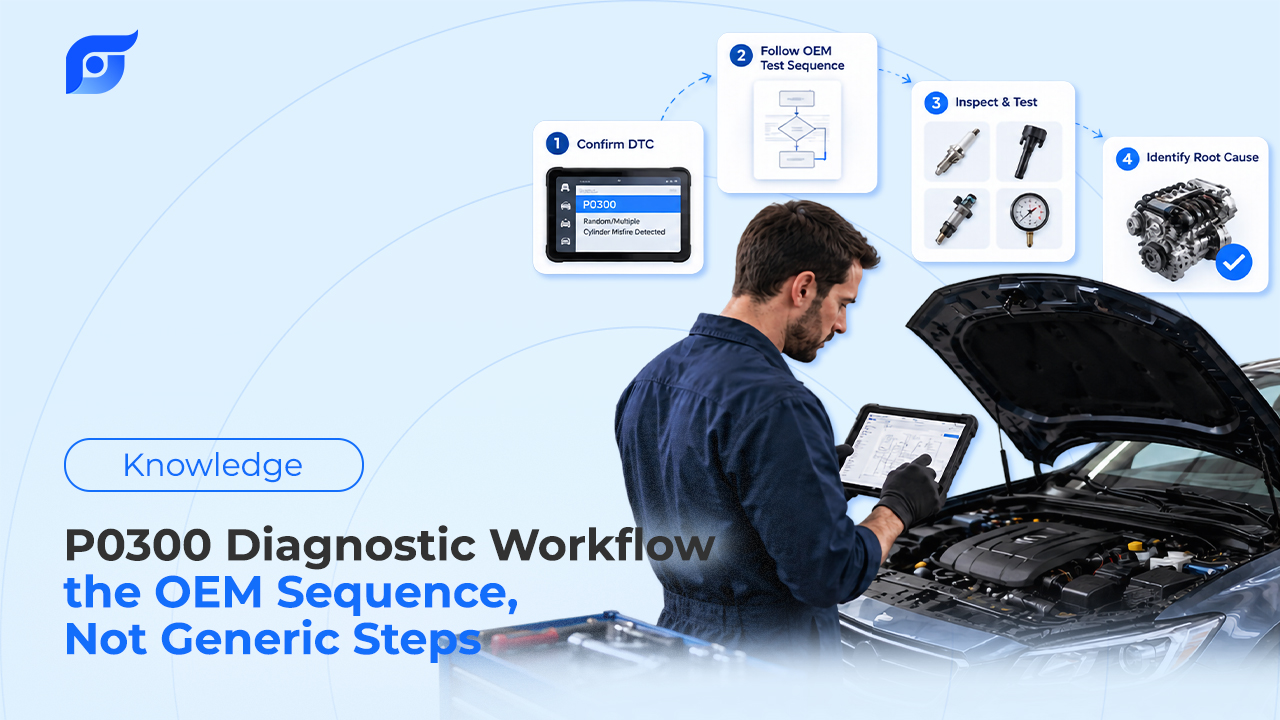
OEM diagnostic data for a DTC includes more than the code definition — it includes the documented symptoms manufacturers associate with that fault. That’s what makes it possible to type a symptom in your own words — “light knock on acceleration around 40 km/h” — and have it matched against the OEM-documented symptoms for known codes, instead of needing the exact code first.
That’s matching, not diagnosing: Jayda’s AI retrieves the OEM content that fits the description you gave it — it doesn’t generate a diagnosis. The technician still confirms the actual fault with the real test procedure. What changes is not having to already know the code to start looking.
3. One Question, Any Category
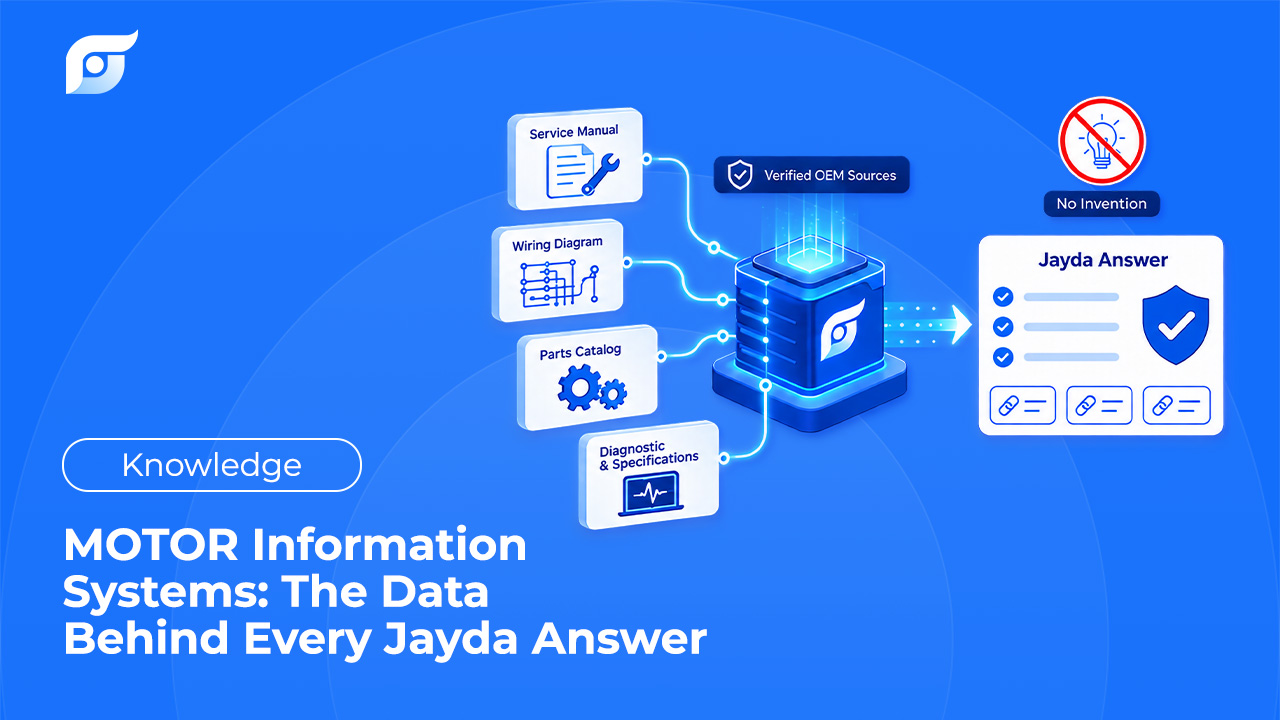
A tech doesn’t think in terms of which OEM data category holds the answer — a menu system forces that decision anyway, because torque specs, wiring diagrams, and TSBs usually live in separate branches. Asking a question routes to whichever of Jayda’s 12 OEM data categories actually has the answer, without the tech needing to guess the right section first.
Does AI Search Replace Menu Navigation Completely?
Not on day one, and not for every use case. A menu structure still has a role when someone genuinely wants to browse a whole system — reviewing every DTC a module can throw, for instance, rather than looking up one specific answer. For that kind of open-ended reference browsing, a structured menu is still a reasonable tool.
For the much more common case — a specific question, at the vehicle, in the middle of a job — the menu’s job was never the browsing itself. It was the only path to a specific answer, and that’s the part a direct question now does faster. Most shops don’t have to choose one model over the other on day one; running both side by side on real jobs is how the decision usually gets made.
Frequently Asked Questions
Is AI search just a fancier search bar? No — a search bar still returns a list of pages to check. Jayda returns the specific answer, cited to the OEM source it came from, without a results list to sort through.
Does AI search ever guess at a diagnosis if I describe a vague symptom? No. It matches your description to OEM-documented symptoms and codes — it doesn’t generate a diagnosis or a fix. The technician still confirms the actual fault using the real test procedure.
Do I have to give up my menu-based software to try this? No. Most shops run an AI search tool alongside their existing system and compare it on real jobs before deciding whether anything changes.
Will new technicians actually benefit more than experienced ones? Both benefit, in different ways. A newer tech doesn’t yet have a senior tech’s memorized sense of “where things usually live” in a menu system — matching by description or plain-language question removes a barrier that experience would otherwise be covering for.
If you run a shop, contact us for a trial to see how your team’s real lookups compare. If you’re a technician working solo, start a free trial and try your next torque spec as a typed question instead of a menu path.