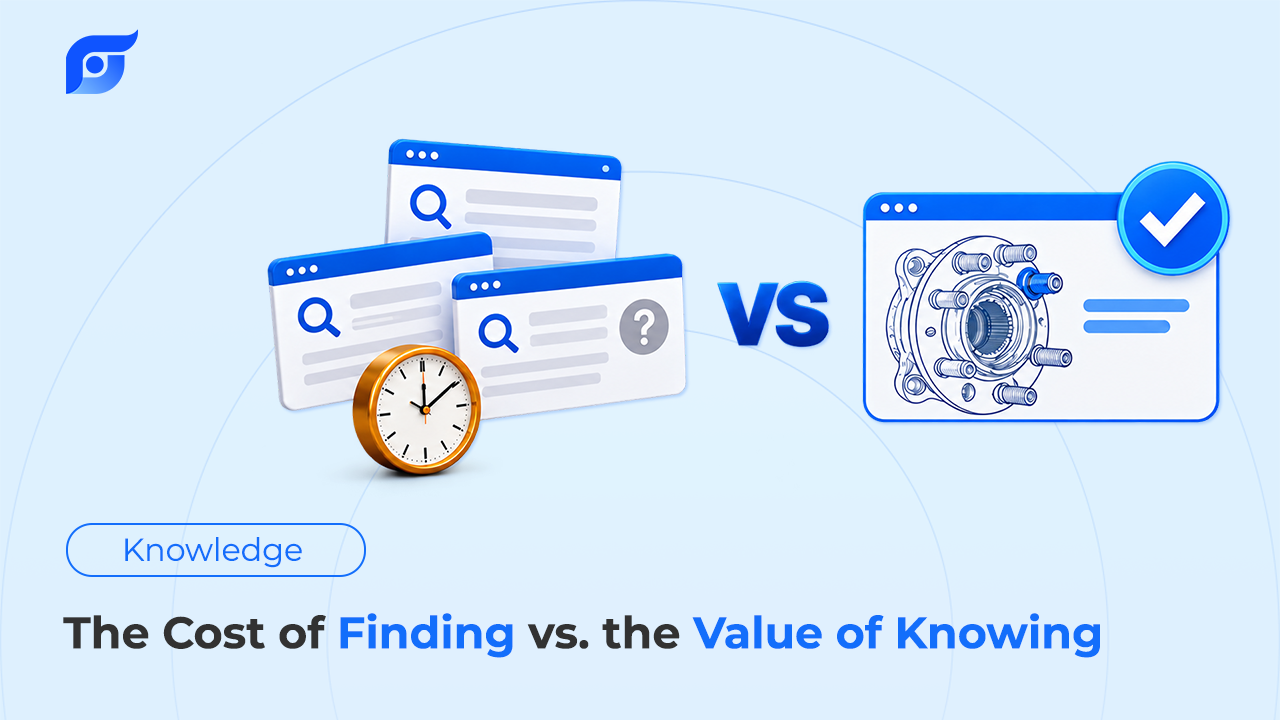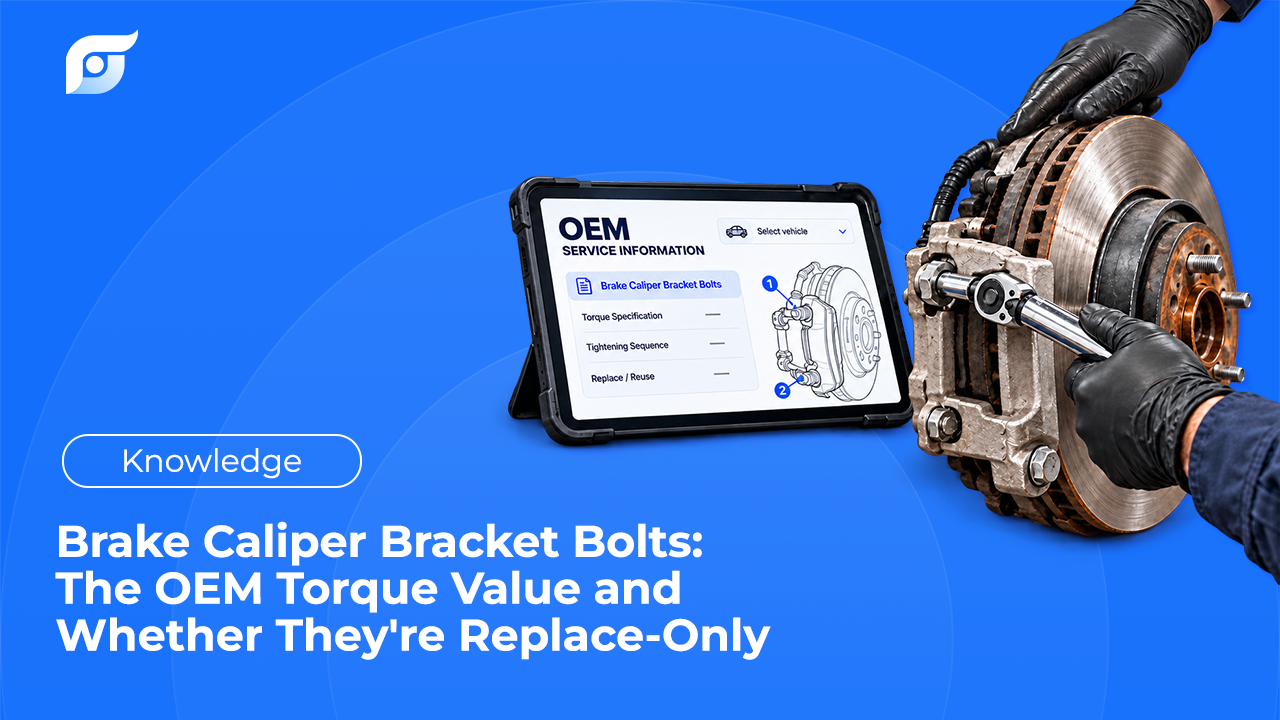
Yes, Jayda is a subscription, and a shop that already pays for shop management software and a repair information system has every reason to push back on one more. The useful question isn’t whether it’s another bill. It’s whether the time it recovers has somewhere to go. Below is the full cost, the break-even at real labor rates, what a recovered minute is actually worth in your shop, and the situations where Jayda doesn’t pay for itself. Every time-saved figure on this page is an estimate for you to replace with your own numbers.
Quick Answer: Jayda’s Business plan costs $149/month on a 12-month agreement, or $1,788 a year, for up to 10 technicians. At the U.S. average labor rate of $132/hour (Tekmetric’s 2026 index), that price equals about 68 billed minutes a month across the whole shop, or roughly 3 minutes per workday (estimate). Pro Tech, the individual plan, costs $14.95/month, or about 7 billed minutes a month. The catch is that recovered time is only worth your door rate when another repair order is waiting for the bay. If it prevents overtime, it’s worth the overtime wage, and in a slow week it may be worth nothing. So the math can work in a busy shop where techs actually use it, and it fails in a shop with empty bays or techs who stick to the old lookup habit. Test it on real repair orders before the agreement starts.
What Does Jayda Cost for a Full Year?
Monthly prices hide the commitment, so here is the annual view of each plan a shop would consider:
| Plan | How it’s billed | Cost per year | Commitment |
|---|---|---|---|
| Pro Tech, monthly | $14.95/month | $179.40 | Cancel anytime |
| Pro Tech, annual | $56.95 prepaid | $56.95 | One year, prepaid |
| Pro Tech, 3-year | $126.95 prepaid | ~$42.32 per year | Three years, prepaid |
| Business, up to 10 techs | $149/month | $1,788 | 12-month agreement, cannot be cancelled mid-term |
Both plans include unlimited queries and all 12 OEM data features, sourced from MOTOR Information Systems. Business adds team logins, shared Projects, Vehicle Management for up to 200 vehicles, and priority support.
How Much Recovered Time Covers the Cost?
Break-even is the plan price divided by your labor rate. Labor rates vary widely, so the table uses four real reference points: Mississippi’s average of about $110/hour and California’s average of $176/hour, both from the Automotive Management Network labor rate tracker as summarized by MOTOR; Tekmetric’s U.S. average of $132/hour; and $159/hour, the top of the $120–$159 range where PartsTech’s 2025 report places almost half of shops.
| Labor rate | Business: billed minutes per month to break even | Business: minutes per workday, shop-wide | Pro Tech monthly: billed minutes per month |
|---|---|---|---|
| $110/hr | ~81 | ~3.8 | ~8 |
| $132/hr | ~68 | ~3.1 | ~7 |
| $159/hr | ~56 | ~2.6 | ~6 |
| $176/hr | ~51 | ~2.3 | ~5 |
These are estimates, calculated on about 21.7 workdays a month. For a four-tech shop at $132/hour, Business breaks even at less than one billed minute per tech per day. The number looks small because the plan is priced against shop labor rates, not against software budgets.
What Is a Recovered Minute Actually Worth?
This is where most ROI pitches cut a corner. A minute a tech stops spending on lookup isn’t automatically worth your door rate. What it’s worth depends on what happens next:
| What happens to the recovered time | What it’s worth per hour | Business break-even |
|---|---|---|
| Another repair order is waiting, so the time is billed | Your door rate, e.g. $132 | ~68 minutes/month |
| The work would otherwise run into overtime | About $36.51: 1.5 × the BLS median tech wage of $24.34 (May 2025) | ~4 hours/month |
| Bays are slow and the tech would just wait | Close to $0 in direct terms | Doesn’t break even on time alone |
A shop with a backed-up lot is in the first row most weeks. A shop running at half capacity is often in the third, and there no lookup tool pays for itself on time savings alone. Be honest about which row describes your shop. The cost of searching before every repair order is real, but it only turns into lost revenue when there’s billable work to move to.
What Else Belongs in the Value Column?
Time is the easiest value to calculate, but two other costs show up in the same place. Neither has a published Jayda figure, so treat both as questions to answer with your own shop’s history:
- Interrupting the lead tech. When a less experienced tech asks the lead tech where to find something, both stop working. A 4-minute question costs 8 tech-minutes, and one of those techs is usually your most productive. Where lookup time actually goes often includes these hand-offs.
- Comebacks from the wrong spec. A torque value or procedure for the wrong engine or model year can bring the car back. If using the OEM document for the exact vehicle prevents even one comeback a year, add that job’s cost to the value column. As an estimate, a 2-hour redo at $132/hour ties up $264 of bay time before counting parts or the customer’s trust.
Both depend on the answer being right, not just fast. Jayda’s AI searches and retrieves OEM content; it does not write repair steps, and when a procedure isn’t in the database, Jayda says so. That design, explained in why Jayda never generates repair procedures with AI, is why a faster answer can be checked against its source before it goes on a repair order.
When Is Jayda Not Worth It?
Four situations make the math fail, and it’s better to know before signing a 12-month agreement:
- Your bays aren’t full. Without waiting work, recovered time has nowhere to go.
- Your techs won’t use it. Business is a flat fee, so three active users on a 10-seat plan changes the math. If only one or two techs would use it, individual Pro Tech plans may fit better.
- Your vehicle mix isn’t covered. Jayda covers 43 manufacturers from 1985 to 2026, but Toyota, Lexus, and Scion data is still pending. A shop whose car count leans heavily on those brands should confirm coverage by VIN first.
- Your current lookups are already fast. If your team rarely waits on a spec or procedure, there’s little time to recover.
The value also depends on reaching OEM repair information rather than general advice. A tool that answers quickly with the wrong source adds risk, not value.
How Do You Run This Math for Your Own Shop?
- Pick your row. Look at the last month’s schedule and decide whether recovered time would have been billed, kept a tech out of overtime, or gone unused.
- Estimate your lookups. For one week, have techs note each lookup and roughly how long it took to find the right page, separate from reading it.
- Test it on real repair orders. The Business plan has a 7-day trial that is activated through the Jayda team rather than self-serve signup; a trial that converts starts the 12-month agreement. Pro Tech has a 3-day self-serve trial with 5 questions.
- Count who used it. Divide the plan price by the number of techs who opened it on real work, and compare that to Pro Tech.
Include labor times in the comparison too. An estimate built on factory-standard OEM labor times protects margin in a way that doesn’t show up as lookup minutes. For a wider framework covering data source, coverage, and how answers are delivered, see how to choose OEM repair software.