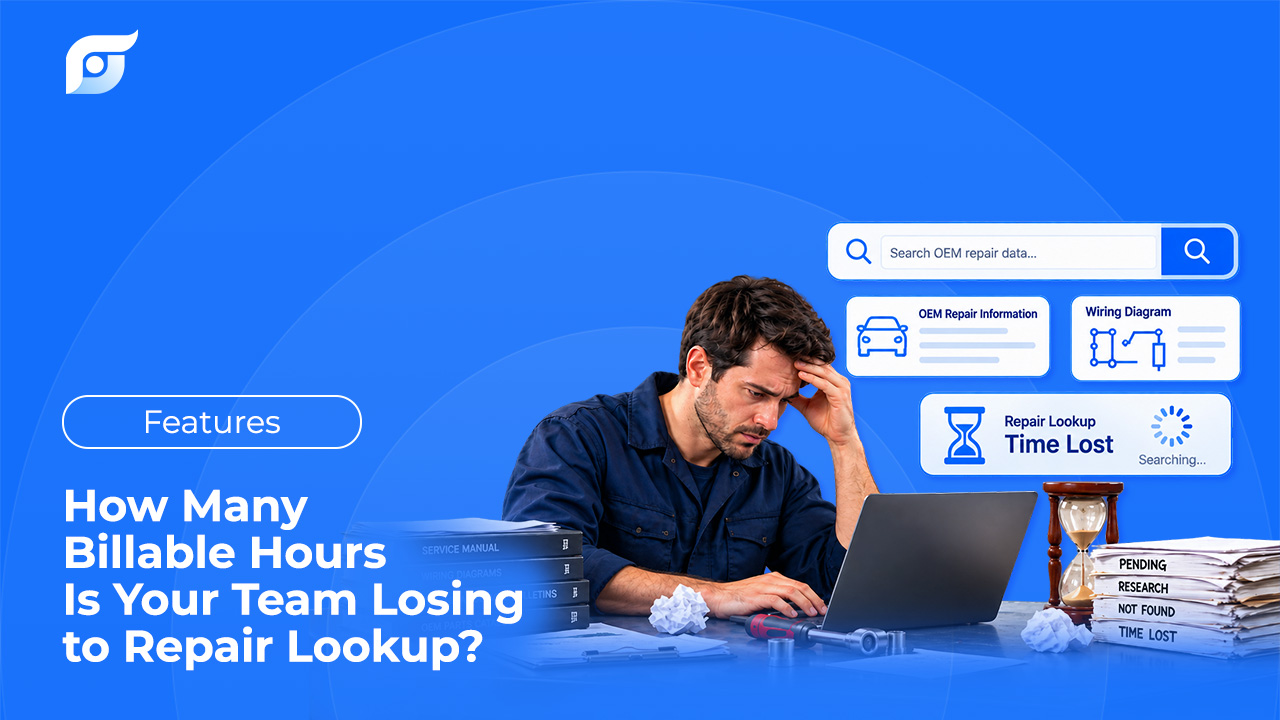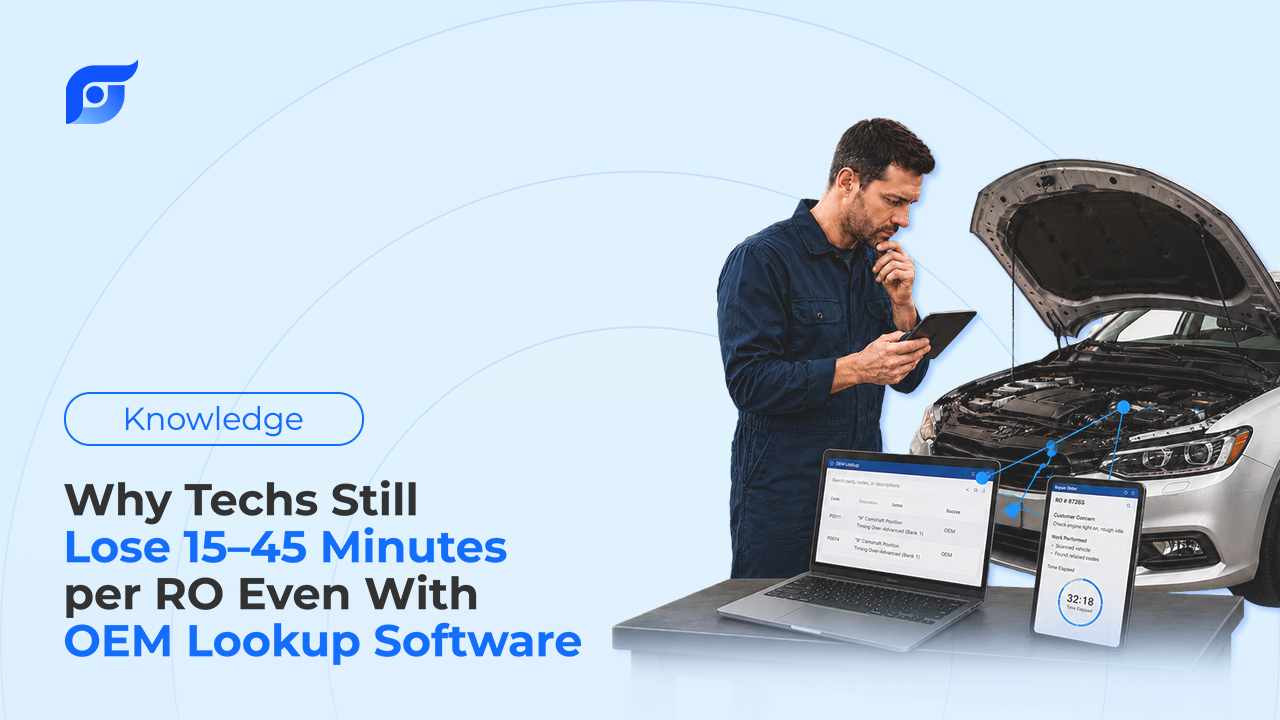
A tech is on the lift with a 2021 Ranger, chasing a fuel injector torque spec. The shop pays for OEM lookup software — has for years. Twelve minutes later, he’s back at the terminal for the third time: first because he typed “injector” and the system wanted “fuel injection assembly,” then because the spec was four folders deep under a category he guessed wrong twice, then because he forgot the exact trim and had to walk out to check the door jamb. The RO doesn’t move until he’s back at the vehicle with the number in hand.
Nothing here is a training problem. The software has the spec. Getting to it is what cost the twelve minutes.
Having the Data Isn’t the Same as Finding It Fast
Most shops running ALLDATA, Mitchell 1, or a similar lookup platform aren’t missing data — the OEM library is genuinely comprehensive. What isn’t solved by having the library is the interaction between a tech and it: type a guess, click through categories, confirm it’s the right page for the right trim, and do that again for the next spec on the same RO. That gap between “the data exists” and “the tech has it in hand” is exactly where technicians report losing real time to repair-information lookup — not because the library is thin, but because reaching a specific answer inside it takes more steps than the job should require.
Four Places Where the Minutes Actually Go
Fifteen to forty-five minutes per RO doesn’t happen in one place. It’s a handful of small frictions that repeat on almost every job.
1. The System Doesn’t Speak Shop Language
A tech thinks “starter motor.” The search index wants “starter assembly.” A tech thinks “check engine light.” The category is filed under “malfunction indicator lamp.” None of these mismatches are large individually — but each one costs a retry, and a tech doing this five or six times an RO is running a manual translation exercise before the actual lookup even starts.
2. Menu Depth for a One-Line Answer
Getting to a single component location often means Vehicle → System → Subsystem → Component — four or more clicks before the page loads, and a wrong turn anywhere in that chain means backing out and starting over. It’s the same problem component location diagrams exist to solve in the first place: the information a tech needs is usually one specific answer, buried inside a structure built for browsing, not for arriving.
3. The Walk Back to the Terminal
Most shop lookup software still lives on a desktop in the office, not in a tech’s pocket at the vehicle. Every lookup means stopping the job, walking to the terminal, logging in, navigating, walking back — and doing it again for the next spec on the same RO. Five or six round trips a day adds up to real non-billable minutes before a single one is counted as “search time.”
4. Diagrams Built to Be Printed, Not Searched
A flat PDF wiring diagram, scanned at low resolution, with wire colors gone soft enough to guess at, doesn’t get faster to read just because it’s technically “available.” The bottleneck was never reading the diagram — it’s finding the right one, for the exact trim, from wherever the vehicle actually is.
What This Actually Costs the Shop
Take the low end of that range: 20 minutes lost to lookup on a single RO. At a labor rate around $89/hour — the same standard MOTOR’s own labor guides are built on — 20 minutes is roughly $30 in time that never shows up on an invoice.
That’s one RO. Multiply it by every RO written that day, by every tech on the floor, and it stops looking like a rounding error and starts looking like the hidden cost of searching before every repair order — a cost that never appears as a line item, because nothing about it looks like an expense. It just looks like a slow day.
How Jayda Cuts the Search Burden From Minutes to Seconds
Ask Jayda something like “fuel injector torque spec, 2021 Ranger 2.3L” and get back the OEM value and tightening sequence for that exact truck — with the source cited, in seconds. No category tree, no retyping the query with different wording, no walk back to a terminal.
A few things about how that holds up on the shop floor:
It matches how techs actually ask, not how a database is indexed. “Starter motor” finds the starter assembly. The tech shouldn’t have to know the manual’s internal vocabulary to get a result.
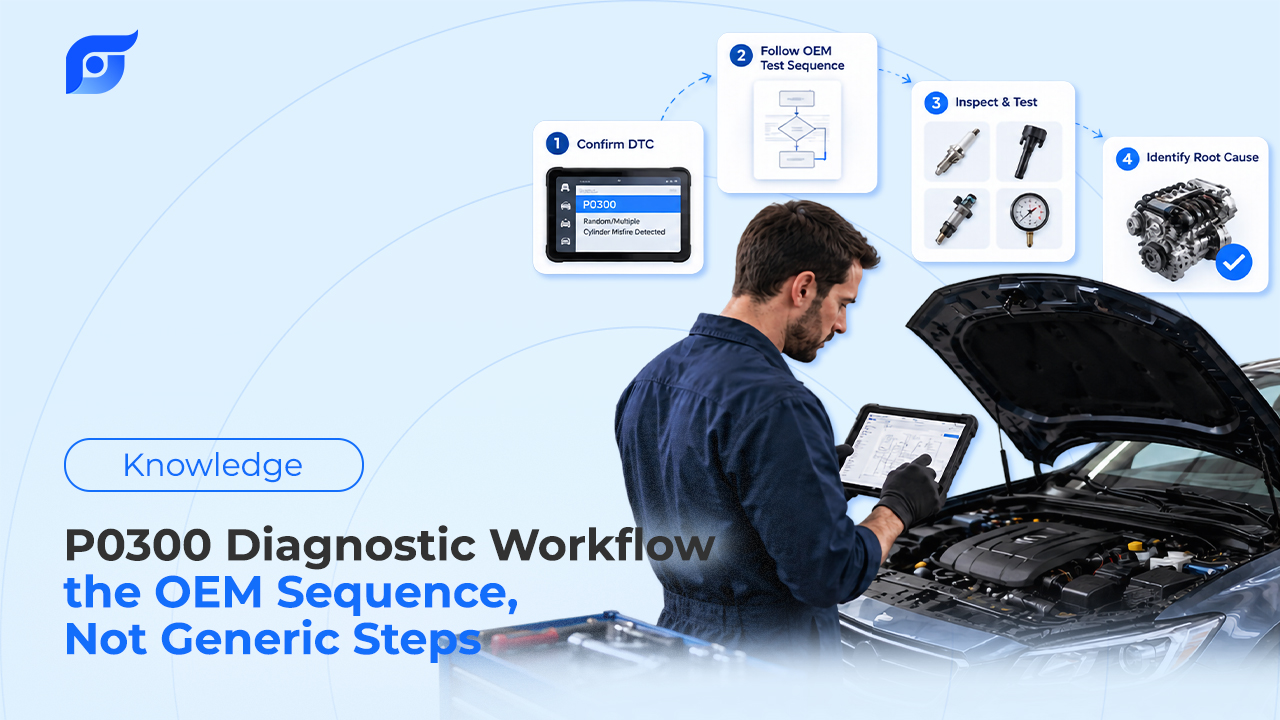
DTC questions return the OEM diagnostic flowchart, not just a definition. MOTOR’s DTC data includes the manufacturer’s own step-by-step diagnostic sequence — Jayda retrieves that flowchart for the exact code and vehicle, rather than a generic explanation of what the code means.
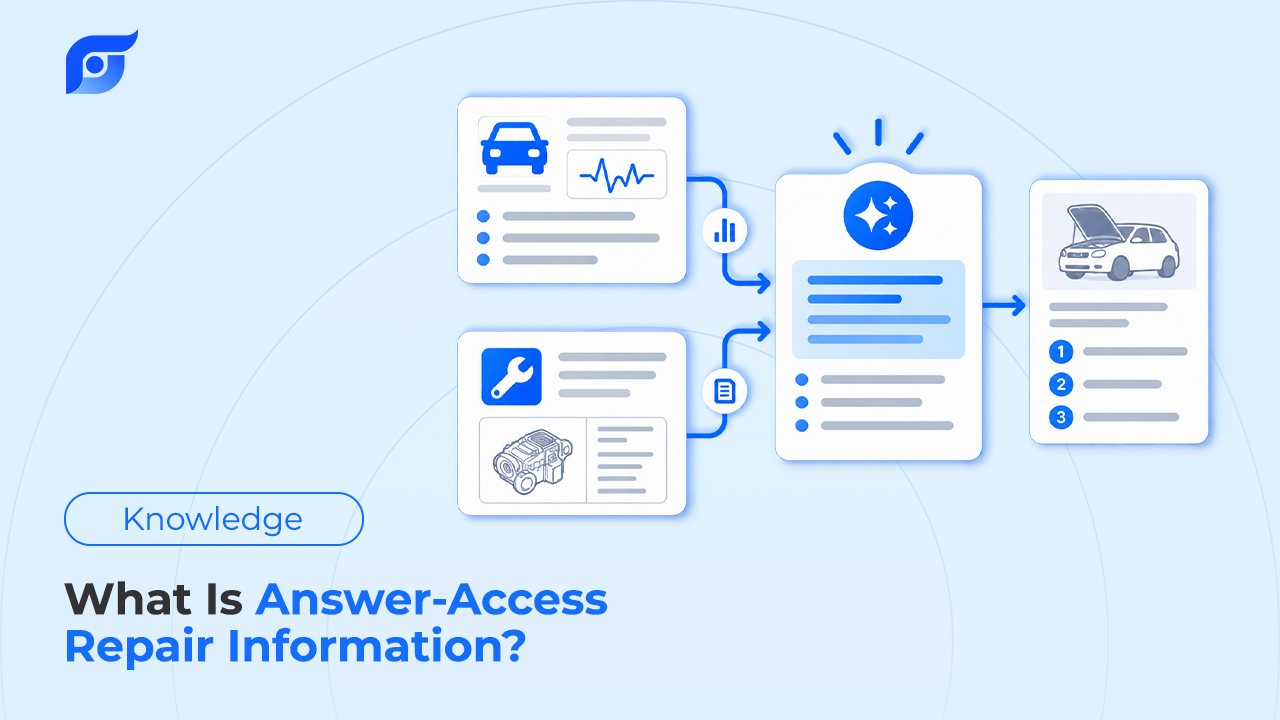
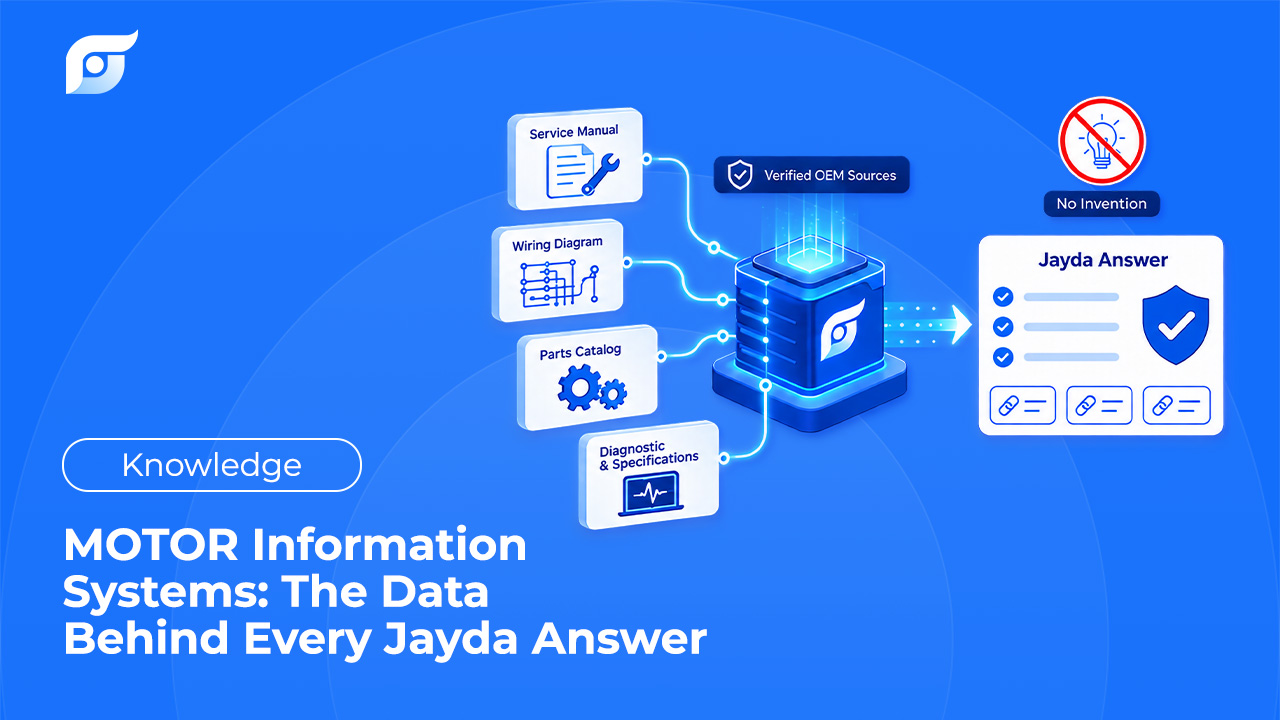
Every answer is source-verified, not generated. Jayda’s AI is used only to match the question to the right OEM content — it doesn’t write or paraphrase repair steps. It searches; it doesn’t generate, which is the same shift already underway across how OEM repair information is moving from search to answers industry-wide.
It works from a phone, at the vehicle. The lookup happens standing at the fender, not at the shop computer across the bay.
OEM Lookup Software vs. Jayda: Where the Time Actually Goes
| Traditional OEM Lookup Software | Jayda | |
|---|---|---|
| Average time to an answer | Minutes, depending on menu depth | Seconds |
| Getting there | Select vehicle → drill into category → open page | Ask the question |
| Wiring diagram lookup | ~45 min tracing manually | ~30 sec, diagram returned directly |
| Where you do the lookup | Usually a shop terminal, away from the bay | Phone, at the vehicle |
| Source verification | You read the page yourself | Citation shown with every answer |
The wiring diagram row isn’t a rounding error either — it’s the same 45-minutes-to-30-seconds gap that shows up whenever OEM wiring diagrams speed up electrical diagnostics instead of adding another manual to search through.
Frequently Asked Questions
Does switching to an AI-powered lookup tool mean giving up ALLDATA or Mitchell 1?
Not automatically, and not on day one. Most shops keep what they already have and use Jayda on specific jobs to compare the workflow before deciding whether anything changes.
Can the AI get a DTC diagnosis wrong, or make up a step that isn’t there?
Jayda’s AI never generates repair content — it retrieves the OEM procedure or flowchart and shows the source. If a procedure isn’t in the database, it says so instead of approximating one.
If the OEM data is the same, why does menu depth matter at all?
Because the data being complete doesn’t make it fast to reach. A tech doesn’t need the whole library on a given job — they need the one page that answers the question in front of them, without navigating past the other 400.
Will this replace a service advisor’s or technician’s judgment?
No. It finds the cited OEM answer faster. The diagnosis, the decision, and the repair itself stay with the person doing the work.
What 15–45 Minutes a Day Adds Up To
None of this is about a shop’s tools being bad. ALLDATA and Mitchell 1 built real, comprehensive OEM libraries — that part of the job is done. What’s left is the minutes between opening the app and having the answer in hand, and that gap is worth counting before writing it off as normal. If you’re already weighing your options, how independent shops are evaluating ALLDATA alternatives is a useful place to see the wider field, not just where Jayda fits into it.
If you run a shop, contact us for a trial to see how much of that 15–45 minutes is recoverable across your team. If you’re a technician working solo, start a free trial and time your next lookup before you reach for the login screen.