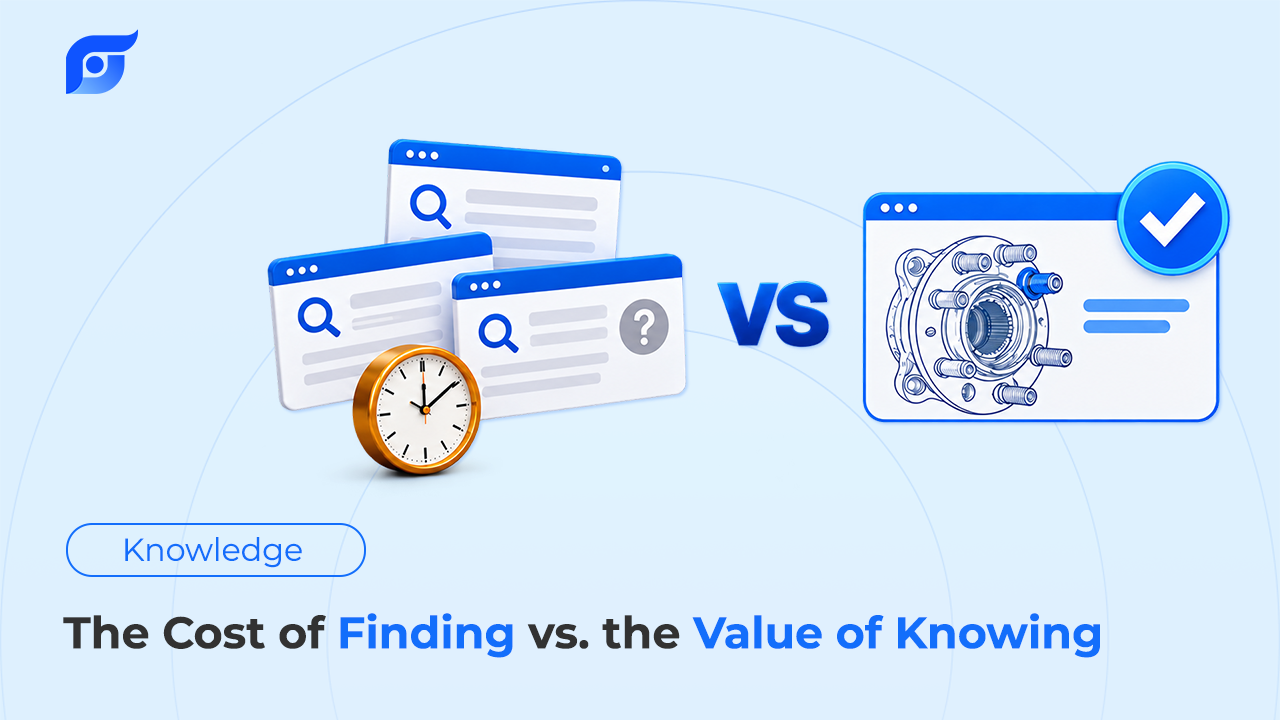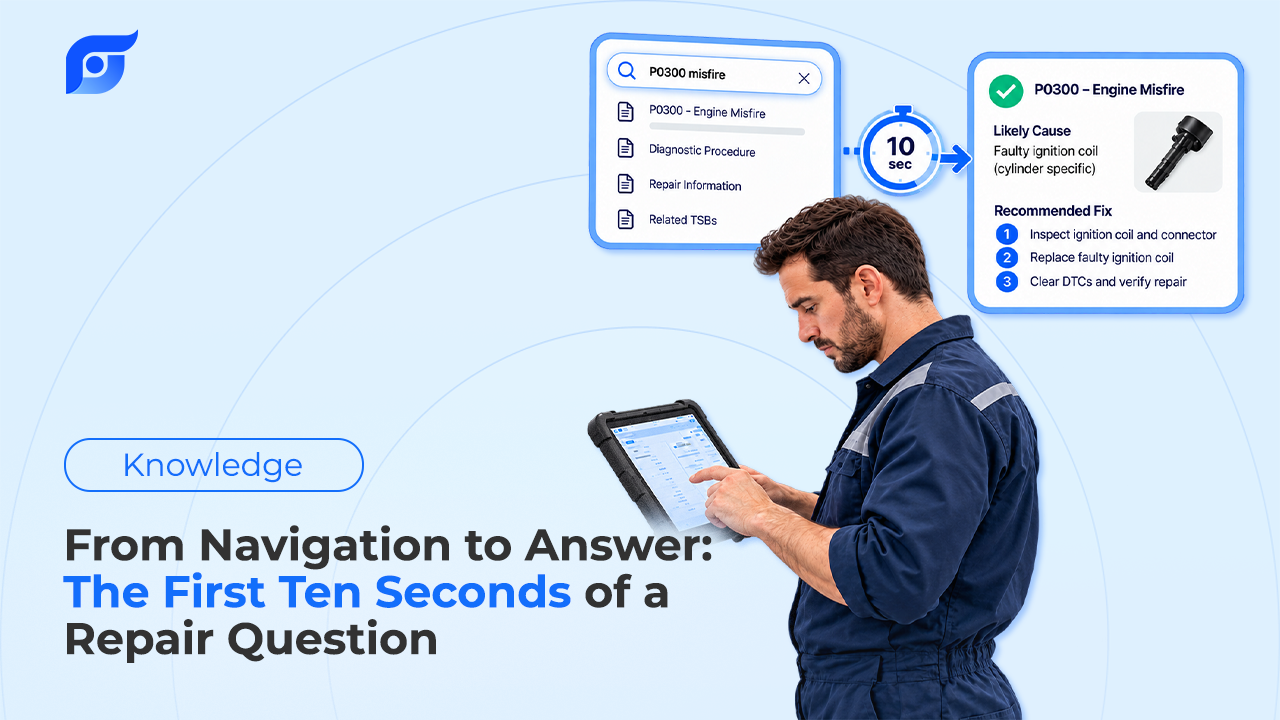
Between the moment a technician forms a repair question and the moment the manufacturer’s page is open, five problems have to be solved. They get solved either way — by the tech, one menu choice at a time, or by the system from a single question. That difference is what separates a navigation tool from an answer tool, and it all happens in the first few seconds, before anyone has read a word of the actual procedure.
Quick Answer: Five things must be resolved before any repair answer is usable: which vehicle exactly (year, engine, submodel, and build date where documents are scoped that way), what kind of document answers the question (procedure, specification, diagram, or bulletin), what the manufacturer calls it, whether the document found is in scope and current, and where it came from. In a navigation model the technician resolves all five by hand, each as a separate selection, before reading anything. In an answer model the vehicle context plus one plainly worded question resolves them, and the system hands back the manufacturer’s document with its source attached for the tech to confirm. In Jayda the vehicle is set once — by VIN, which is preferred, or by year, make, and model — and carried into the chat as vehicle context, so the question doesn’t have to re-specify the truck every time.
Problem 1: Which Vehicle, Exactly?
Every other step depends on this one, and model year alone rarely settles it. A single model year can carry two transmissions, two wheel-stud sizes, or two calibration levels. Documents are often scoped more tightly than the vehicle selector suggests: Ford’s 10R80 bulletin 20-2117 applies to 2017–2018 F-150s built on or before 20 November 2017, so build date, not model year, decides whether it applies.
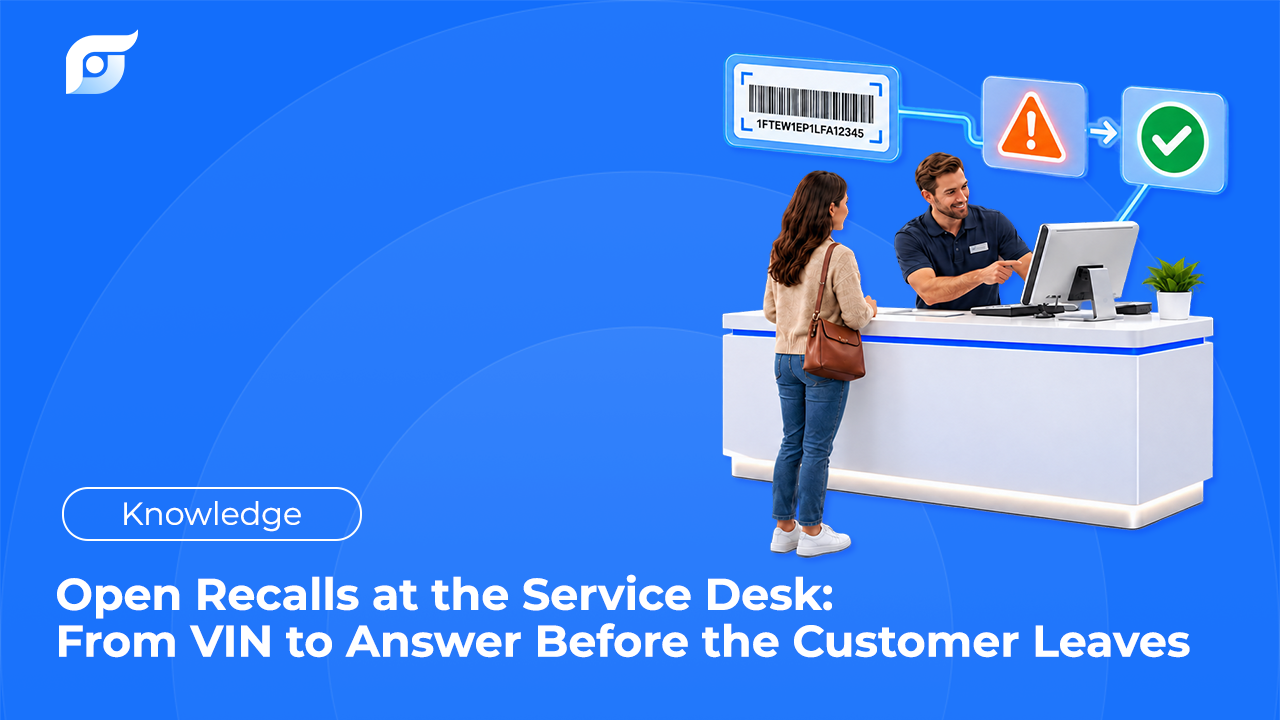
That’s why a 17-character VIN beats a dropdown. It encodes what the manufacturer filed, and NHTSA’s free vPIC decoder will return make, model year, engine configuration and displacement, and body class from it. In Jayda, finding the vehicle by VIN is the preferred path — year, make, and model is the fallback — and the vehicle it adds carries its own metadata: submodel, engine, body style, drive type, and transmission. Set once, it rides along with the questions that follow.
Problem 2: What Kind of Document Answers This?
“What’s the torque?” and “why is it doing this?” need different documents. A specification table gives a value. A repair procedure gives the sequence around it. A wiring diagram gives the circuit. A bulletin may override all three for a known pattern.
In a navigation model this is a menu decision made before you know whether you picked right: choose a system, then a subsystem, then a document category, then a document from the list. In an answer model the question itself carries the intent — asking for a connector pinout is asking for a different artifact than asking for a labor time, and the tech never has to classify it in advance. That distinction is the backbone of OEM repair information and the reason wiring diagrams and component location diagrams are separate lookups rather than paragraphs inside a procedure.
Problem 3: What Does the Manufacturer Call It?
Component naming is partly standardized. SAE J1930, equivalent to ISO 15031-2, defines diagnostic terms, abbreviations, and acronyms for use in service manuals, bulletins, and repair databases, which is why MAF and ECT mean the same thing across brands.
Procedure names are not standardized. Ford routes a powertrain code to a lettered pinpoint test; Toyota calls the same thing an inspection procedure; GM calls its sequence Circuit/System Testing and its final step Repair Verification, where Toyota specifies a confirmation driving pattern. GM misfire diagnostics reference a Crankshaft Position System Variation Learn that other manufacturers handle under their own names. A keyword search makes the tech supply the manufacturer’s vocabulary. A question lets them use their own.
Problem 4: Is This Document In Scope, and Is It Current?
A document can be genuine, match your search terms, and still be the wrong one. Ford’s bulletin titled “Torque Converter Shudder,” TSB 26-2171 of 17 April 2026, covers the 2019–2024 Edge and 2019–2023 Nautilus with the 8F35 transmission — not the F-150, despite being the closest title match for an F-150 shudder search.
Bulletins also supersede each other. Ford’s 10R80 harsh-shift bulletin 22-2139 was replaced by later bulletins with different vehicle and build-date coverage, including 23-2123 and 22-2428. A TSB is only authoritative in its current version for the build it names, so scope and version are part of the answer, not footnotes to it.
Problem 5: Where Did This Come From?
The last step is provenance. A number without a document behind it is a claim. Jayda attaches a citation to its results, identifying the source document, the manufacturer, and the model year, with the last update date where the source provides it, and clicking it opens the manufacturer’s page unedited.
This is also where the two models differ most. Navigation gets you to a document and you know where you are, because you walked there. An answer model has to prove it, which is why the citation isn’t decoration: it’s how the tech confirms the system resolved problems 1 through 4 correctly.
Why the Order Matters
These five don’t sit in parallel. If the vehicle isn’t pinned, every downstream step can be executed perfectly and still produce a wrong answer: the right procedure for the wrong engine, the current bulletin for a different build. If terminology fails, the document exists but never surfaces. If scope isn’t checked, you read a real page that doesn’t apply.
A navigation model asks the technician to get all five right before reading anything, which is why lookup time disappears into navigation rather than reading. An answer model collapses the first three into one question with vehicle context attached, then puts the evidence for four and five on screen.
What the System Does, and What Stays With You
Jayda’s AI is used to interpret the question and match it to the manufacturer’s document for the vehicle in context. It does not write, rewrite, or summarize repair content, and when there is no matching document it says so rather than returning the nearest result — the design explained in why AI should search repair information, not generate it and why Jayda never generates OEM repair procedures. Data is licensed from MOTOR Information Systems and covers 43 manufacturers from 1985 to 2026, with Toyota, Lexus, and Scion still pending.
Everything after the document opens is the technician’s: reading the conditions around a value, judging whether the procedure fits the symptom, deciding what to test and what to replace. The first ten seconds are a retrieval problem. The rest of the job isn’t, and no lookup tool should pretend otherwise.
Trying It on a Real Job
The honest test takes one repair order you’ve already finished. Add the vehicle by VIN, ask the question you needed that day in your own words, and open the citation on whatever comes back. Then check the four things that matter: does the document name that build, is it the document type you expected, is it current, and does it carry the conditions around the number. If it does, you’ve watched the five problems get solved without a menu. If it doesn’t, you’ve learned something equally useful about the tool.
Pro Tech, the individual plan, includes a 3-day free trial with 5 questions, which is enough for exactly this test. For a wider set of evaluation criteria, including data licensing and coverage, see how to choose OEM repair software.