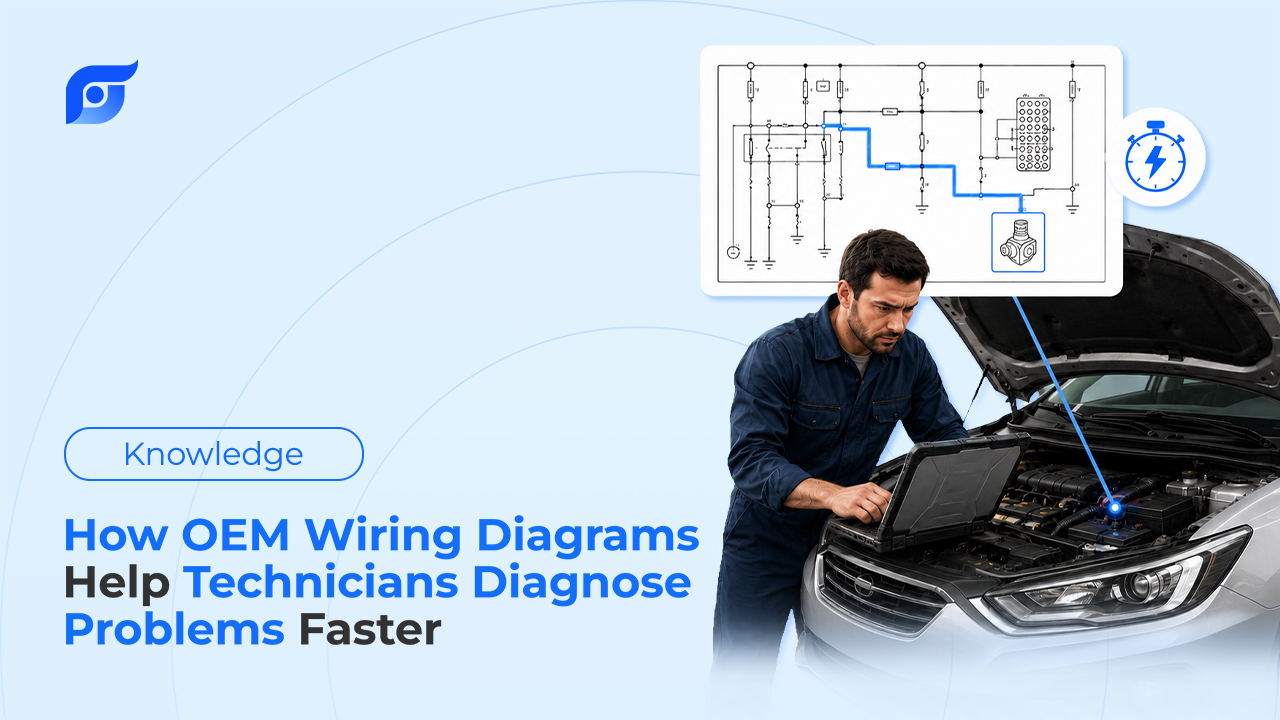
Modern vehicles don’t have wiring — they have networks. CAN bus, LIN bus, Ethernet backbones for ADAS cameras, high-voltage interlock loops on EVs. One intermittent signal can touch four modules before it reaches a fuse.
Diagnose that with the wrong diagram, and you’re not just slow. You’re testing the wrong pin, clearing the wrong code, and sending a customer home with the wrong part replaced. The time lost isn’t the real cost. The comeback is.
The Core Benefits of OEM Wiring Diagrams in Diagnostics
Accuracy that protects the repair. A redrawn or aftermarket diagram can miss a wire, mislabel a color, or skip a connector revision the manufacturer added mid-model-year. An OEM diagram shows the circuit exactly as the manufacturer built it — for that specific trim, that specific model year.
Tracing without losing the signal. Complex circuits span multiple pages and multiple connectors. A pinout that’s off by one pin sends you testing the wrong point entirely — and on a vehicle with 40+ modules, that’s not a rare mistake.
Protecting components that don’t forgive errors. Backfeeding a module or grounding the wrong pin can take out an ECM or BCM in seconds. On EVs, a wrong assumption near a high-voltage interlock loop isn’t a diagnostic detour — it’s a safety incident. Accuracy here isn’t a nice-to-have.
Traditional Lookup vs. Instant AI Retrieval — The Speed Gap
| Traditional Diagram Lookup | Jayda | |
|---|---|---|
| How you find it | Navigate to vehicle, system, then click through diagram pages until you find the right one | Ask for it directly — by DTC, symptom, or component |
| Multi-page circuits | Flip between pages, lose your place in the signal path | Same source-bound diagram set, no page-hunting |
| Test specs | Separate lookup, separate screen | Definition, test procedure, and wiring diagram together |
| Source | OEM data | Official OEM data via licensed MOTOR data, cited every time |
| No match found | Generic or unrelated results | Says so — no “close enough” substitute |
What asking looks like: a tech types “P0335 crank sensor wiring diagram” and gets the code definition, test procedure, and circuit diagram together — not three separate lookups.
Real-World Case Study: An Intermittent Sensor Fault
A customer comes in with an intermittent stall. No code sets during the initial scan — it only shows up under load. This is the kind of fault that eats a shift.
The old way: Pull the DTC history, guess which module logged it, navigate to the wiring section, flip through connector pages to find the sensor circuit, then separately look up the test spec to confirm what a good reading looks like. Twenty, thirty minutes before you’ve even picked up a meter.
With Jayda: Ask for the fault code and the sensor by name. Get the OEM wiring diagram, the connector pinout, and the test spec in one place — cited to the source. The tech still does the signal tracing and makes the call. Jayda just gets the right diagram in front of them in seconds instead of after a page hunt.
The diagnosis is still the technician’s. The time that used to go to finding the right page now goes to actually testing the circuit.
How Jayda Brings OEM Wiring Diagrams Into Your Workflow
Ask instead of navigating. Type what you’re looking for — a code, a symptom, a component name — instead of clicking through a menu tree to get there.
Everything cited, nothing rewritten. Every diagram, pinout, and test spec comes from the manufacturer’s own published data via MOTOR. Jayda’s AI finds and retrieves it — it doesn’t redraw, summarize, or reinterpret a circuit.
DTC pulls the whole picture. Look up a code and get the definition, the test procedure, and the matching wiring diagram together — not three separate searches across three separate screens.
When the Stakes Are Higher: EVs, ADAS, and High-Voltage Systems
Late-model vehicles raise the cost of a wrong diagram. A missed interlock circuit on an EV, a miswired ADAS camera module, a backfed gateway module on a vehicle with a dozen networked ECUs — these aren’t places to work from a diagram you’re not sure is current.
Coverage for the newest systems keeps expanding as manufacturers publish it. If a specific diagram isn’t available yet for a very new model, Jayda says so directly rather than offering a “close enough” substitute — no guessing near a high-voltage circuit.
FAQ
What’s the difference between an OEM wiring diagram and an aftermarket one?
An OEM diagram comes directly from the manufacturer and reflects the exact circuit as built, including running changes made during a model year. Aftermarket or redrawn diagrams are recreated after the fact and can miss those changes.
Can AI generate or redraw a wiring diagram?
No — and it shouldn’t. Jayda’s AI is used to find and retrieve OEM wiring diagrams, not create or modify them. What you see is exactly what the manufacturer published, cited to the source.
Does Jayda cover EVs and ADAS systems?
Coverage follows what MOTOR publishes, and that expands as manufacturers release new content. If a specific diagram isn’t available yet, Jayda tells you directly instead of substituting a similar vehicle’s diagram.
How is this different from just looking up the DTC?
A DTC lookup alone gives you a code definition. Jayda pairs that with the matching wiring diagram and OEM test procedure in the same response, so you’re not doing three separate searches to get the full picture.
Does this replace signal tracing and using a meter?
No. Jayda gets the right diagram and test spec in front of you fast — the technician still does the tracing, the testing, and the diagnosis.
Stop Losing Time Between DTC and Diagram
Want to try it on your next electrical job? Start a 3-day free trial of Pro Tech — 5 questions, no credit card, no contact required.
Evaluating this for your whole shop? Contact us to activate a 7-day Business trial and run it on a real intermittent fault before you decide.