A technician types “F-150 10-speed shudder TSB” into a search box. Ten years ago, that meant clicking into a model tree, picking a system, picking a subsystem, opening a PDF, and scrolling until something matched. Today, on the tools built for that query, it means getting the cited manufacturer procedure back in seconds — no menu, no scrolling, no second-guessing whether it’s the right one.
That’s not a hypothetical. It’s what’s actually shipping across the OEM repair information category right now. Here’s what’s changing, what isn’t, and what to look for.
What Hasn’t Changed — and Won’t
The data itself hasn’t gotten smarter. Torque specs are still torque specs. Wiring diagrams are still drawn by the manufacturer, not inferred. TSBs still come from the OEM’s own service bulletins. None of that is being reinvented — and it shouldn’t be. A repair procedure that’s been rewritten, summarized, or “improved” by AI isn’t an OEM procedure anymore.
The technician’s judgment hasn’t changed either. Finding the right procedure faster doesn’t mean a tool is making the call — the diagnosis and the decision to proceed still belong to the person who owns the vehicle in the bay.
What’s changing is the layer between the technician and that data: how you get to it.
What’s Actually Shifting: Navigation → Answer
For as long as OEM repair databases have existed, getting to the right page has meant navigating one: select year, select make, select model, select system, narrow it down, open the document. The database is the product. Search is a feature bolted onto it.
That model is being replaced by something else — ask a specific question, get the specific answer, sourced. Not a search result to sift through. The answer itself.
This isn’t one company’s marketing claim. It’s an observable pattern across independent vendors building toward the same thing at the same time. ALLDATA has shipped a Diagnostic Intelligence layer with AI-assisted insights on top of its existing database. Mastertech.ai launched with voice-driven spec and procedure lookup. emanuals.ai is positioning around “tell it what’s broken, get the exact repair procedure.” Three separate companies, building the same shape of product, in the same eighteen-month window. That’s not a trend one vendor is pushing — it’s a category moving.
Why the Old Model Is Breaking Down
The friction in navigation-based lookup isn’t new — it’s just been normal for long enough that it stopped registering as a problem. It shows up consistently in how technicians describe their current tools:
“The search function doesn’t always pull up what you need right away, so you may have to try different keywords.” — Mike A., Manager, Automotive shop
“Sometimes some of the paths you follow lead you further from the answers you’re looking for.” — Austin F., Engineering technician
“Whenever a search yields no result it makes things difficult.” — Jeff E., Service manager
“The interface can also feel a bit dated and occasionally slow when navigating large amounts [of data].” — Stephanie O., Shop HR
None of this is a knock on any specific product — these are the ordinary frustrations of navigation-first tools built when “search” meant keyword-matching a document tree. It’s just what happens when the interaction model is built around browsing a library instead of answering a question.
What “Answer-Access” Actually Requires
Not every product that adds a chat box is solving this. An answer-access tool for OEM repair information needs four things to actually hold up in a bay:
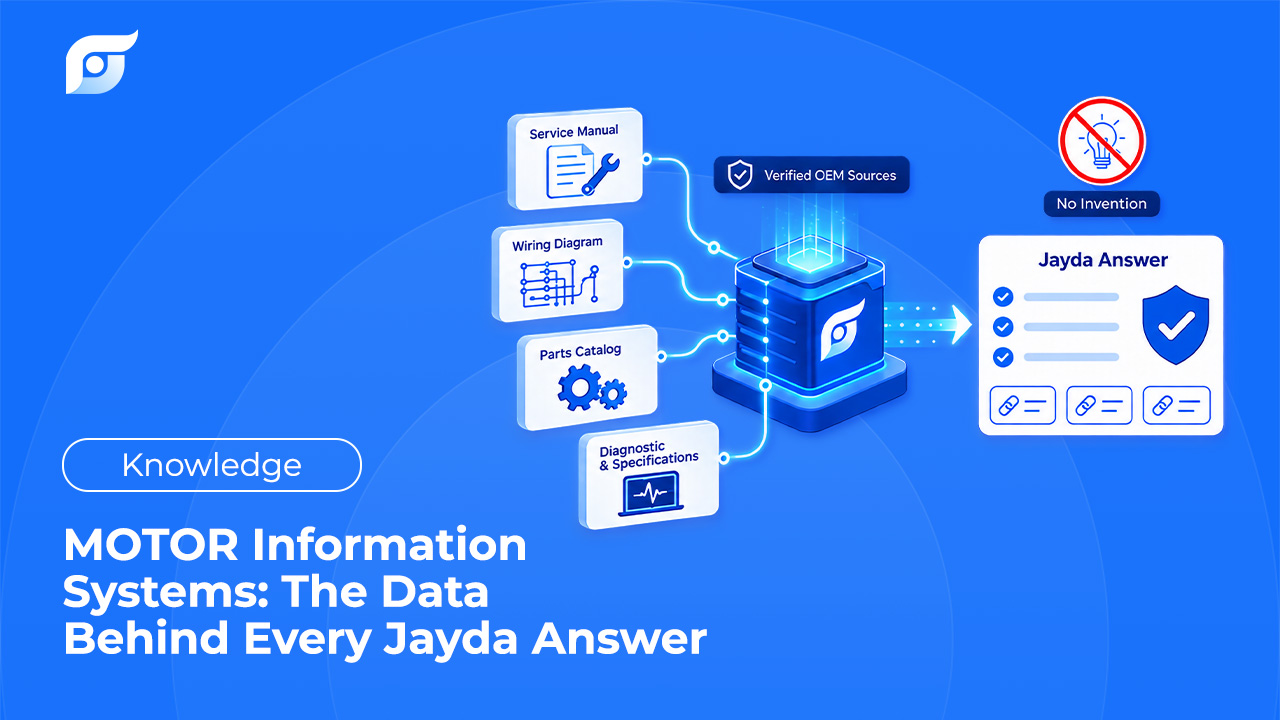
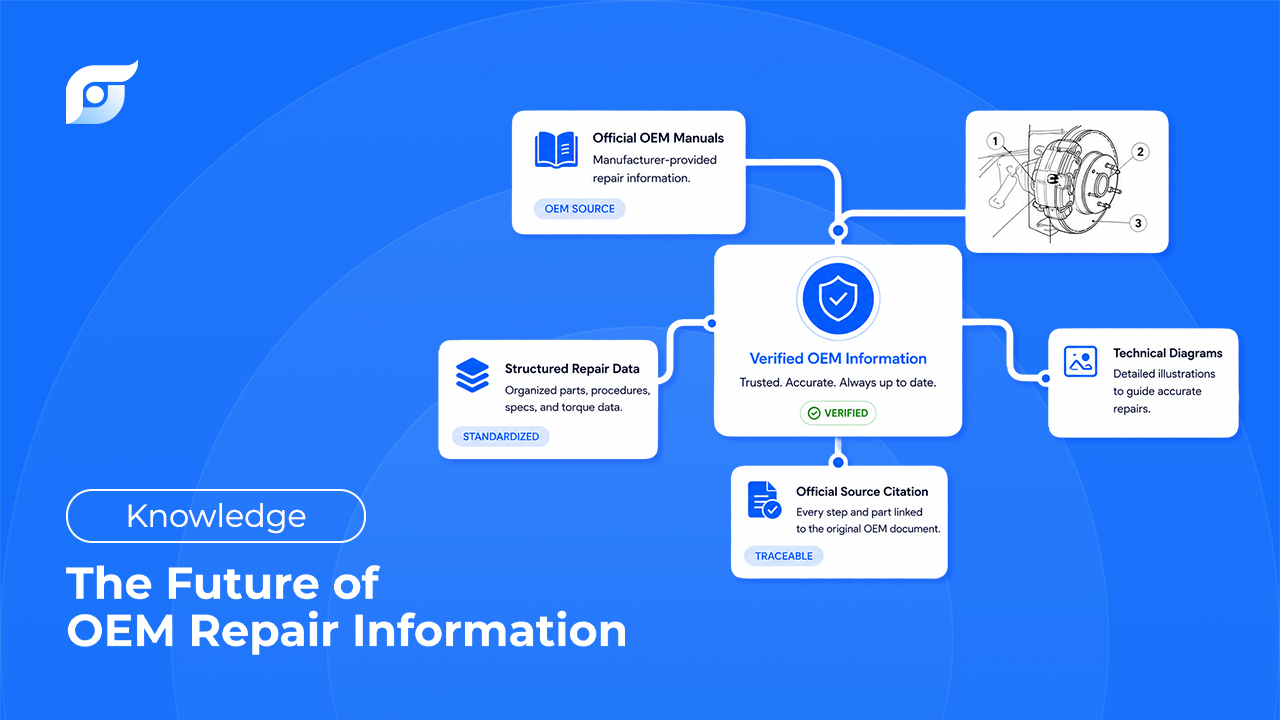
Source-bound retrieval, not generated content. The tool should be finding and presenting OEM documentation — not writing, paraphrasing, or filling gaps with anything that sounds plausible. If a result can’t be traced to a manufacturer source, it isn’t OEM data.
Exact vehicle context. Year, make, model, engine, and — where available — VIN. “Similar vehicle” is a guess, not a match.
Speed that proves the model, not the pitch. Fast lookup is the evidence the answer-access approach works. It’s not the reason to trust it.
Respect for the technician’s judgment. The tool’s job is to find the source. The diagnosis, the decision, and the responsibility for the fix stay with the person doing the work.
Where Jayda Fits in This Shift
Jayda helps modern technicians get the OEM answer for the exact vehicle, with source, in seconds. The idea in one line: the OEM answer. Not the search.
In practice, that means typing something like “F-150 10-speed shudder TSB” and getting back the cited manufacturer bulletin for that exact truck — not a list of pages to check. Every result shows where it came from: the source document, the manufacturer, the model year, and the last update date, drawn from licensed MOTOR data.
Just as important is what Jayda doesn’t do. It doesn’t diagnose the vehicle. It doesn’t generate repair steps, summarize procedures in its own words, or fill in a gap with “based on similar vehicles” when the exact match isn’t in the database. If a procedure isn’t found, it says so — no guessing, no approximation dressed up as an answer. The tool retrieves; the technician decides.
Jayda is one part of the broader shift described above — built specifically around licensed OEM data and a no-generate policy, rather than AI-authored summaries of repair content.
What This Means for Shops and Techs Right Now
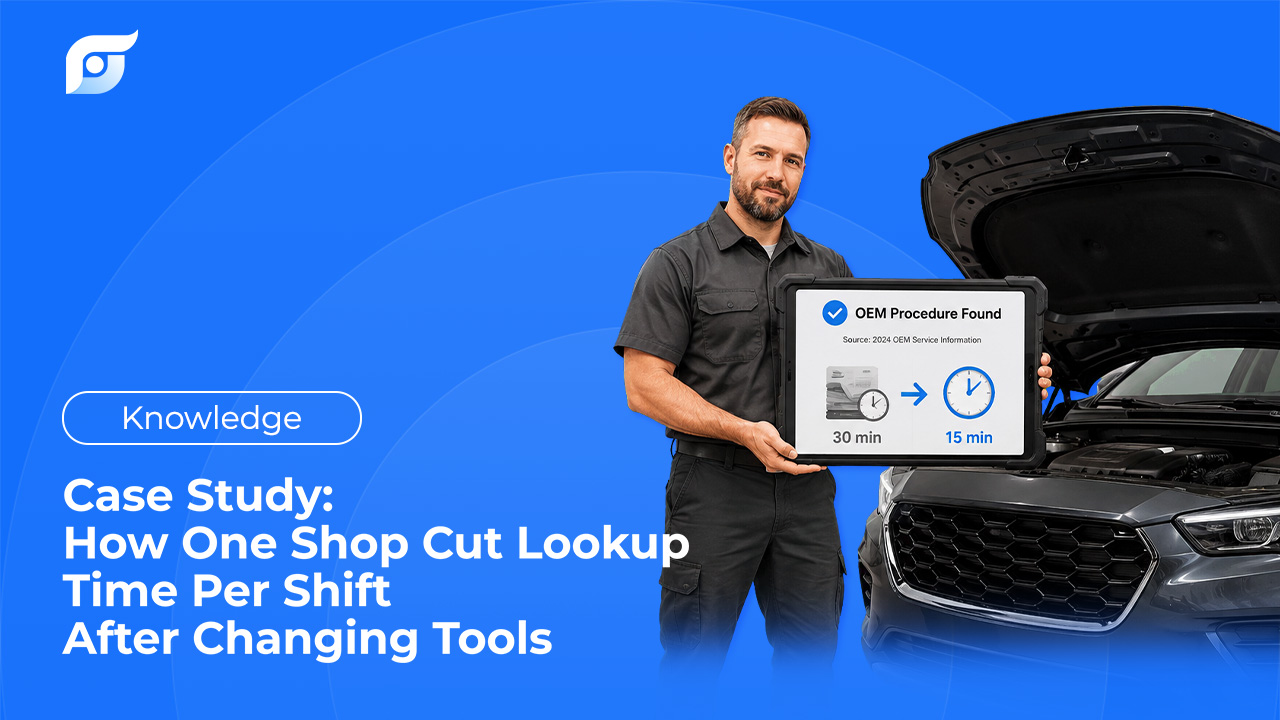
For a shop owner, the practical question isn’t “should we replace what we’re using” — it’s how much non-billable time the team spends on lookup, and how consistent that lookup is across a tech with ten years of experience and one three months in. Standardizing how the team finds a source matters more than which brand of database sits underneath it.
For a technician, the shift doesn’t change the job. It changes how much of the shift goes to finding the page versus doing the work. The expertise is still yours — the tool just gets out of the way faster.
How to Evaluate an Answer-Access Tool
Whether you’re looking at Jayda or anything else claiming this model, the same checklist applies:
- Does it show its source? Every result should cite the document, the manufacturer, and the model year — not just present an answer with no way to verify it.
- Does it say “not found” instead of guessing? A tool that always has an answer, even for edge cases and rare trims, is filling gaps with something other than OEM data.
- Is the underlying content licensed OEM data, or AI-generated/summarized text? These are not the same product, even when the interface looks identical.
- Does it match the exact vehicle, or the closest one it has? “Close enough” isn’t a spec.
FAQ
What does “OEM repair information” mean?
Repair procedures, specs, wiring diagrams, TSBs, and DTC workflows published directly by a vehicle’s manufacturer — as opposed to aftermarket guides, forum posts, or general advice that isn’t tied to the exact make, model, and year.
Can AI make up a repair procedure?
A tool built to generate content can. That’s not how a source-bound answer-access tool works: it retrieves OEM documentation and cites where it came from, rather than writing or paraphrasing a procedure. Jayda’s AI is used only to match a query to the OEM source — it never generates repair content.
Does an answer-access tool replace a shop’s existing ALLDATA or Mitchell subscription?
Not automatically, and not on day one. Most shops keep what they already have and use a tool like Jayda for a specific vehicle at the point of need. Whether it earns a permanent spot — or replaces anything — comes down to each shop’s own workflow, not a switch that has to happen up front.
Will it diagnose the vehicle for me?
No. It finds the OEM procedure, spec, diagram, or workflow for the vehicle. The technician still owns the diagnosis and the decision to proceed.
What happens if a procedure isn’t in the database?
A tool built on honest boundaries says so directly, instead of approximating from a similar vehicle or filling the gap with general knowledge. Whether a tool admits “not found” or always produces something is one of the clearest signals of whether it’s retrieving OEM data or generating an answer.
Why not just search Google or YouTube?
Those are fine for general tips or troubleshooting ideas. For torque specs, wiring diagrams, TSBs, and OEM procedures — anything where being wrong costs time, money, or liability — the source needs to trace back to the manufacturer.