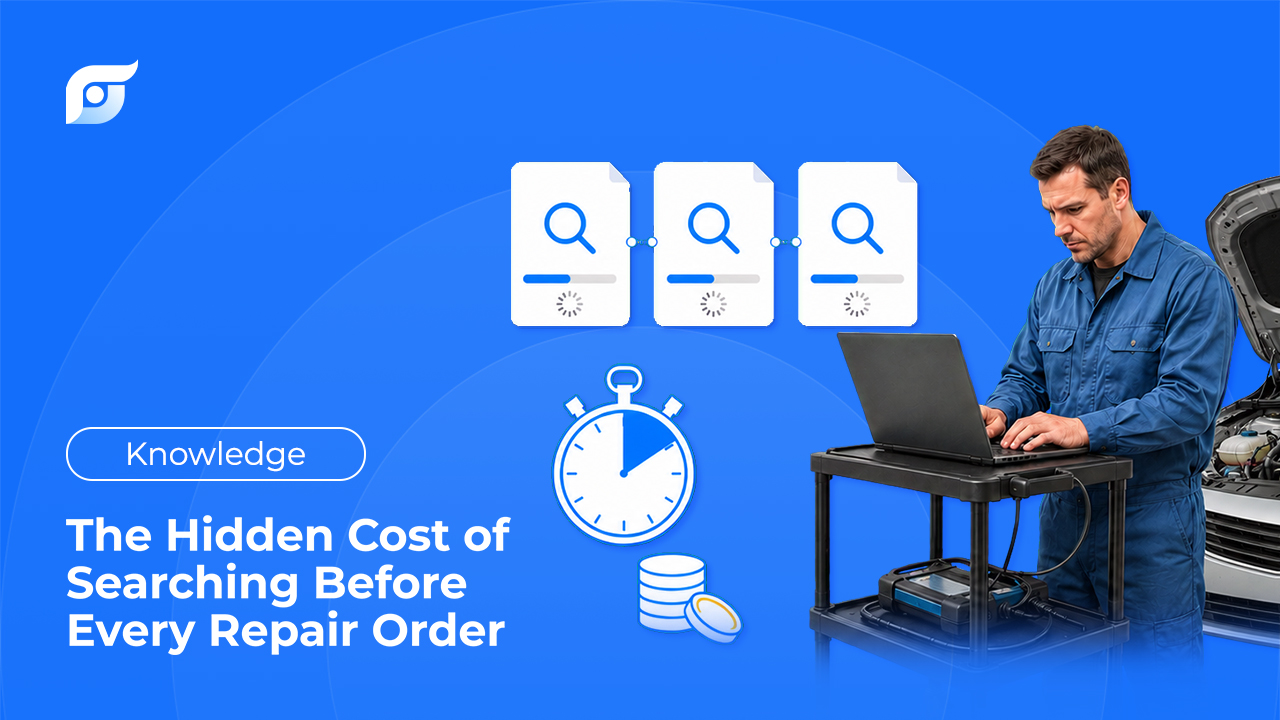
A car rolls onto the lift. Before anyone picks up a wrench, the tech walks to the shop computer. Logs in. Clicks through menus — make, model, year, system, subsystem — just to find one torque spec.
Looks like a two-minute delay. It’s not. Multiply it across every Repair Order, every tech, every day of the year. That’s one of the biggest costs your shop never sees on a P&L.
What Happens During the “Pre-RO Search Phase”
Three things slow a tech down before they can open an RO with confidence.
The exact-term requirement. Legacy databases run on navigation, not questions. You have to already know the manufacturer’s exact category label — not what your coworker calls it, what the OEM manual calls it.
Deep, branching menus. One spec can mean five clicks: system, subsystem, component, procedure, spec table. Five decisions. Multiply that by every lookup, every shift.
TSBs in their own silo. Technical Service Bulletins sit behind a separate search, disconnected from the procedure the tech is already reading. That’s not a skill gap — it’s an information design problem. But the outcome is the same: a comeback for an issue that was documented, just never surfaced.
This isn’t about a slow technician. It’s a system built for browsing a library, not answering a question at the bay.
Quantifying the Loss: The “Search-Time Leak”
Run the math on what unstructured lookup time actually costs:
| Variable | Example Shop |
|---|---|
| Technicians | 5 |
| ROs per tech per day | 4 |
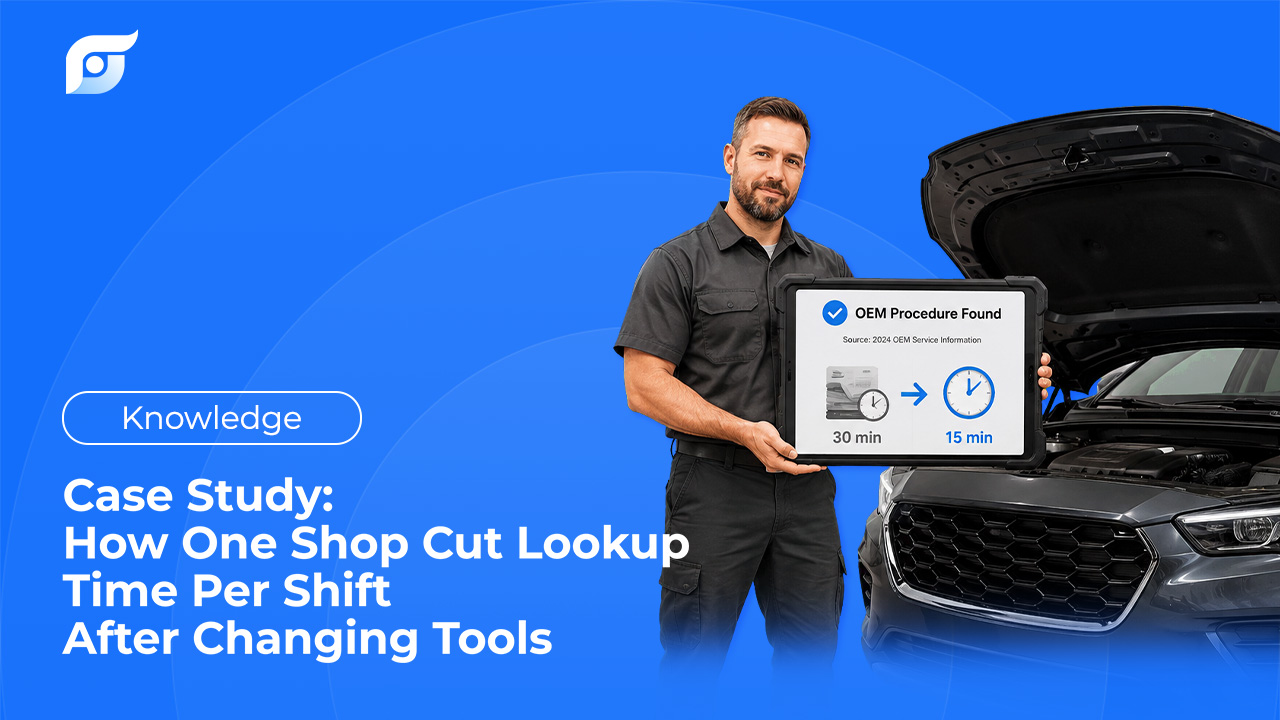
| Avg. OEM lookup time per RO | 15 minutes |
| Lookup time per tech per day | 1 hour |
| Team lookup time per day | 5 hours |
| Team lookup time per week | 25 hours |
| Average labor rate | $30/hour |
| Weekly cost | $750 |
| Annualized | ~$39,000 |
That’s not a Jayda number. That’s just what 15 minutes of pre-RO search time costs once you multiply it across a real team. And it compounds: fewer completed jobs per bay per day, longer customer wait times, techs pulled off the vehicle at the exact moment they should be hands-on.
Run your own shop’s numbers through the ROI calculator on jayda.ai. See what your leak actually costs.
Signs Your Shop Has a Search-Time Leak
The leak hides because it never shows up as its own line item. Watch for:
- Techs leaving the vehicle mid-job to check something on the shared computer
- The same spec gets looked up twice because nobody wrote it down the first time
- New techs open ROs noticeably slower than experienced ones — that gap is search speed, not skill
- A comeback traces back to a TSB that existed but never surfaced
- Bays turn over slower than the actual repair work should take
Two or more of these sound familiar? Run the equation above with your real numbers.
Traditional Menu-Based Lookup vs. Jayda
| Traditional Menu-Based Lookup | Jayda | |
|---|---|---|
| How you search | Select vehicle, click through nested menus, match exact category terms | Ask the question — like you’d ask the most experienced tech in the shop |
| Where it happens | Shop computer, away from the vehicle | Phone or tablet, at the bay |
| TSBs | Separate search, separate screen | Same result set — no second lookup |
| Data source | OEM repair content | Official OEM data via licensed MOTOR data, cited every time |
| No match found | Generic or unrelated results | Says so — no “based on similar vehicles” guessing |
What asking looks like: a tech types “F-150 10-speed transmission shudder TSB” instead of navigating five menus to get there.
How Speed at the Bay Pays Off
Hands stay on the vehicle. Look up a spec on the phone at the lift. No walk to the shared computer.
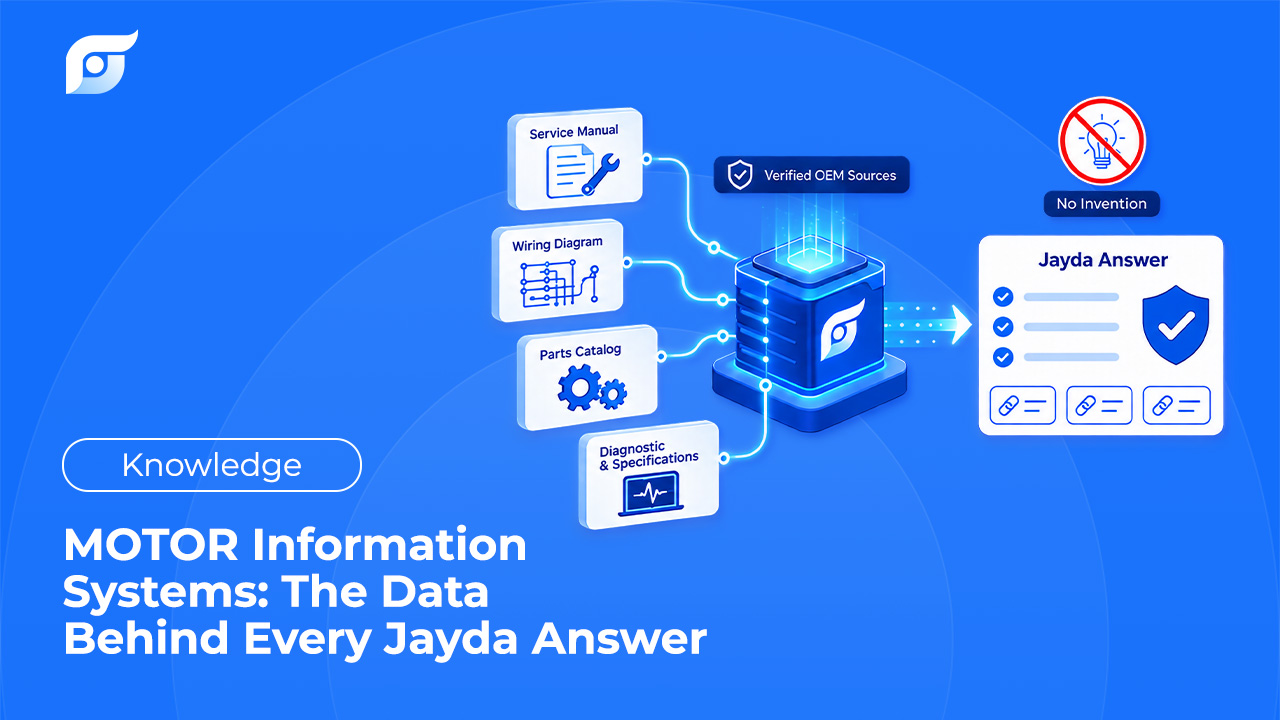
Source-bound, not generated. Jayda’s AI finds and retrieves OEM information — it doesn’t write or paraphrase repair procedures. Every torque spec, wiring diagram, and one-time-use fastener note comes straight from the manufacturer’s own published data via MOTOR, cited so the tech can verify it. You’re the expert. Jayda finds the source.
The RO is right the first time. Correct labor time and spec before the RO is written means no revision, no awkward comeback conversation with the customer.
What About the Subscription You Already Have?
Most shops already pay for a repair database. That’s not a reason to skip this — it’s the starting point. The question isn’t “database or Jayda.” It’s whether your team still loses time to navigation on top of what you already pay for.
Jayda doesn’t ask you to rip out your current system on day one. Plenty of shops run both: same OEM-grade data underneath, but the tech asks a question instead of navigating a library to find it. If it earns its place after a few real ROs, that’s when dropping a redundant cost becomes an easy call — not a leap of faith.
FAQ
How much time do techs actually spend searching before opening an RO?
Varies by shop and by how familiar the tech is with the vehicle. But a single lookup for one spec, diagram, or TSB commonly takes several minutes — and one RO can need more than one lookup.
Does Jayda replace my current repair database?
Not necessarily. Jayda answers repair questions using OEM data licensed through MOTOR Information Systems. Most shops run it alongside what they already have.
Is the data AI-generated?
No. Jayda’s AI understands the question and retrieves the matching OEM content. Procedures, specs, diagrams, TSBs, and DTC workflows show up exactly as the manufacturer published them, source cited.
What if Jayda doesn’t have a procedure for my vehicle?
It tells you directly — no generic or “similar vehicle” answer. Coverage expands regularly as MOTOR publishes new OEM content, typically within days of manufacturer release.
Does this only help bigger shops?
No. The math just scales down. One independent tech or mobile mechanic loses the same 10-15 minutes per lookup — it’s one person’s time instead of a team’s.
Stop the Search-Time Leak
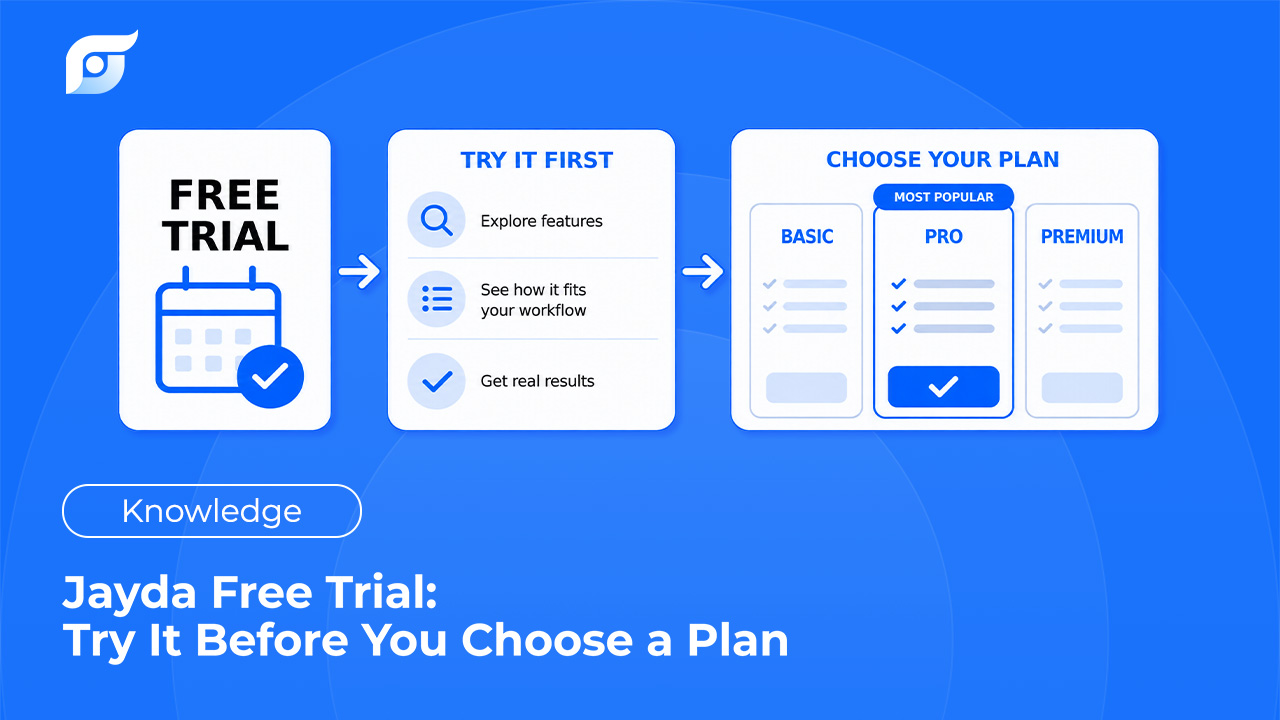
Want to try it yourself first? Start a 3-day free trial of Pro Tech — 5 questions, no credit card, no contact required. Bring it to your next job.
Evaluating this for your whole team? Contact us to activate a 7-day Business trial. Run it across a few real ROs before you decide.
Either way, the fastest way to know what this is worth: run your numbers through the ROI calculator and compare them against a week of real lookups.