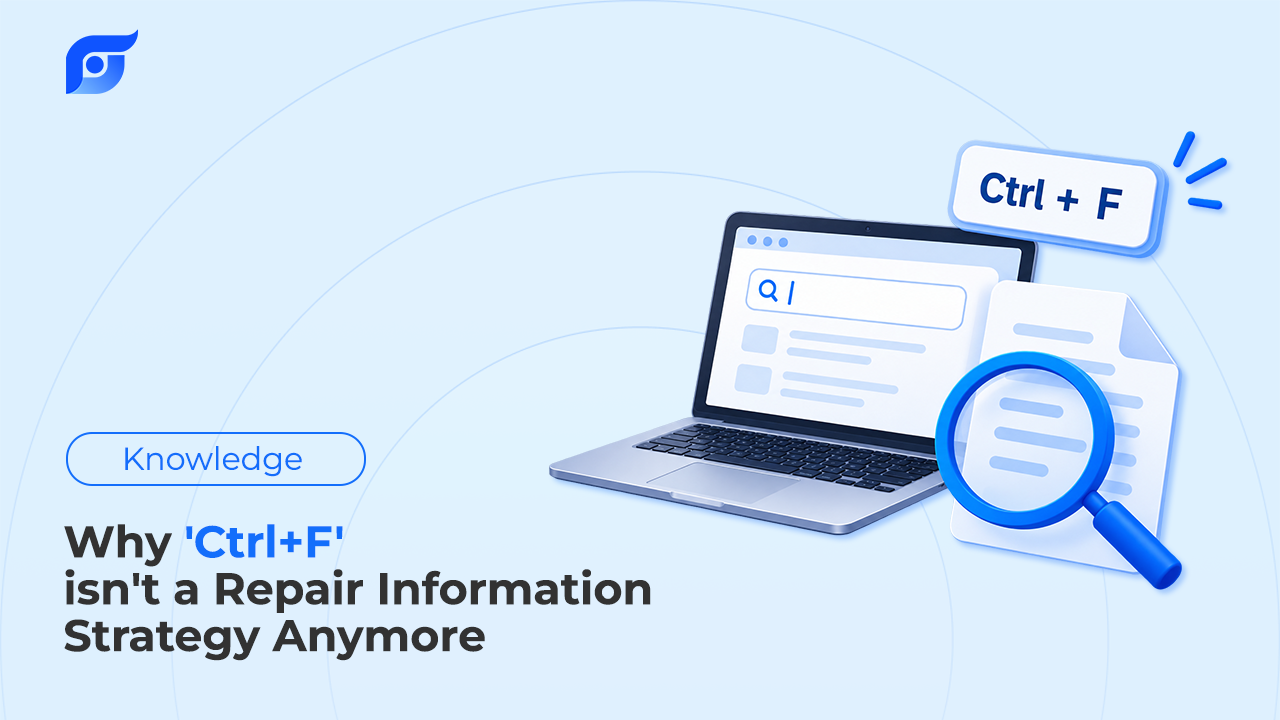
Ctrl+F is how most of us find anything in a long document: type the word, jump to the match. It’s so automatic that it rarely gets questioned, including when the document is a 24-page transmission bulletin or a service manual section with hundreds of pages. But keyword matching quietly assumes three things about repair information, and on a modern vehicle those assumptions fail often enough to cost real time on real jobs.
Quick Answer: Ctrl+F and other keyword search only work when three things are true: you already have the right document open for the exact vehicle, you know the exact word the manufacturer used, and the answer is in searchable text. In OEM repair information, none of the three is guaranteed. Manufacturers name the same step differently: Ford calls its diagnostic sequences pinpoint tests and Toyota calls them inspection procedures, and GM’s final step is Repair Verification where Toyota’s is a confirmation driving pattern. A single typo can return nothing. Wiring diagrams and figures are drawings whose labels often aren’t searchable text. And a keyword match can land on a bulletin for the wrong vehicle or one that has since been superseded. The alternative to keyword matching is asking the repair question for the specific vehicle and getting back the manufacturer’s document with its source, from a tool that says so when no match exists.
What Does Ctrl+F Actually Assume?
Every keyword search, whether it’s Ctrl+F in a PDF or a search bar in repair software, rests on three assumptions:
- You’re in the right document. Ctrl+F only searches the page in front of you. If you opened the wrong engine, year, or bulletin, it will happily find matches in the wrong answer.
- You know the manufacturer’s word. Search matches the characters you typed, not what you meant.
- The answer is text. If the information lives in a diagram, a table image, or a scanned figure, there’s nothing to match.
For a tech who already knows the platform, the first two are usually true, and Ctrl+F works fine. The trouble starts on the unfamiliar vehicle, the unfamiliar system, or the new tech who doesn’t yet know what the manufacturer calls things.
Why Doesn’t the Manufacturer’s Wording Match Yours?
The industry has tried to fix this. SAE J1930, equivalent to ISO 15031-2, standardizes diagnostic terms, definitions, abbreviations, and acronyms, and it applies to service and repair manuals, bulletins, training manuals, and repair databases. It’s why abbreviations like MAF and ECT mean the same thing across manufacturers’ documents.
Standard component names don’t standardize everything else. The structure and procedure names in OEM repair information still differ by manufacturer. Ford routes each powertrain code to a lettered pinpoint test, while GM and Toyota use different names for the same stages:
| What you’re looking for | GM | Toyota |
|---|---|---|
| The step-by-step diagnostic sequence for a code | Circuit/System Testing | Inspection procedure |
| How to prove the repair worked | Repair Verification | Confirmation driving pattern |
Then there are the procedure names that exist on one platform only. GM’s misfire diagnostics refer to a Crankshaft Position System Variation Learn; other manufacturers have equivalent relearn procedures under their own names. Search for “crank relearn” in the wrong manufacturer’s vocabulary and the page that holds the answer doesn’t come up.
Typos make it worse. When Mitchell 1 added a “Did You Mean” feature to its 1Search Plus dashboard on October 27, 2025, the stated reason was that a single misspelled word can slow down a repair and delay finding the right information. That’s a real improvement to keyword search, and also an acknowledgment of how fragile it is.
What Happens When the Answer Isn’t Text?
A lot of the most important repair information is drawn, not written. Connector views, circuit paths, and component locations are diagrams, and so are many of the figures inside bulletins. Ford’s own torque converter shudder bulletin, TSB 26-2171, identifies the fault using a scan-tool graph shown as a figure. In some manufacturers’ diagnostic procedures, the result that tells you which step comes next can appear as an image rather than a searchable sentence.
No keyword finds a wire color inside a drawing. That’s why OEM wiring diagrams and component location diagrams have to be found as documents first. You can’t search your way into the middle of one.
What If the Match Is for the Wrong Vehicle?
Keyword search rewards whatever contains your words, and repair information is full of near-matches. Search the web for an F-150 10-speed “torque converter shudder” bulletin and the Ford TSB with that exact title, 26-2171, covers the 2019–2024 Edge and 2019–2023 Nautilus with the 8F35 transmission, not the F-150.
Bulletins also change. Ford’s 10R80 harsh-shift bulletin 22-2139 was superseded by two later bulletins with different vehicle and build-date coverage. A search that finds the old number finds a real document that’s no longer the one to use. A technical service bulletin is only useful in its current version, for the build it names.
Isn’t Better Search the Answer?
Better search helps, and established repair platforms keep improving it. But the frustration technicians describe usually isn’t about typing. It’s about the path. One technician reviewing established repair information software on Capterra wrote: “Sometimes some of the paths you follow lead you further from the answers you’re looking for.” Another wrote that “sometimes it takes too many clicks to find a specific part location.”
Neither complaint is about a bad search box. Both describe a model where the tech has to know where an answer lives before they can read it, and that’s where lookup time actually goes. A smarter search bar still returns a list to work through.
What Works Better Than Ctrl+F?
Asking the question instead of guessing the keyword. A tech asks for what they need on the vehicle in the bay, such as “wiring diagram for the fuel pump circuit, 2016 Silverado 5.3,” and gets back the manufacturer’s document for that vehicle, with its source shown. When no matching document exists, the tool says so instead of offering the closest keyword hit.
That’s the model Jayda is built on. Its data is licensed from MOTOR Information Systems, and its AI searches for and retrieves the manufacturer’s document. It doesn’t write or summarize repair content, which is why AI should search repair information rather than generate it. Ctrl+F still has a place once the right document is open. It just shouldn’t be the way you find the document in the first place.