Both of these sit at the premium end of repair information software, and neither makes it easy to get a straight price quote before you talk to sales. So the real question shops are asking isn’t “which is cheaper” — it’s which one earns that monthly cost for the kind of work your shop actually does. Here’s how they compare, feature by feature.
At a Glance: Key Differences
| ALLDATA | ShopKey Pro | |
|---|---|---|
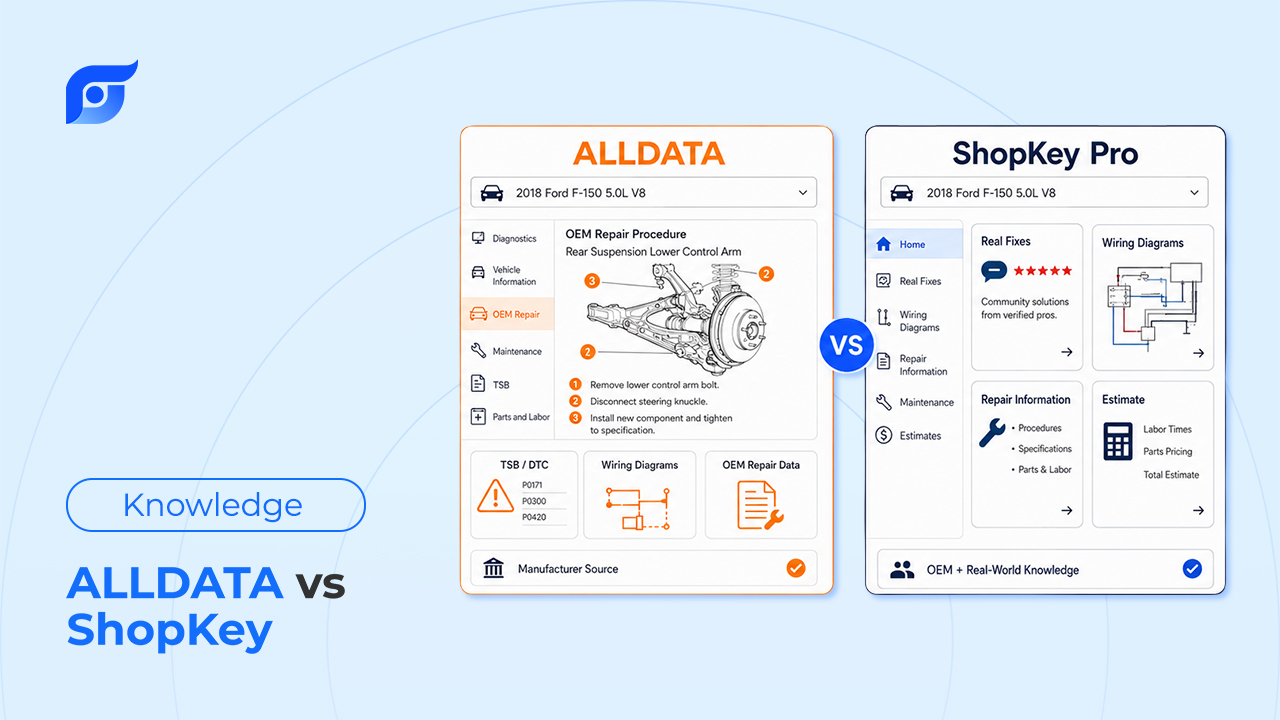
| Data source | Unedited OEM documentation | Redrawn/standardized data (Mitchell 1 / Snap-on) |
| Wiring diagrams | Horizontal layout, side-by-side pages | Interactive color diagrams, vertical scroll |
| Estimator/labor guide | Available, less streamlined | Strong, integrates with Snap-on diagnostic tools |
| Component locator | Search/browse-based | Purpose-built component locator |
| Pricing | Premium, sales call required | Premium, sales call required, often bundled with Snap-on equipment |
In-Depth Comparison
Data Accuracy & OEM Coverage
ALLDATA keeps its content close to the manufacturer’s original form — what you’re reading is closer to what the OEM actually published. ShopKey Pro, built on Mitchell 1’s data model, redraws and standardizes content across manufacturers so a Ford procedure and a Toyota procedure follow the same layout. That consistency helps techs who bounce between makes, but it means you’re reading ShopKey’s interpretation of the original document rather than the document itself. For a deeper look at this same tradeoff, see ALLDATA vs. Mitchell 1: Which OEM Repair Software Should Your Shop Use in 2026? — since ShopKey Pro shares its underlying data approach with Mitchell 1.
Wiring Diagrams & Schematics
This is where technicians tend to have the strongest opinions. ALLDATA’s horizontal layout lets you view multiple pages side-by-side and trace a wire across sheets without losing your place. ShopKey Pro’s diagrams are interactive and color-coded, which makes them easier to read at a glance, but the vertical scroll can mean more scrolling back and forth on a longer schematic. Neither wins outright — it depends on whether you prefer tracing across pages or staying within one colorful, clickable view.
Estimator & Labor Guides
ShopKey Pro has the edge here, with a labor-time and estimating tool that integrates tightly with Snap-on’s diagnostic equipment — useful if your shop already runs Snap-on scan tools. ALLDATA’s estimator functionality is there but takes more steps to get a clean quote assembled.
Component Locator
Technicians frequently point to ShopKey Pro’s component locator as a standout — it’s built specifically to help find sensors, relays, and connectors fast. ALLDATA covers the same ground, but through search and browsing rather than a dedicated locator tool.
Pricing & Subscription Models
Both platforms run in a similar premium range, and neither publishes simple self-serve pricing — actual cost typically depends on negotiation with a sales rep, and ShopKey Pro pricing is sometimes bundled with Snap-on equipment purchases. If a lower-cost OEM data option is what you’re after, it’s worth looking at 7 Best ALLDATA Alternatives for Independent Shops in 2026 for options outside this price tier.
The Core Problem with Both Legacy Platforms
However you score ALLDATA against ShopKey Pro on diagrams or estimating, both are built around the same basic workflow: select the year, then the make, then the model, then the system, then finally reach the diagram or spec you needed in the first place. That’s true whether the underlying data is unedited OEM or redrawn and standardized — the bottleneck isn’t the quality of the content, it’s the number of steps between the question and the answer. For a closer look at where that time actually goes across a shift, see Why Technicians Lose Hours Every Day Looking for Repair Information.
Jayda — Get the Answer Without Navigating Either One
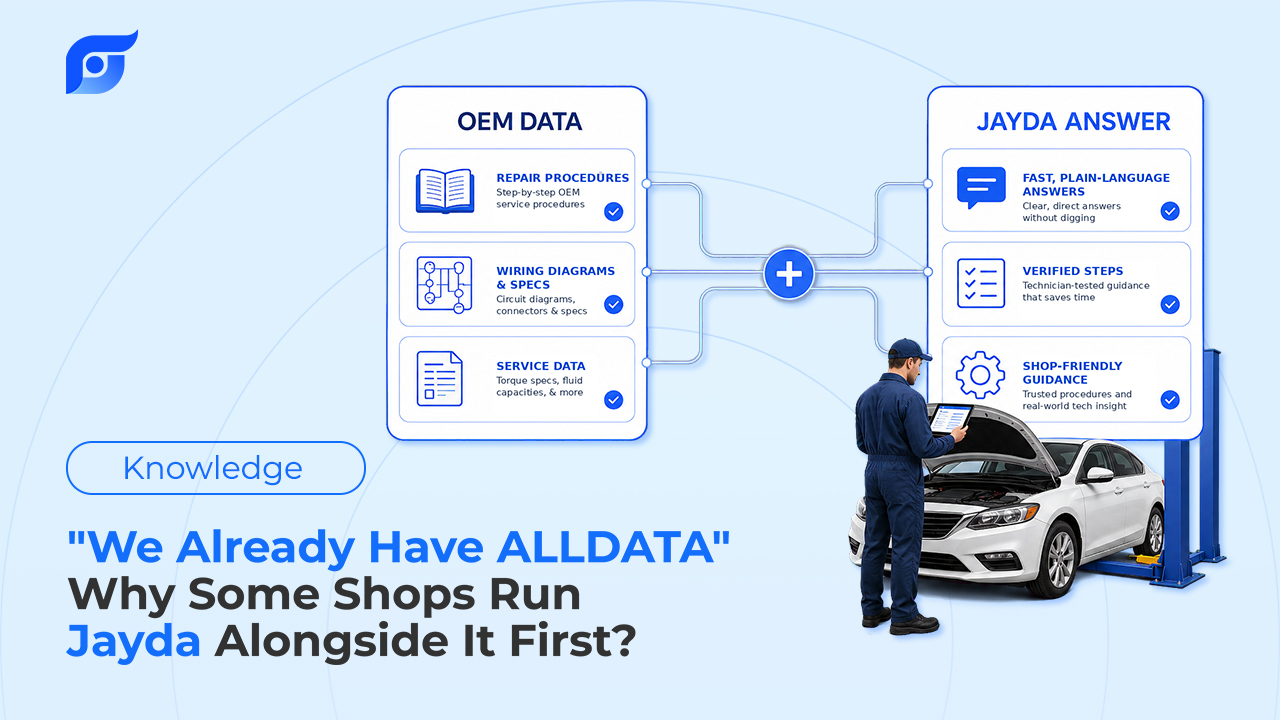
Jayda isn’t trying to replace the choice between ALLDATA and ShopKey Pro — it’s built for the step both of them share: getting from a question to an answer without clicking through year, make, model, and system first.
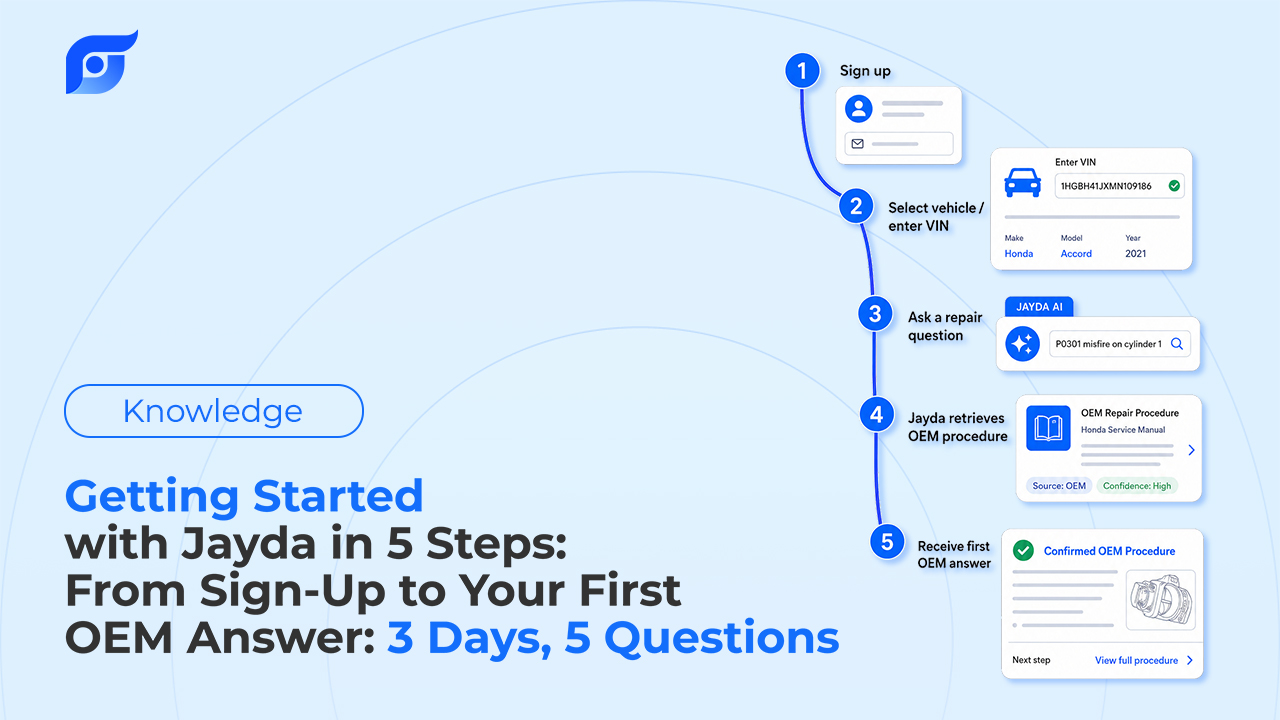
Instead of navigating, you ask directly — the way you’d ask the most experienced tech in the shop:
“Ford Ranger 2021 camshaft position sensor connector location and wire color”
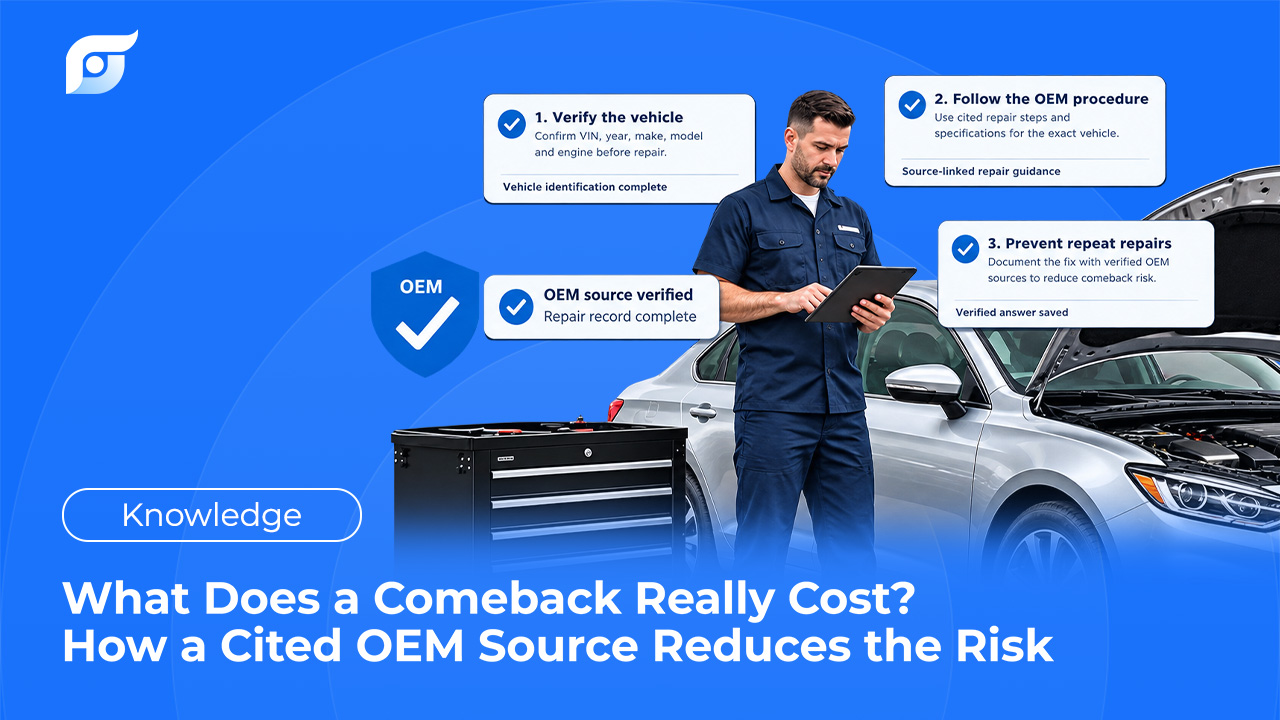
Jayda returns the manufacturer’s answer for that exact vehicle, found in seconds and cited to its source, built on licensed MOTOR data. The content is unedited OEM documentation — Jayda’s AI finds and retrieves it, it doesn’t interpret or rewrite it, and if no matching procedure exists, it says so directly instead of guessing from a similar vehicle. The tech still owns the diagnosis; Jayda’s job is finding what the manufacturer already documented, not suggesting a likely cause. Ask once. Know the OEM procedure.
It’s built to be used at the vehicle, on a phone or tablet, rather than requiring a trip back to a desktop. And for shops that already have ALLDATA or ShopKey Pro, there’s no need to replace anything — many use Jayda alongside their existing system for lookups at the vehicle, then compare the workflow difference before deciding anything about their current subscription. Teams that want to hold onto what’s learned on a specific vehicle can use Projects to save the Q&A from a repair case, with Business tier accounts able to share those Projects across up to 10 team members. For a broader look at how this compares across the category, see 7 Best Automotive Repair Information Websites for Mechanics (2026 Review).
Comparison Table: ALLDATA vs ShopKey vs Jayda
| ALLDATA | ShopKey Pro | Jayda | |
|---|---|---|---|
| Data source | Unedited OEM | Redrawn/standardized | Licensed MOTOR OEM data, cited |
| How you search | Browse/search menus | Browse/search + component locator | Ask in natural language |
| Mobile-first | Secondary | Secondary | Yes |
| Starting cost | Sales call required | Sales call required | Starter $7.95/mo · Pro Tech $14.95/mo · Business $149/mo |
Conclusion — Which One Should You Choose?
If unedited, factory-direct accuracy matters most, ALLDATA is the safer choice. If your shop runs Snap-on equipment and wants estimating tightly integrated with diagnostics, ShopKey Pro has the edge. Neither is a wrong decision — the difference comes down to which workflow your shop is already built around.
Whichever one you keep, the lookup time in between doesn’t have to be part of the cost. Ask Jayda your next real question and see how much of that navigation disappears.
Individual techs can start a 3-day free trial on Pro Tech (5 questions included, no credit card required). Shop owners can contact Jayda to activate a 7-day team trial on Business.