If you’re reading this, you already know what ALLDATA does well: deep, unmodified OEM data across a huge range of makes. What you’re looking for is what else is out there — whether that’s lower cost, faster lookup at the vehicle, better mobile support, or an AI-native way to get to the answer instead of navigating a menu tree.
Here’s the short version. The seven tools worth knowing:
- Jayda — AI-powered, source-bound OEM answers, ask in natural language
- Mitchell 1 ProDemand — interactive wiring diagrams, integrated shop management
- Identifix Direct-Hit — community-verified “known fixes” on top of OEM data
- AutoData (Solera) — strong European coverage, modern tablet-first UI
- Chilton Library — free through most public libraries, good for light DIY
- MOTOR TruSpeed / Infopro Digital — OEM data infrastructure, often white-labeled into other tools
- Mastertech.ai — AI diagnostics and voice lookup built by ASE-certified techs
Below: what each one is actually good at, where it falls short, and a comparison table you can use to shortlist.
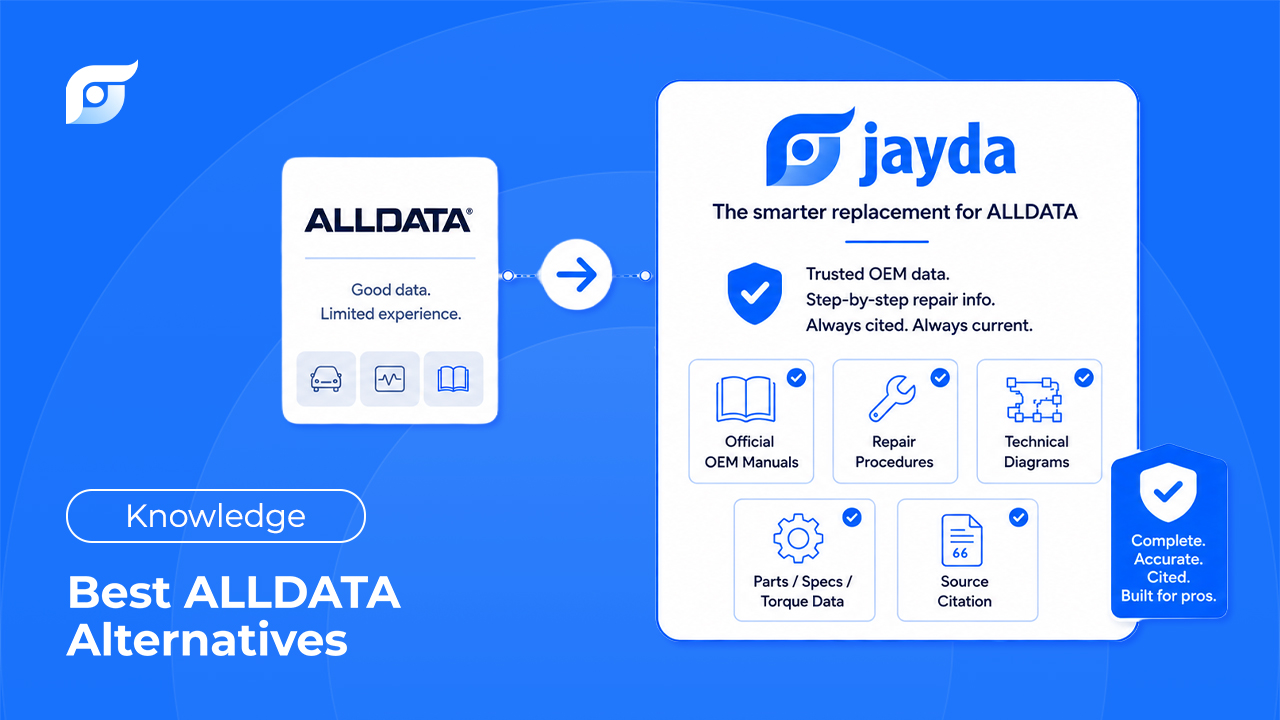
Jayda — The OEM Answer, Not Another Database to Search
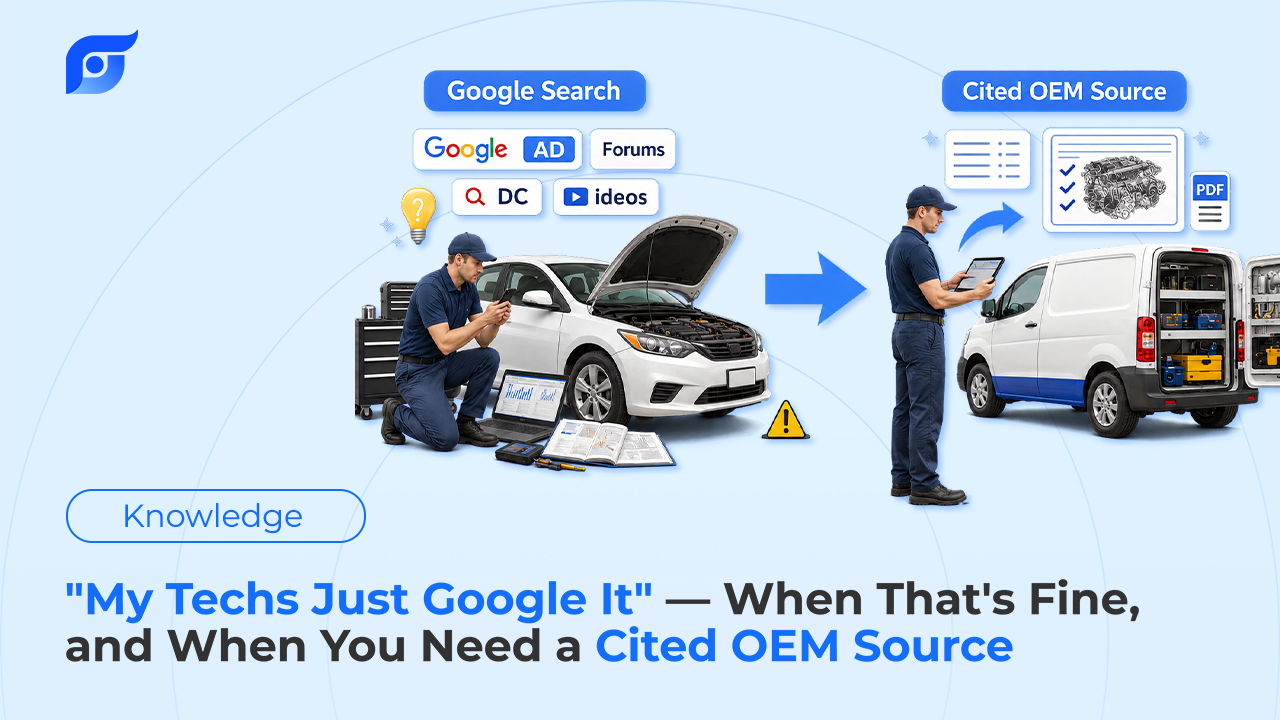
Every tool on this list, including ALLDATA, is built around the same idea: a large library of OEM documents that you search or browse through. The library isn’t the problem — the problem is that finding one torque spec can still mean five or six clicks through nested menus while your hands are covered in grease.
Jayda works differently. Instead of navigating to the answer, you ask for it — the same way you’d ask the most experienced tech in the shop. Type something like:
“F-150 10-speed shudder TSB”
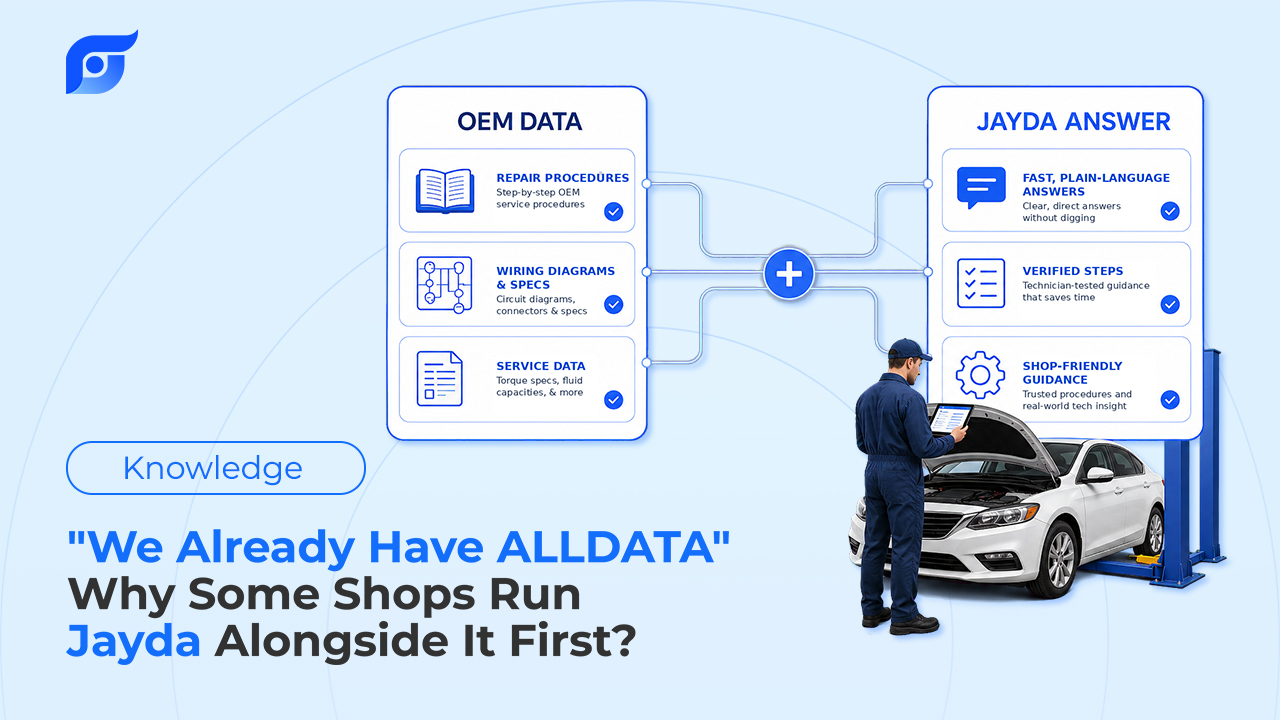
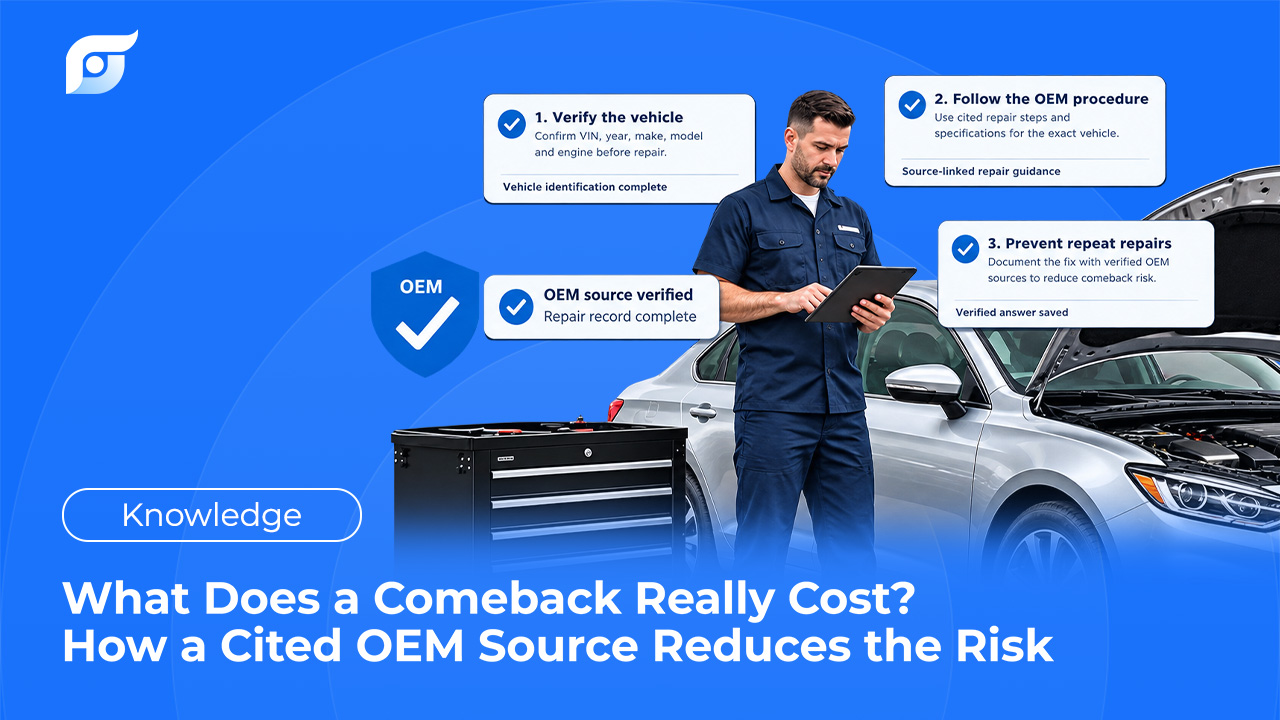
and Jayda returns the manufacturer’s procedure, spec, or TSB for that exact vehicle, with the source cited. It’s built on licensed MOTOR data — the same OEM content covering domestic and imported vehicles, light through heavy-duty, that repair professionals already trust — not content generated or rewritten by AI.
That last point matters. Jayda’s AI searches and retrieves OEM information; it doesn’t invent repair procedures, and it doesn’t diagnose the vehicle for you. If a tech pulls up a DTC, Jayda surfaces the OEM test procedure, wiring diagram, and spec — the tech still owns the diagnosis and the final call. You’re the expert; Jayda finds the data.
For shops that already run ALLDATA or Mitchell 1: you don’t need to rip anything out to try this. Use Jayda when a tech needs the answer at the vehicle without navigating, and compare the workflow after a few real jobs before deciding anything about your current subscription.
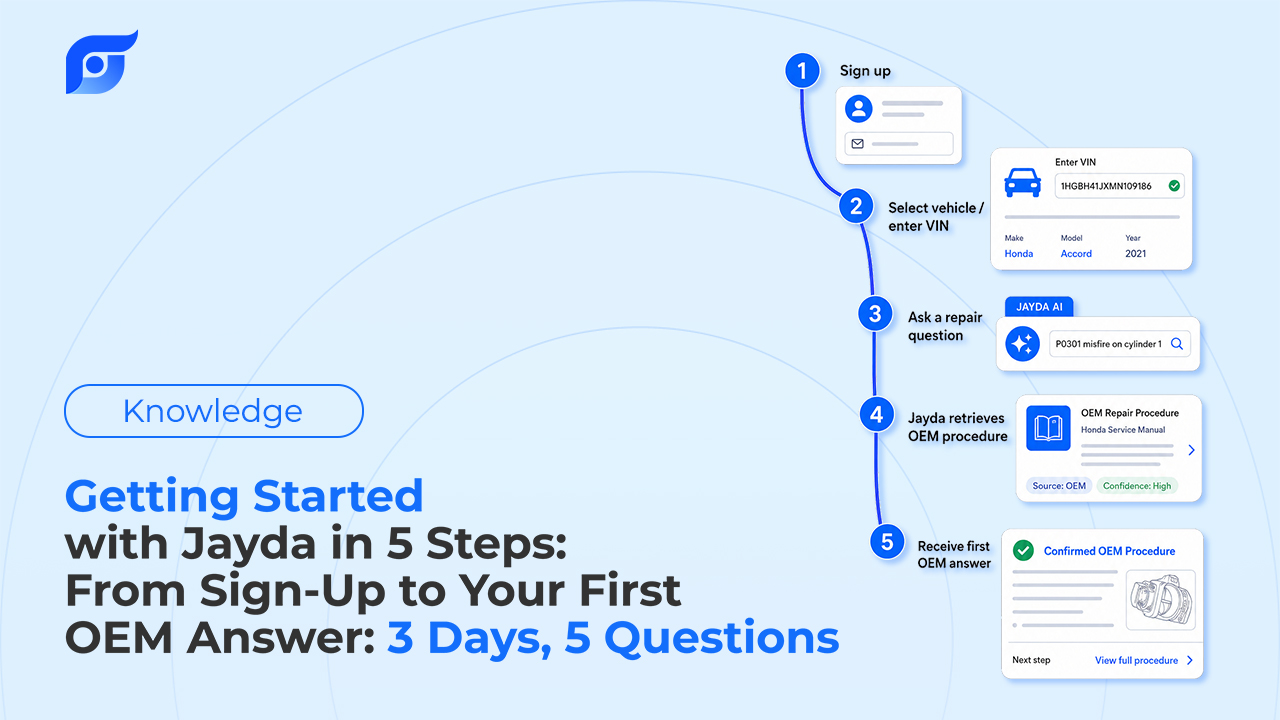
Pricing: Starter at $7.95/mo (50 queries/month), Pro Tech at $14.95/mo (unlimited queries, all 12 OEM data features), Business at $149/mo for up to 10 users and 200 vehicles (12-month contract). Individual techs can start a 3-day free trial with no credit card; shops can contact Jayda to activate a 7-day team trial.
Stop searching. Start knowing. Official OEM data for your exact vehicle, cited in seconds.
Why Technicians Look for an ALLDATA Alternative
ALLDATA’s data is genuinely strong — it’s one of the most complete, closest-to-original OEM libraries in the industry. Most of the reasons technicians shop around aren’t about data quality:
- Cost. ALLDATA sits at the premium end of the category, and getting a quote typically means a sales call rather than transparent self-serve pricing.
- Navigation time. Getting to a specific spec or diagram usually takes multiple clicks through a document tree, which adds up across a busy day.
- Mobile experience. The interface was built for a shop desktop first; using it comfortably on a phone or tablet at the vehicle is secondary.
None of that makes ALLDATA a bad choice — it’s the industry default for a reason. It just means there’s room for tools built around different priorities: price, speed of access, or mobile-first workflows.
6 Other ALLDATA Alternatives Compared
Mitchell 1 ProDemand
Best for: shops that want integrated shop management alongside repair data.
Mitchell 1 pairs its OEM and aftermarket repair data with interactive wiring diagrams — technicians can click a component and highlight its exact circuit — and bundles in shop management and estimating tools. It’s a strong all-in-one option for shops that want one system running the whole bay.
Limitation: pricing and setup typically go through a sales conversation rather than self-serve signup, and the interface reflects its long history in the category rather than a mobile-first redesign.
Identifix Direct-Hit
Best for: techs who want real-world fix data alongside OEM procedures.
Identifix layers “Shortcuts” — fixes drawn from millions of real repair cases submitted by other technicians — on top of standard OEM content, which can point straight to a likely cause on common, well-documented failures.
Limitation: that real-world data thins out fast on newer or less common vehicles, and the search interface has a learning curve.
AutoData (Solera)
Best for: shops working primarily on European makes.
AutoData is the default in much of the European market, with a modern interface that’s genuinely built for tablets and phones in the bay, not just retrofitted onto one.
Limitation: coverage of American and Asian vehicle lines isn’t as deep as US-based competitors.
Chilton Library
Best for: DIYers and light maintenance work on a budget.
Chilton is accessible for free through most US public library systems, making it the lowest-cost entry point on this list by a wide margin.
Limitation: depth of coverage and diagnostic detail don’t compete with professional-grade tools — it’s a DIY resource, not a shop’s primary system.
MOTOR TruSpeed / Infopro Digital
Best for: businesses that need OEM data infrastructure rather than a standalone lookup app.
These are the data providers behind much of the category — MOTOR’s technical data and Infopro Digital’s automotive content power a range of repair tools, including software that gets white-labeled or licensed into other platforms.
Limitation: positioned more as B2B data infrastructure than a focused, ready-to-use shop tool.
Mastertech.ai
Best for: shops that specifically want AI diagnostics plus voice lookup in one product.
Mastertech.ai combines AI-assisted diagnostics with OEM service data, estimate building, and voice lookup for specs and procedures, and is built by ASE-certified master technicians — a credibility angle worth noting if AI diagnostic support is your priority.
Limitation: it’s priced above most individual-tier repair-data subscriptions, and it leans further into AI-generated diagnostic suggestions rather than pure OEM retrieval.
ALLDATA Alternatives Comparison Table
| Tool | Best For | Data Source | How You Search | Mobile-First |
|---|---|---|---|---|
| Jayda | Fast point-of-repair lookup, individual techs & small shops | Licensed MOTOR OEM data, cited | Ask in natural language | Yes |
| ALLDATA | Deep, original OEM library | OEM licensed | Browse/search menus | Secondary |
| Mitchell 1 ProDemand | All-in-one shop management + data | OEM + aftermarket | Browse/search, interactive diagrams | Secondary |
| Identifix Direct-Hit | Common-fix diagnostics | OEM + crowd-sourced fixes | Search + shortcuts | Moderate |
| AutoData | European vehicle coverage | OEM licensed | Browse/search | Yes |
| Chilton Library | Free/low-cost DIY | OEM-derived | Browse/search | Moderate |
| MOTOR TruSpeed / Infopro | Data infrastructure for other platforms | OEM licensed | Varies by integration | Varies |
| Mastertech.ai | AI diagnostics + voice lookup | OEM data + AI-assisted diagnosis | Ask / voice | Yes |
FAQ
Is there a cheaper alternative to ALLDATA? Chilton Library is the lowest-cost option, often free through public libraries, though it’s built for light DIY work rather than professional shop use. For a professional-grade tool at a lower individual cost, Jayda’s Pro Tech tier runs $14.95/mo with unlimited queries.
Is there an AI-powered ALLDATA alternative? Yes — Jayda and Mastertech.ai both use AI, but differently. Jayda’s AI retrieves and cites OEM procedures without generating or rewriting them. Mastertech.ai leans further into AI-assisted diagnostic suggestions. ALLDATA has also added its own AI layer (Diagnostic Intelligence), focused on diagnostic insight from repair-order history rather than natural-language OEM retrieval.
Can I switch from ALLDATA without losing coverage? You don’t have to switch anything to find out if a tool like Jayda fits your workflow. Keep your current subscription running, use Jayda for lookups at the vehicle, and compare the two after a few real jobs before making any change to what you’re paying for today.
Which ALLDATA alternative works best on mobile? AutoData and Jayda were both built mobile-first rather than adapted from a desktop product.
Which One Should You Try First?
If your team already has ALLDATA and the complaint isn’t the data — it’s the time spent getting to it — that’s specifically what Jayda is built to fix. Ask once, get the cited OEM procedure, and let your team keep working the way they already do everywhere else.
If your team already has ALLDATA and the complaint isn’t the data — it’s the time spent getting to it — that’s specifically what Jayda is built to fix. Ask once, get the cited OEM procedure, and let your team keep working the way they already do everywhere else.
Individual techs and mobile mechanics can start a 3-day free trial on Pro Tech (5 questions included, no credit card required). Shop owners can contact Jayda to activate a 7-day team trial on Business. Either way, the fastest way to know if Jayda fits your bay is to ask it your next real repair question.