Choosing a repair information platform is easier when you can see how it fits into your actual workflow.
You can compare features.
You can compare pricing.
You can read about OEM data and AI search.
But none of that answers the most practical question:
Will Jayda actually make it easier to find the information I need during a repair?
That’s what the Jayda free trial is for.
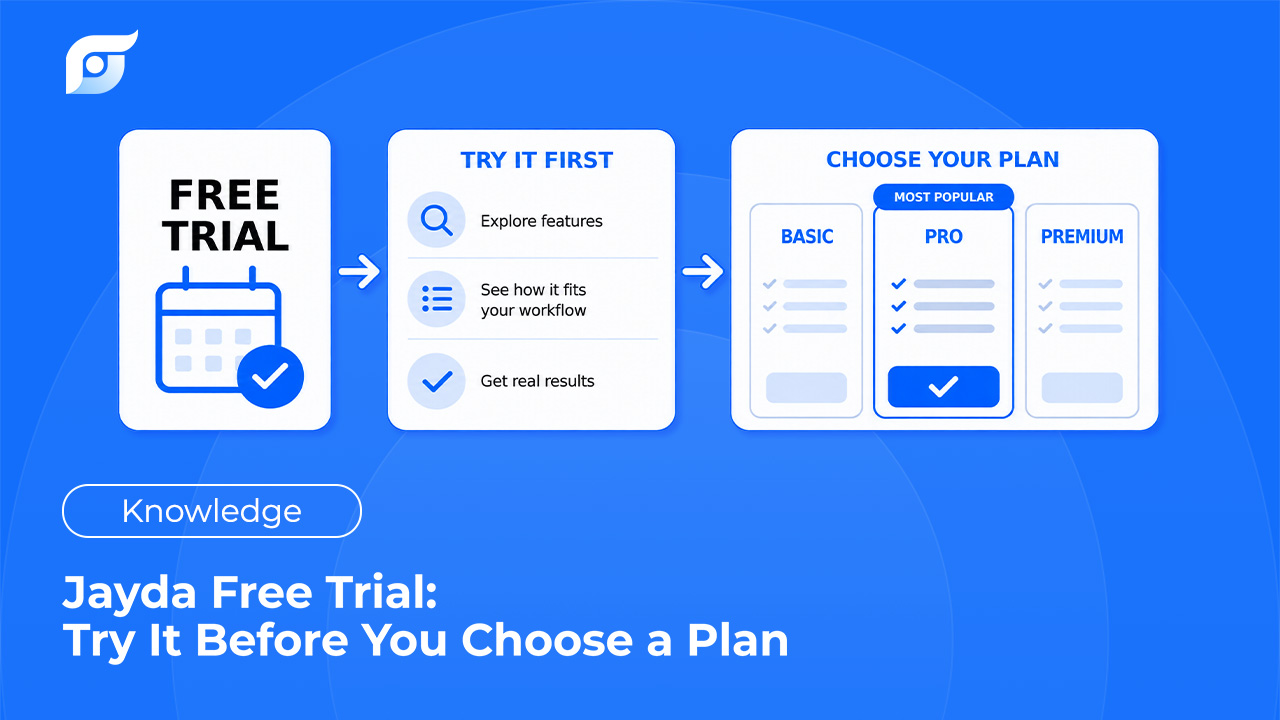
With Pro Tech, you can try Jayda for 3 days before deciding whether it’s the right fit for your workflow. The trial is self-serve, so you don’t need to schedule a sales call just to start testing it.
Instead of making a decision based on a feature list, you can put Jayda in front of a real vehicle and see how quickly you can find the OEM information you need.
Don’t Evaluate Jayda With a Feature Checklist
The easiest way to evaluate repair software is to compare feature lists.
Does it have wiring diagrams?
Does it have DTC information?
Does it have OEM procedures?
Does it have specifications?
Does it have TSBs?
Those questions matter.
But they’re not the whole story.
Most professional repair information systems already contain a lot of useful information.
The bigger question is:
How quickly can you get to the information when you’re actually working on a vehicle?
That’s where Jayda is designed to be different.
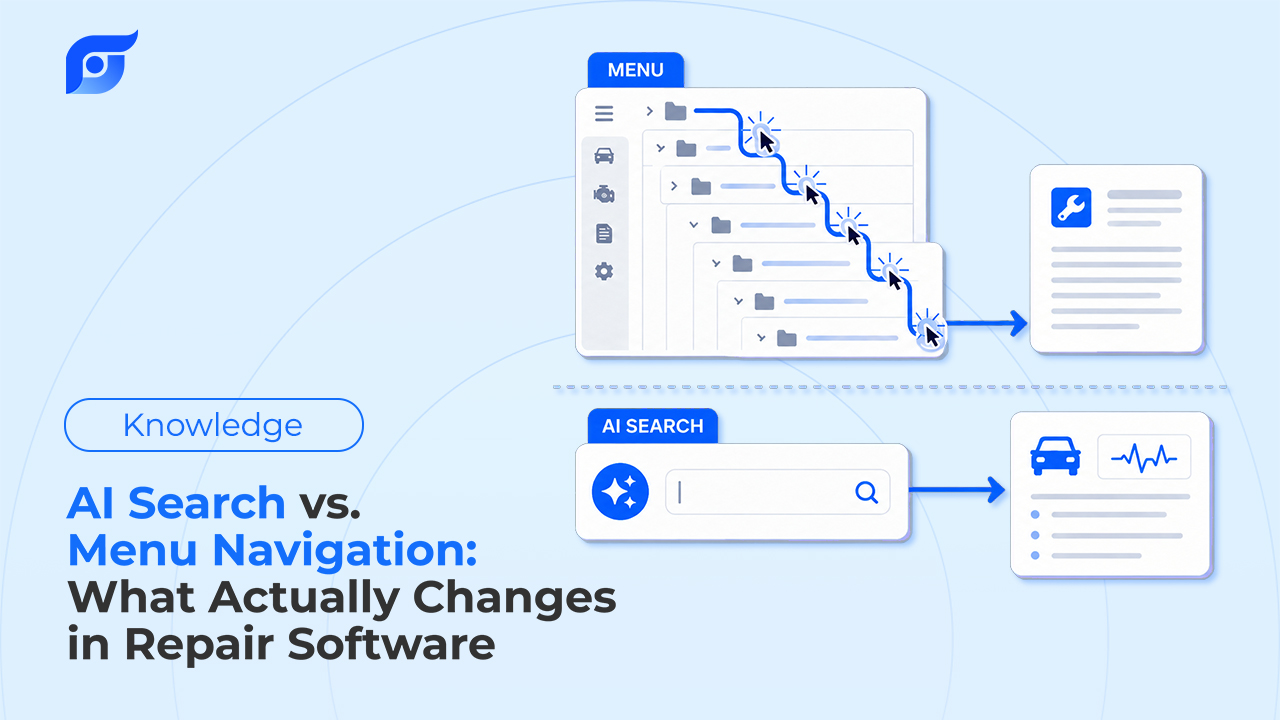
Instead of starting with a database structure and navigating through menus, Jayda is built around intent-based access.
You start with what you’re trying to find.
For example:
“P0335 crankshaft sensor test procedure”
Or:
“Head bolt torque sequence”
Or:
“2021 F-150 cam phaser rattle TSB”
Jayda uses the request to locate the relevant OEM information instead of making you work your way through the database first.
That’s the experience worth testing during the trial.
What You Get During the Jayda Trial
The Pro Tech free trial gives you a short window to evaluate the product before committing to a plan.
The current offer is:
- 3-day free trial
- Self-serve signup
- No sales call required
- Access to the Pro Tech experience
- The ability to test Jayda against real repair questions
The current Terms of Service specify that the Pro Tech trial is limited to 3 AI queries.
That means the trial isn’t designed to be a long-term free subscription.
It’s designed to answer a much simpler question: Does this work for me?
The Best Way to Use Your 3-Day Trial
Don’t spend the trial randomly clicking around.
Use it on the information you actually look up.
A good evaluation takes only a few real repair questions.
1. Start With a Lookup You Already Know
Pick something you have previously looked up in another repair information system.
It could be:
- a torque specification,
- a repair procedure,
- a wiring diagram,
- a DTC diagnostic procedure,
- a component location,
- a TSB,
- or another vehicle-specific specification.
Run the same lookup through Jayda.
Then compare the experience.
Don’t just compare whether the information exists.
Compare:
How many steps did it take to find?
How long did it take?
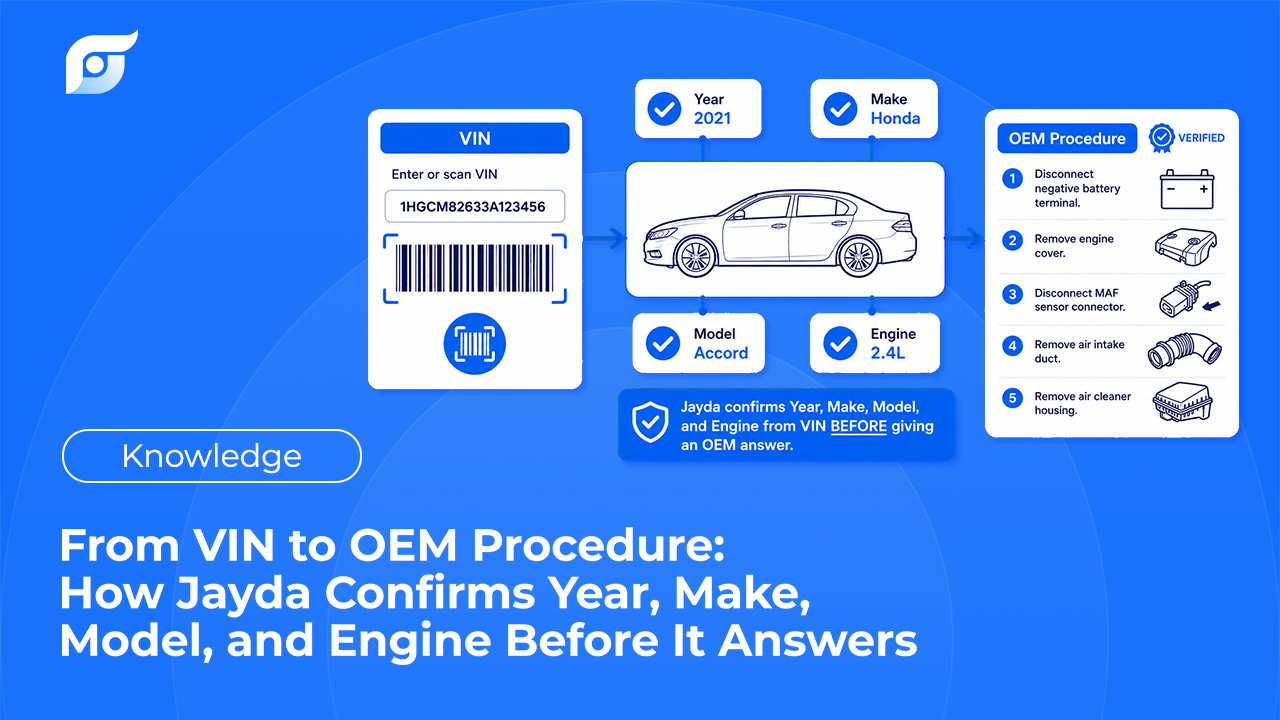
Was the result relevant to the vehicle?
Can you verify the source?
This gives you a much better baseline than simply browsing the feature list.
2. Try a Real Technician-Style Query
The value of Jayda becomes clearer when you search the way you actually think about a repair.
You don’t necessarily think in database categories.
You think about the vehicle and the problem.
For example:
“2019 Silverado P0300 intermittent misfire test procedure”
or:
“F-150 transmission shudder TSB”
or:
“2.5L oil capacity and viscosity”
Jayda’s search experience is designed around that kind of intent.
The goal isn’t to teach you a new search syntax.
It’s to let you start with the question you already have.
3. Try a Lookup That Usually Takes Time
The best test isn’t always the easiest question.
Choose something you know tends to require more navigation.
For example:
Wiring
Find the wiring diagram for a particular circuit.
Diagnostics
Find the OEM test procedure behind a specific DTC.
Specifications
Find a torque value and its associated sequence.
TSBs
Check whether a symptom has an applicable Technical Service Bulletin.
Component Locations
Find the exact location of a component before starting disassembly.
These are the kinds of lookups where information access can have a measurable impact on the repair workflow.
Jayda currently provides 12 OEM data categories covering repair procedures, DTCs, labor times, fluids and capacities, maintenance schedules, part illustrations, OEM parts data, specifications, wiring diagrams, TSBs, and recalls.
4. Look at the Source, Not Just the Answer
Speed is only useful if the underlying information is trustworthy.
Jayda’s approach is intentionally different from a general-purpose AI chatbot.
The AI is used to understand the request and locate relevant repair information.
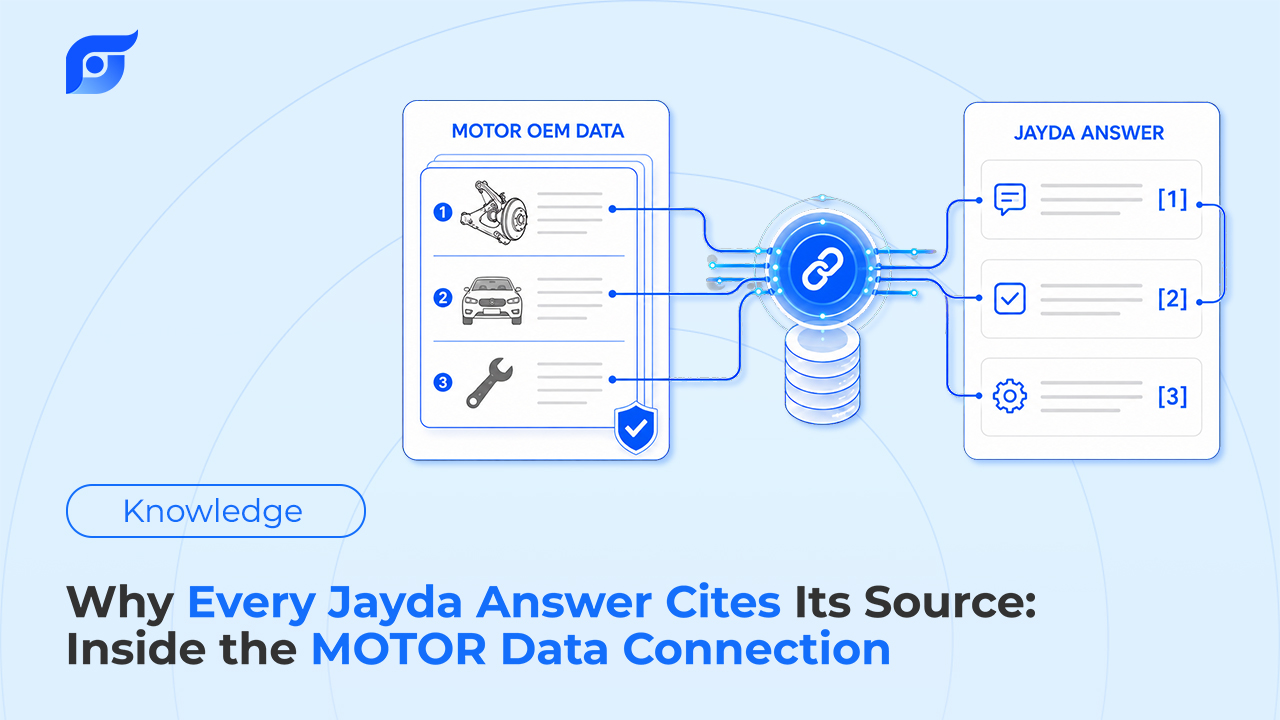
The repair information itself is sourced through MOTOR Information Systems.
Jayda’s product materials state that the platform provides OEM repair information across 12 categories, with source citations accompanying the information.
So when evaluating the trial, don’t just ask:
“Did Jayda give me an answer?”
Ask:
“Can I see where this information came from?”
That distinction matters when you’re dealing with torque specifications, wiring information, diagnostic procedures, and other vehicle-specific repair information.
5. Measure the Time
This is probably the most useful thing you can do during the trial.
Before you start, think about how long a typical lookup takes you today.
Then compare it with Jayda.
For example:
| Lookup | Current Workflow | Jayda |
|---|---|---|
| Torque specification | [X min] | [X min] |
| Wiring diagram | [X min] | [X min] |
| DTC procedure | [X min] | [X min] |
| TSB lookup | [X min] | [X min] |
You don’t need a complicated productivity study.
You just need enough real examples to answer:
Is getting to the information faster?
Jayda’s own website positions the product around reducing the time spent navigating through traditional repair information systems and getting technicians to the relevant OEM information more directly.
Your trial is the opportunity to see what that difference looks like in your own workflow.
What If You Already Use ALLDATA or Mitchell?
You don’t necessarily need to stop using the tools you already have to evaluate Jayda.
In fact, one practical way to test Jayda is to use both.
Keep your existing system for the deeper research you’re already comfortable with.
Then use Jayda for quick lookups:
- “What’s the torque spec?”
- “Where’s this component?”
- “Is there a TSB?”
- “What’s the test procedure?”
- “Show me the wiring diagram.”
This gives you a direct comparison without changing your entire workflow.
Jayda’s own messaging explicitly positions it as something shops can use alongside existing repair information systems rather than requiring an immediate switch.
The question isn’t: “Can Jayda replace everything I use?”
It’s: “Can Jayda make the information lookups I do every day faster?”
Who Should Try Jayda?
The trial is particularly useful for people who regularly work with vehicle-specific repair information.
Professional Technicians
If you spend part of every repair looking for procedures, specifications, wiring, DTC information, or TSBs, measure how much time you spend doing it.
Mobile Mechanics
When you’re working at the vehicle rather than at a fixed workstation, fast access becomes even more useful.
Jayda’s current Mastertech plan is specifically positioned for mobile mechanics and small businesses that work across multiple customer vehicles.
Independent Repair Shops
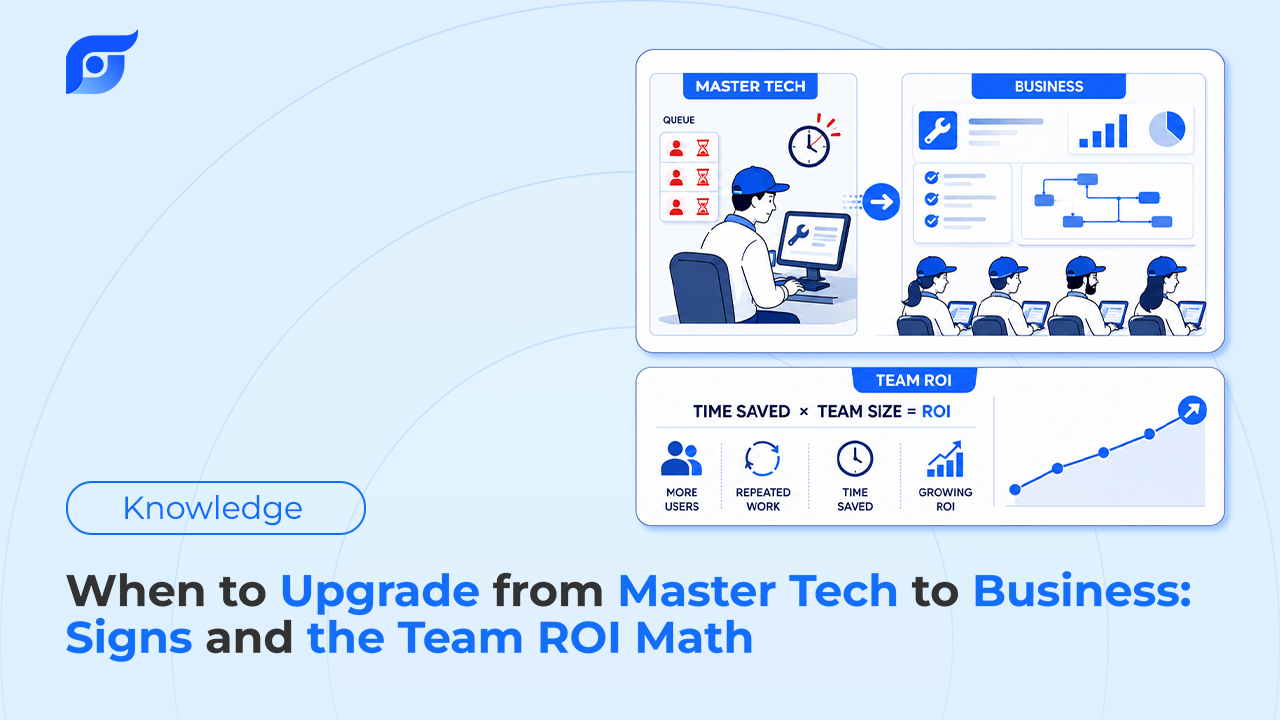
If multiple technicians are repeatedly searching for similar types of information, small improvements in lookup time can compound across the team.
DIY Vehicle Owners
You don’t need to be a professional technician to benefit from access to vehicle-specific OEM information.
The important part is having a real vehicle and a real question to test.
What Happens After the Trial?
The point of a trial isn’t to pressure you into choosing the most expensive plan.
It’s to give you enough experience to decide which workflow fits your needs.
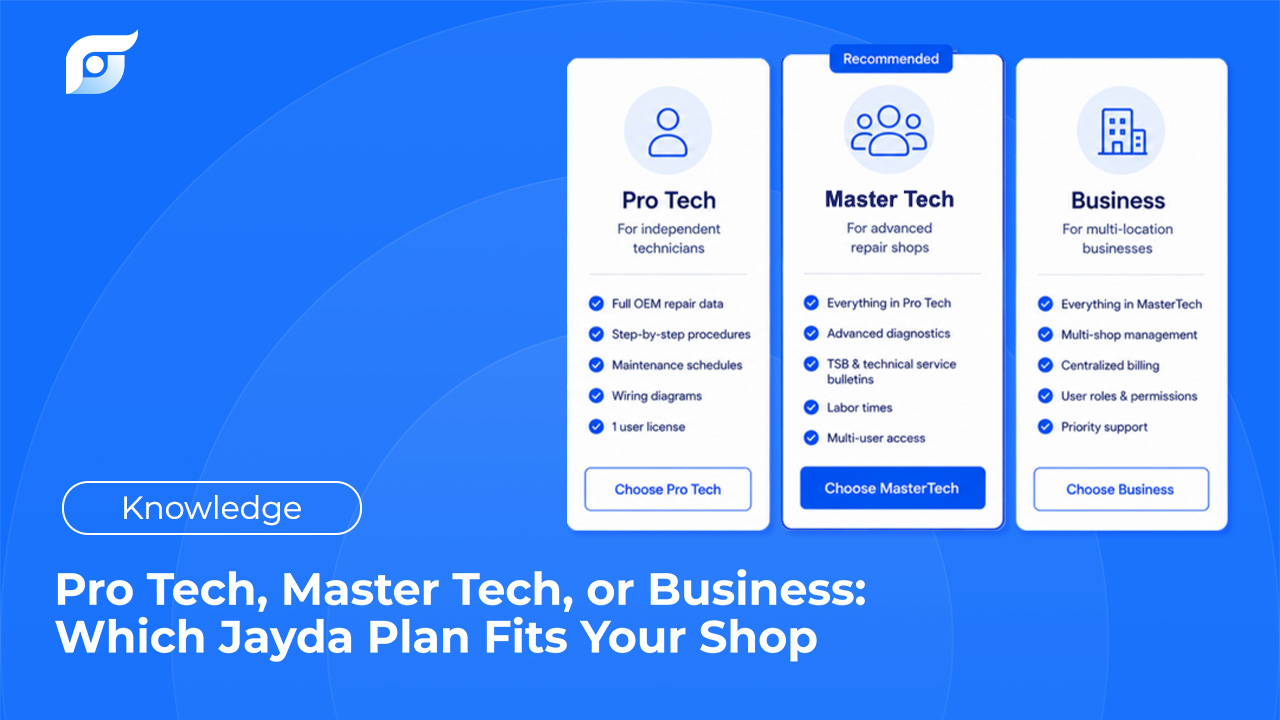
Jayda’s current pricing structure includes:
Pro Tech
Designed for professional technicians working with one vehicle and one user.
The current monthly price shown on Jayda’s pricing page is $14.95/month, with annual and three-year billing options also available.
Mastertech
Designed for mobile mechanics and small businesses that need to work across multiple customer vehicles.
The current listed price is $77.95/month, with 30 vehicle slots that reset monthly.
Business
Designed for professional repair shops and growing teams.
The current listed price is $149/month, with up to 10 technicians and unlimited vehicles managed. A 7-day trial is available by contacting Jayda to activate it.
The right plan depends on how you actually use repair information.
That’s why trying the workflow first can be more useful than deciding from pricing alone.
A Simple Trial Checklist
Before your trial ends, answer these five questions:
1. Did Jayda find the information I actually needed?
Not just an answer that sounds relevant.
The specific information for the vehicle you’re working on.
2. Was it faster?
Compare the time required for several real lookups.
3. Could I verify the source?
Check the source information accompanying the result.
4. Would I use it during an actual repair?
A product can look good in a demo and still fail to fit your workflow.
Test it at the vehicle.
5. Did it save enough time to matter?
This is the most important question.
You don’t need Jayda to transform your entire shop overnight.
If it consistently saves meaningful time on the lookups you perform every day, that’s the signal you’re looking for.
Don’t Choose a Plan Yet. Try the Workflow First.
Repair information is something you use in the middle of real work.
That’s why the best way to evaluate Jayda isn’t by reading another list of features.
Put a vehicle in your garage.
Ask a question you actually need answered.
Find the procedure, specification, diagram, DTC information, or TSB.
Then compare the time it took.
The decision becomes much simpler when you’re evaluating the workflow instead of the promise.
Try Jayda first. Then choose the plan that fits how you work.
Frequently Asked Questions
How long is the Jayda free trial?
The Pro Tech free trial lasts 3 days. The current Terms of Service specify that the trial is limited to 3 AI queries.
Do I need to talk to sales to start the Pro Tech trial?
No. Pro Tech’s trial is self-serve. You can start through Jayda’s website or app.
Is there a free trial for Business?
Yes. Business has a 7-day trial, but it must be activated by contacting Jayda in advance.
Can I use Jayda alongside my existing repair information system?
Yes. Jayda can be used alongside existing tools, particularly for quick vehicle-specific lookups.
Where does Jayda’s repair information come from?
Jayda’s repair information is sourced through MOTOR Information Systems and covers 12 OEM data categories, including procedures, DTCs, specifications, wiring diagrams, TSBs, recalls, parts data, and more.
What should I test during the trial?
Use real repair questions from vehicles you’re currently working on. Test several different lookup types and compare how quickly you can reach the relevant information against your existing workflow.
Where can I see Jayda’s current pricing?
You can see the current plans and pricing here: https://jayda.ai/#pricing