Every shop hits this decision eventually: pay for OEM-level access, lean on a cheaper Aftermarket guide, or try to get by with both depending on the job. The real question underneath it isn’t “which is better” — it’s which one you actually need for the repair in front of you, and where getting it wrong costs you more than the subscription would have.
Quick Take: The Core Difference
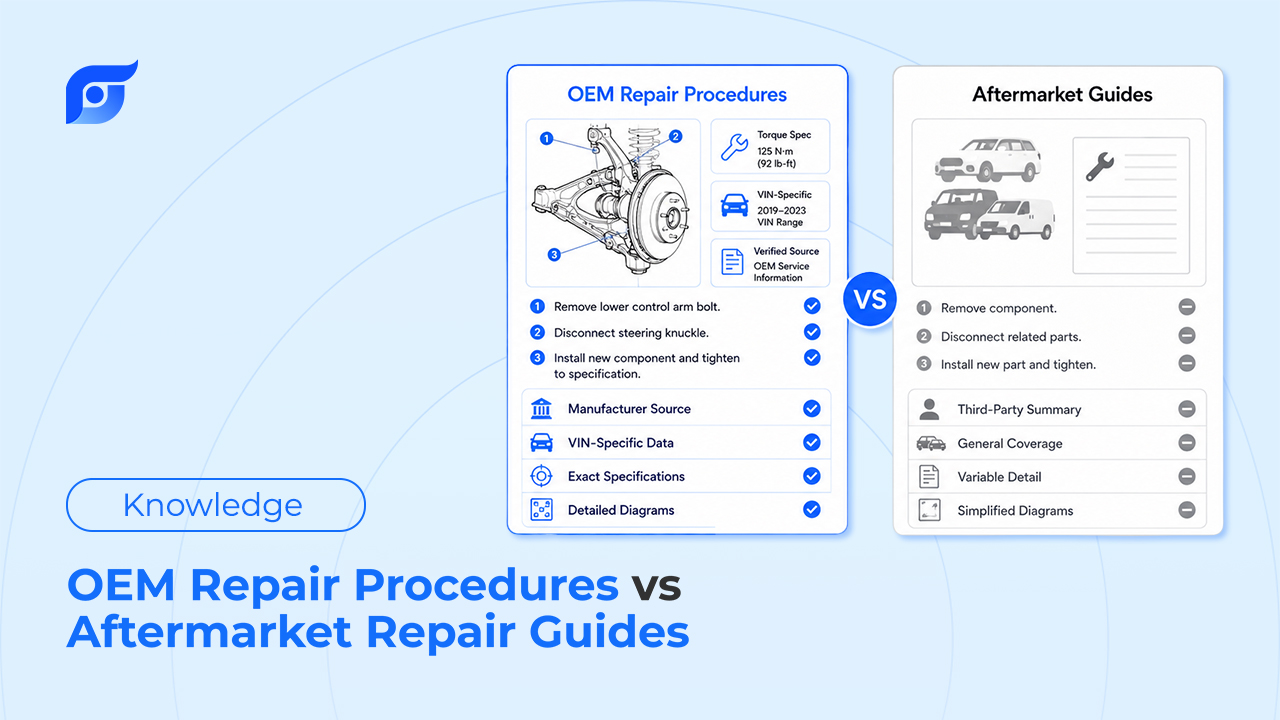
OEM repair procedures come directly from the vehicle manufacturer — the same documentation dealership technicians use, covering torque specs, wiring diagrams, ADAS calibration steps, and structural repair limits exactly as the manufacturer published them. Aftermarket repair guides (Haynes, Chilton, and similar) are independently compiled, generally easier to read, and lower cost — but they’re not sourced directly from the manufacturer and don’t carry the same weight for warranty or liability purposes.
What Are OEM Repair Procedures?
OEM repair procedures are the manufacturer’s own service documentation — the exact torque sequences, wiring diagrams, fluid specs, and step-by-step procedures engineers and factory technicians use to build and service the vehicle. Because the content comes straight from the source, it carries real weight in situations where “close enough” isn’t good enough.
Where OEM data matters most:
- Structural and collision repair — cutting or welding in the wrong location on a modern unibody can compromise crash performance. OEM procedures specify exact sectioning points and weld types; aftermarket guides generally don’t go into that level of structural detail.
- ADAS calibration — cameras and radar sensors tied to lane-keep, adaptive cruise, and automatic braking systems require calibration procedures specific to the exact vehicle configuration. Getting this wrong doesn’t just mean a comeback — it means a safety system that doesn’t work correctly.
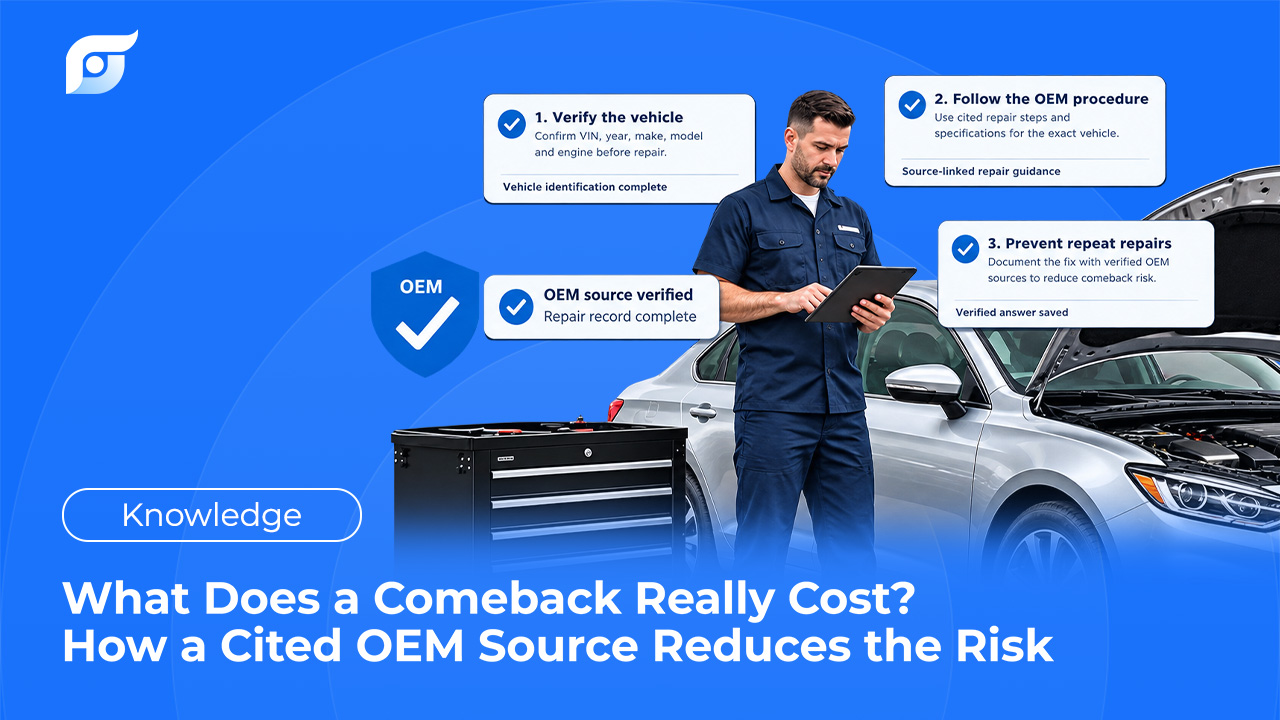
- Warranty and liability documentation — if a repair is ever questioned, having followed the manufacturer’s own documented procedure is a materially different position than having followed a third-party guide’s interpretation of it.
The real tradeoff: OEM data access is priced at a premium, and it’s typically organized as a document library rather than a quick-reference guide — so getting to the specific page or diagram you need still takes navigation time, even once you’re paying for the access.
What Are Aftermarket Repair Guides?
Aftermarket guides — Haynes and Chilton are the names most techs and DIYers know — are compiled independently rather than published by the manufacturer. They’re built to be approachable: more photos of the actual teardown process, plainer language, and a lower price point, often free through public libraries for older, common vehicles.
Where Aftermarket guides work well:
- Routine maintenance on common vehicles — oil changes, brake pads, battery replacement, basic tune-ups.
- Learning a repair process visually before attempting it, especially for less experienced techs or serious DIYers.
- Budget-conscious situations where the job doesn’t touch structural, ADAS, or warranty-sensitive systems.
The real tradeoff: Aftermarket guides are compiled after the fact, which means coverage of a brand-new model year can lag, and specs occasionally drift from what the manufacturer actually specifies — a risk that matters a lot more on a torque spec than on a general maintenance interval. They also don’t carry evidentiary weight if a repair is ever disputed, since they’re not the manufacturer’s own documentation.
Head-to-Head Comparison Matrix
| OEM Repair Procedures | Aftermarket Repair Guides | |
|---|---|---|
| Source | Manufacturer, direct | Independently compiled |
| Accuracy for current model years | Highest — published by the manufacturer | Can lag on newer vehicles |
| Warranty/liability value | Strong — manufacturer’s own documented procedure | Limited — not the manufacturer’s own record |
| ADAS calibration / structural repair coverage | Required for these categories | Generally not detailed enough |
| Ease of reading | Denser, engineering-oriented format | Written for approachability |
| Cost | Premium, subscription-based | Low cost, sometimes free through libraries |
| Lookup speed | Still requires document navigation | Still requires flipping through pages |
The Real Dilemma: OEM Is Accurate, Aftermarket Is Fast to Read — Neither Is Fast to Search
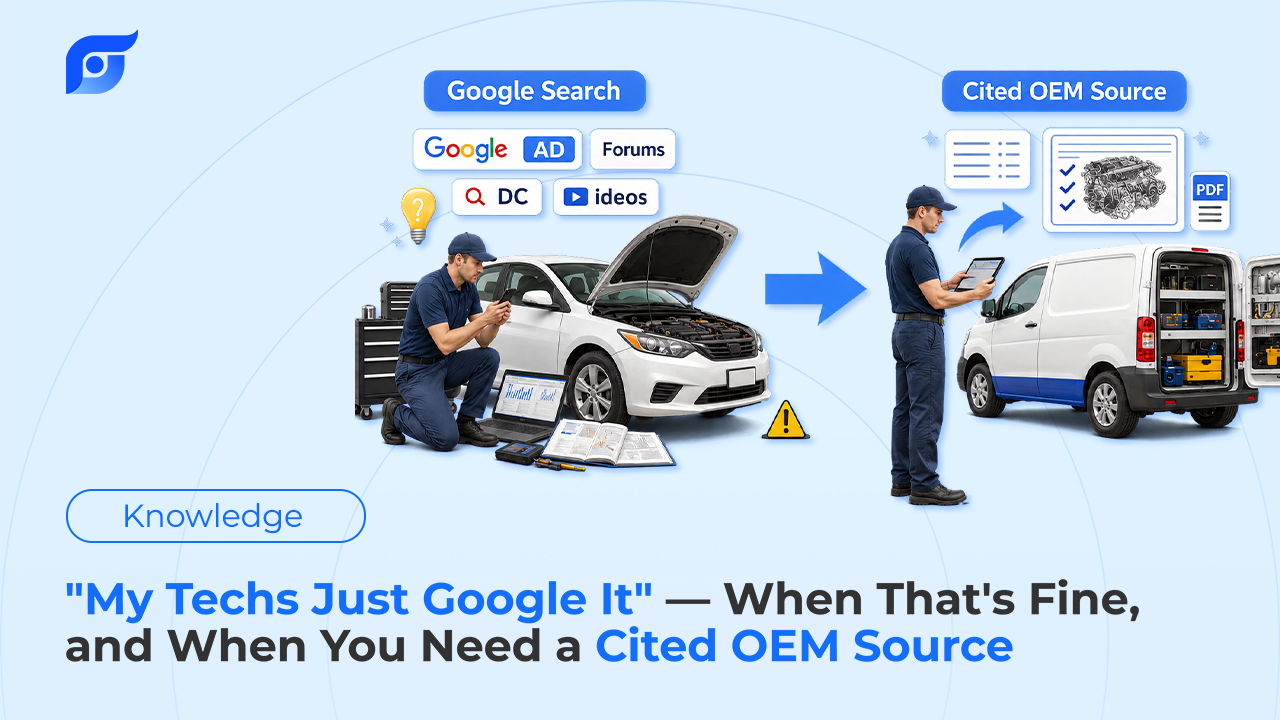
Framed as “accuracy vs. readability,” this looks like a tradeoff you have to accept. It isn’t, really — both formats share the same underlying problem. Whether you’re navigating an OEM document tree or flipping through an Aftermarket manual page by page, you’re still doing manual navigation to get from “I need this spec” to actually having it. The accuracy gap between the two is real. The speed gap between them is not — neither one is fast to search, they’re just slow in different ways.
Jayda — The OEM Answer, Reached by Asking Instead of Searching
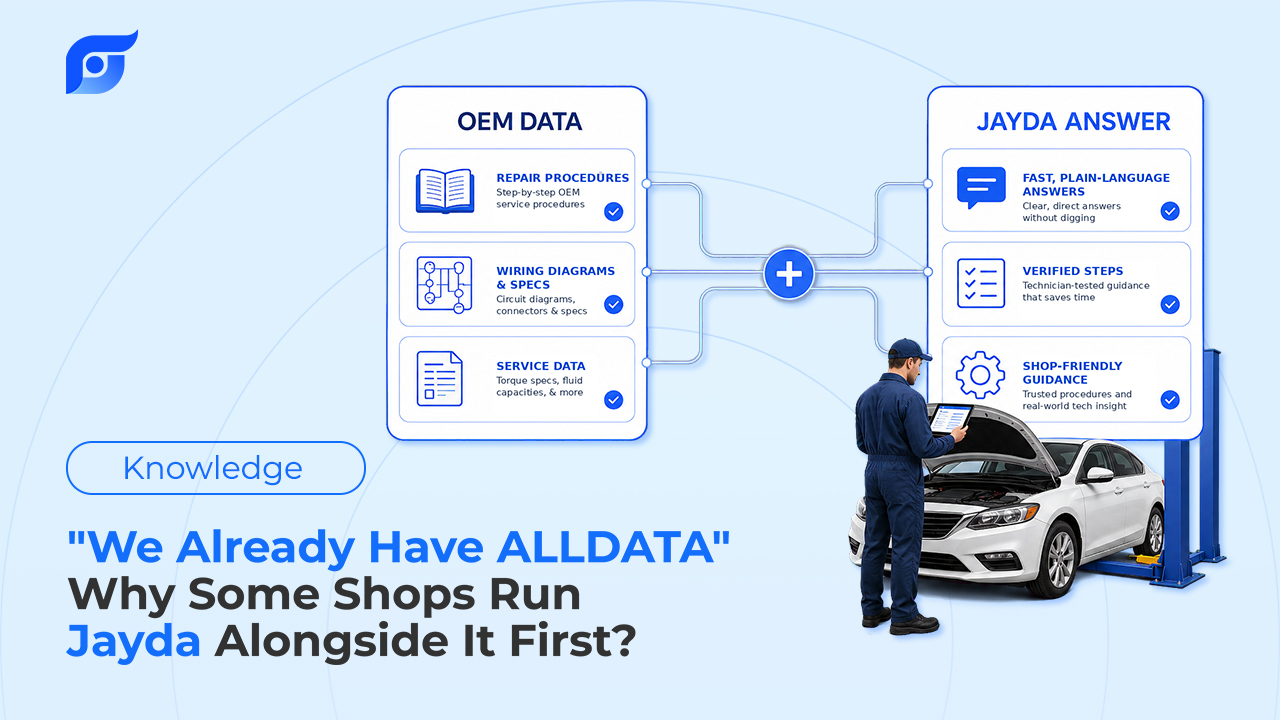
This is the part worth being precise about: Jayda doesn’t try to combine OEM accuracy with Aftermarket-style simplicity by rewriting anything. It shows OEM content exactly as the manufacturer published it — unedited, cited to its source, built on licensed MOTOR data covering domestic and imported vehicles, light through heavy-duty. What changes is how you get to it.
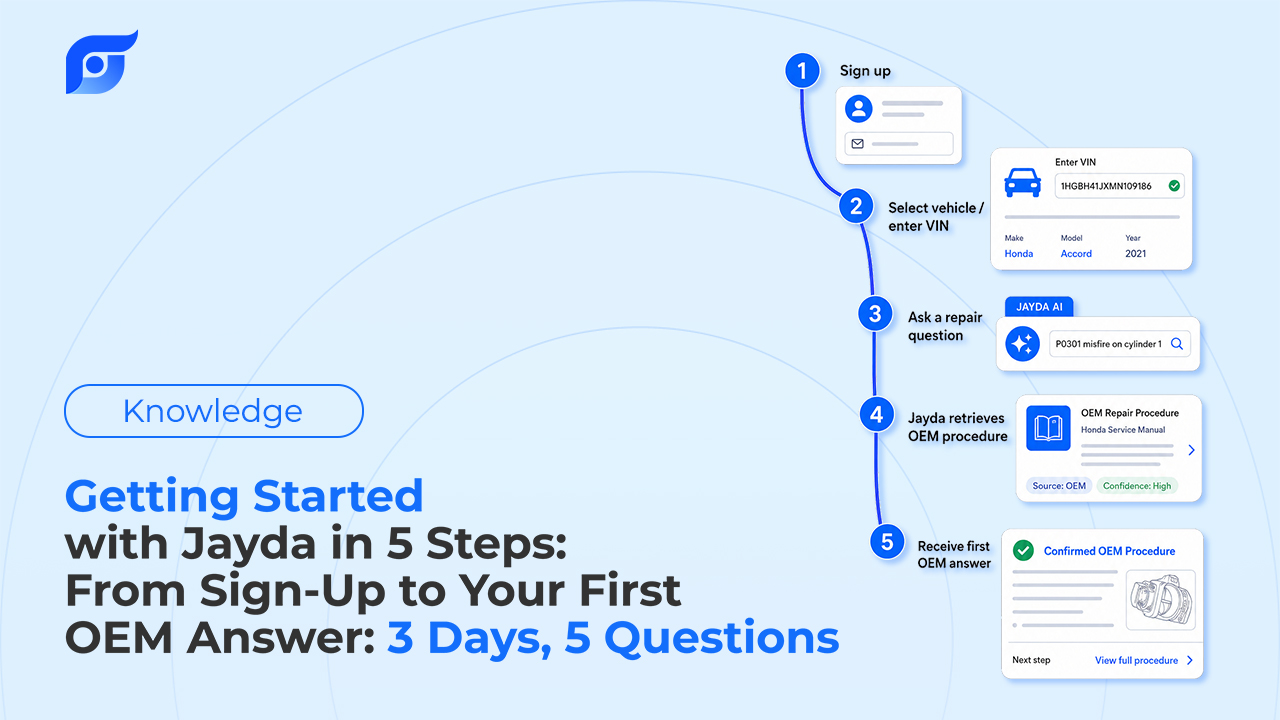
Instead of navigating a document tree or flipping through a manual, you ask directly — the way you’d ask the most experienced tech in the shop:
“2019 F-150 rear differential fluid capacity”
Jayda returns the manufacturer’s spec for that exact vehicle, cited to its source. For a torque sequence, a wiring diagram, or an ADAS-adjacent procedure, the same applies — you get the OEM content itself, not a simplified or reworded version of it, because a rewritten version is exactly what you don’t want when the job involves warranty documentation or a structural spec.
If you’re weighing whether a job actually needs OEM-level data or whether an Aftermarket guide would cover it, that decision doesn’t change — Jayda doesn’t make that call for you. What it changes is how fast you can confirm the answer once you know which source the job requires. And if a specific procedure isn’t in the database, Jayda says so directly rather than approximating from a similar vehicle. Ask once. Know the OEM procedure.
Conclusion
Choosing between OEM repair procedures and aftermarket repair guides depends on the job—but when accuracy, safety, and manufacturer compliance matter, OEM information is the standard you can trust.
With Jayda, you can access official OEM repair procedures from licensed MOTOR data in seconds. Simply ask a question, get source-cited answers, and spend less time searching and more time repairing.
Try Jayda today and see how fast finding the right repair information can be.
FAQ
Can I use an Aftermarket guide instead of OEM data for warranty work? Not reliably. Warranty claims and disputed repairs are generally evaluated against the manufacturer’s own documented procedure. An Aftermarket guide’s interpretation of that procedure doesn’t carry the same weight, even if the steps look similar.
Is Aftermarket data accurate enough for routine maintenance? For common services on well-established vehicles — oil changes, brake jobs, basic tune-ups — Aftermarket guides are generally reliable. The risk goes up on newer model years, hybrid/EV-specific systems, and anything involving a torque spec you’d stake a comeback on.
Do I need OEM data for every repair? No. Plenty of routine work doesn’t require it. The categories where OEM data matters most are structural/collision repair, ADAS calibration, and anything where warranty or liability documentation could come into question later.
Does Jayda replace ALLDATA, Mitchell 1, or my Aftermarket subscription? Not automatically. Jayda is built for OEM-sourced lookups reached by asking instead of navigating — many shops run it alongside their existing system and compare the workflow before changing anything about what they’re already paying for.