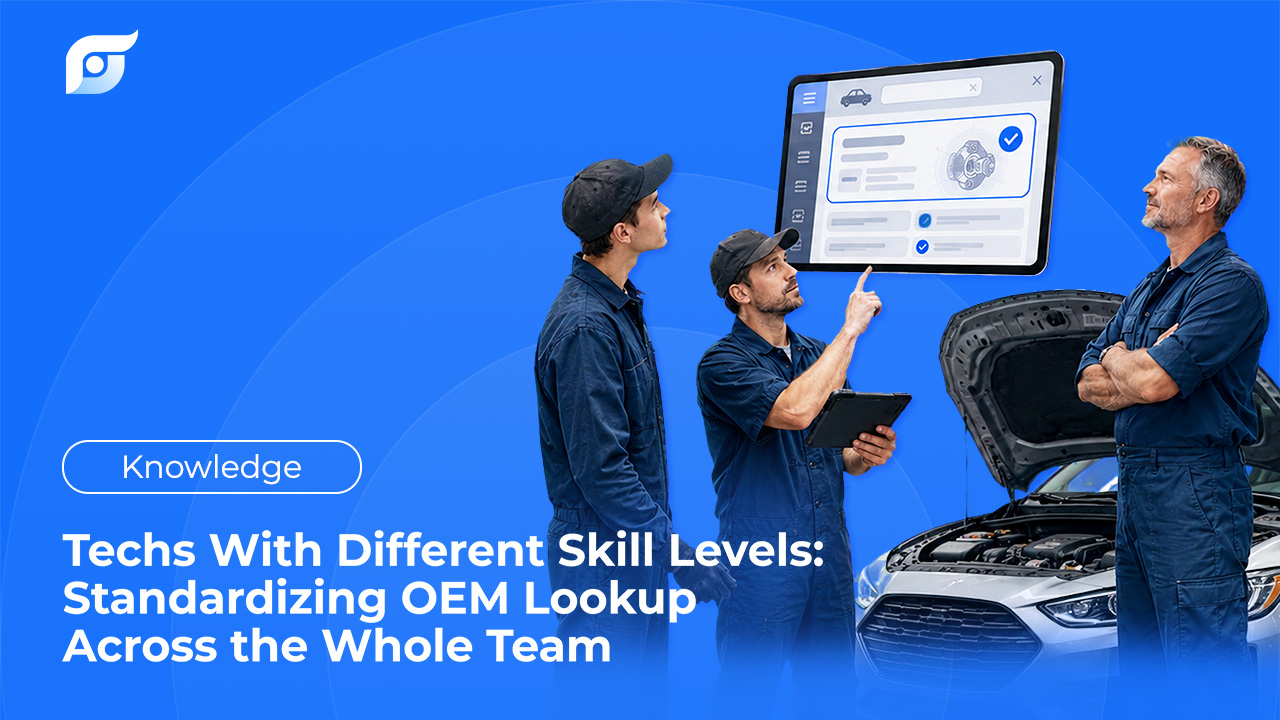
A senior tech finds a torque spec from memory in ten seconds. The apprentice on the next lift over spends fifteen minutes in the same menu tree, unsure whether the manufacturer filed it under the part’s common name or its internal one. Both eventually get the same number — but only one of them got there without help, and the other one usually got there by pulling the senior tech off their own job.
That gap isn’t a training failure. It’s what happens when a lookup tool assumes everyone using it already knows its structure.
The Real Cost of Mixed Skill Levels
Search-time leak. Technicians commonly lose 15–45 minutes per RO to lookup, and that gap tends to be widest for less experienced techs still learning where things live in a menu-based system.
Senior tech interruptions. Every time an apprentice gets stuck and pulls in a senior tech to point them to the right page, that’s billable time spent on navigation help, not repair work — a cost that compounds across a team, not just during onboarding.
Inconsistent procedure quality. When a lookup is frustrating enough, a less experienced tech is more likely to work from memory or a guess instead of confirming the spec — and that’s the actual mechanism behind most comebacks, not a skill gap on its own.
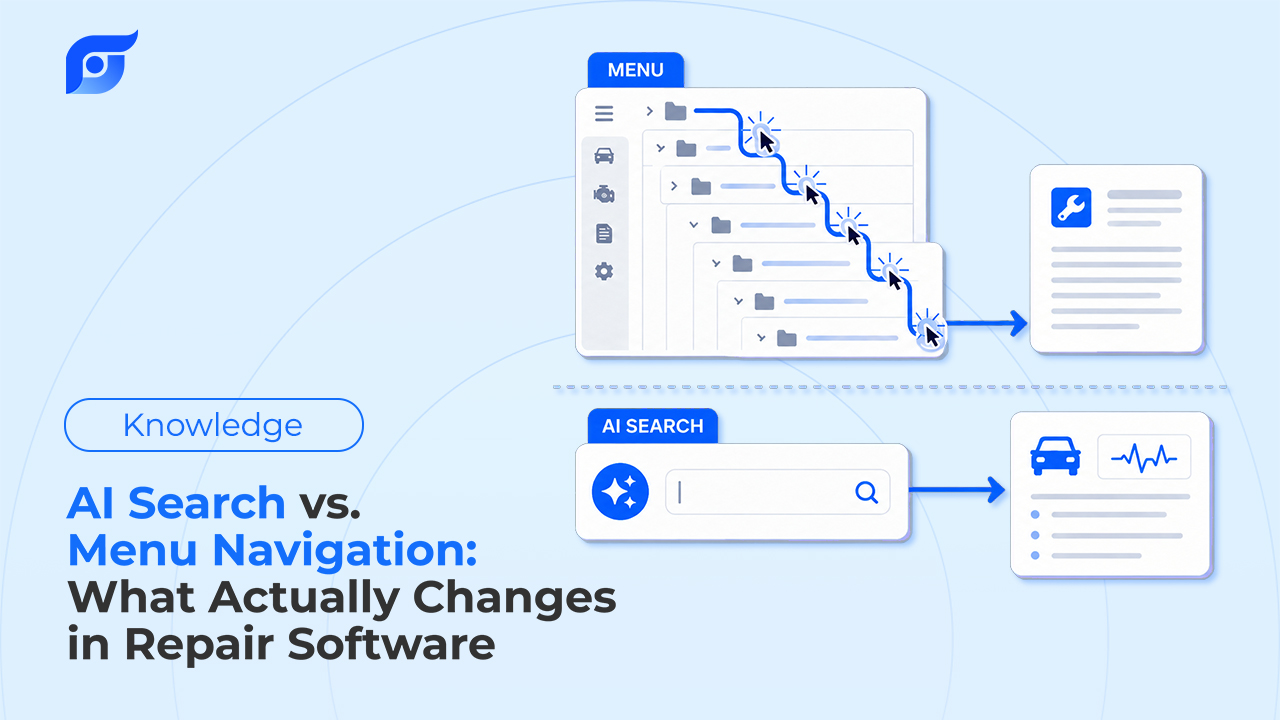
Why Menu-Based Lookup Doesn’t Scale Across Skill Levels
| Legacy Menu-Based Lookup | Jayda | |
|---|---|---|
| Search method | Exact manufacturer terminology, multi-layer menus | Plain-language questions |
| Time to get comfortable | Weeks of learning the structure | Minutes — ask the way you’d ask a coworker |
| TSB access | Available if you know to check | Returned when you ask about a code or symptom |
| Answer consistency across the team | Varies with how well each tech knows the software | Same OEM data, same match, regardless of tenure |
| Data verification | Manual page-by-page reading | Citation shown with every answer |
A menu-based system asks every tech to adapt to its structure. What actually standardizes a mixed-skill team is a system that doesn’t require that adaptation in the first place.
What “Standardized” Actually Means With Jayda
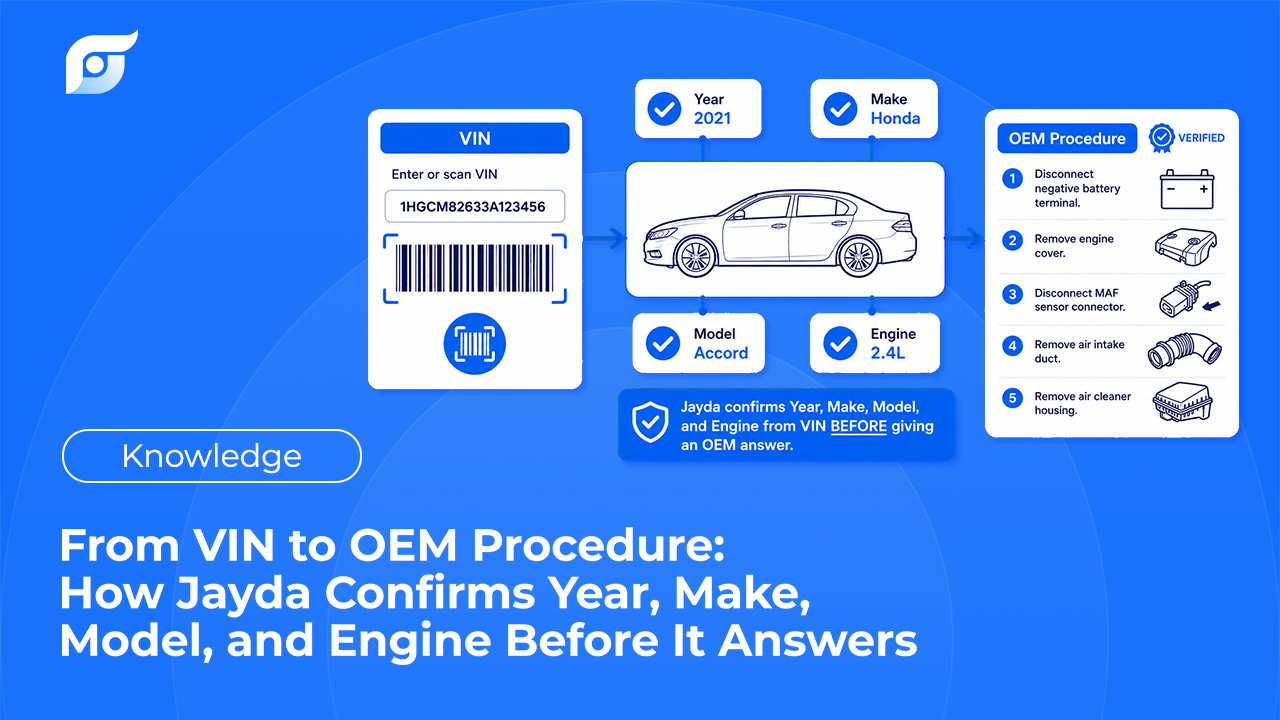
Same data, same match, for everyone. All 12 OEM data categories are identical for every technician on the account — there’s no tiered or simplified version for less experienced users.
Plain-language questions replace manufacturer vocabulary. Asking directly removes the need to know which internal term a manufacturer uses — a barrier that has nothing to do with mechanical skill and everything to do with software familiarity.
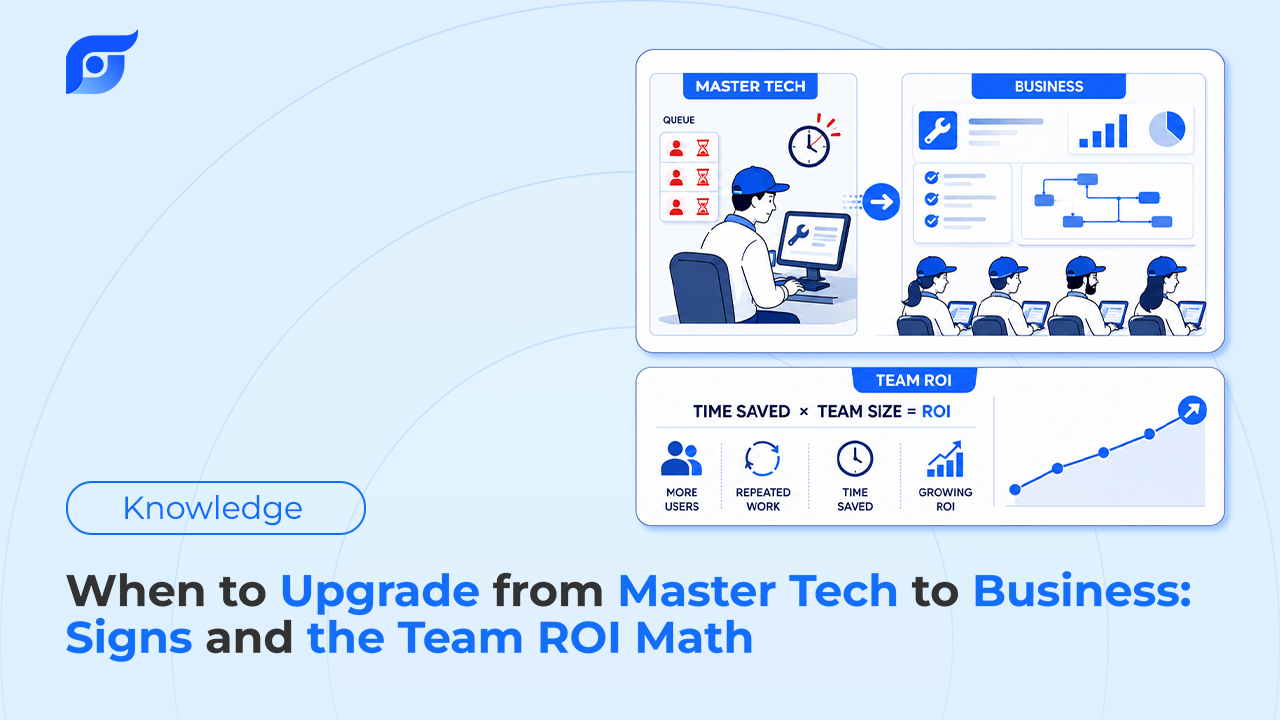
Shared Projects carry case history across the team. This is the part that actually addresses skill-level gaps directly: on Business tier, a vehicle’s saved questions, photos, and notes are visible to the whole team, not locked to whoever looked it up first. A newer tech picking up a job a senior tech already touched inherits that context instead of starting from zero.
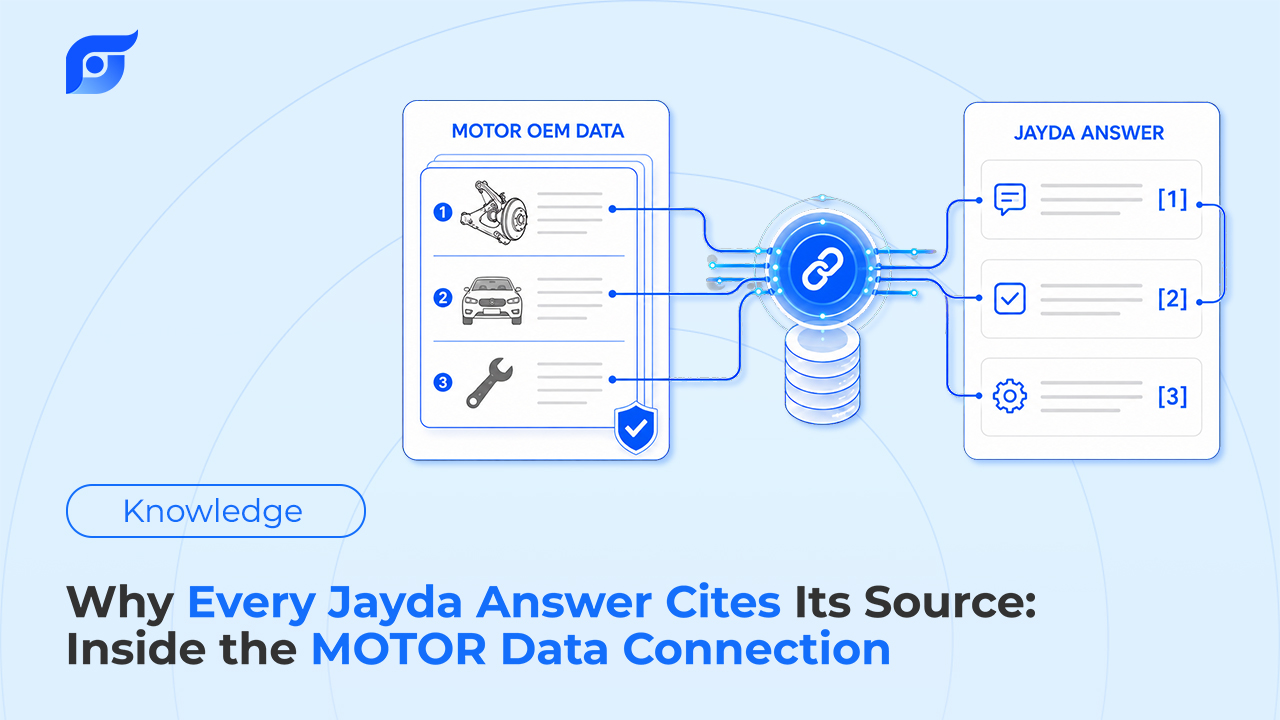
Citations let a newer tech verify independently. Every answer shows its source, which means a less experienced tech can check an answer against the original instead of needing a senior tech to confirm it’s right.
What This Doesn’t Promise
None of this eliminates the value of experience, and it doesn’t reduce senior-tech involvement to zero — judgment calls, borderline diagnoses, and knowing when something looks wrong for the vehicle still come from hands-on repair experience, not faster lookup. What standardizes is narrower and more specific: every tech, regardless of tenure, starts from the same OEM source and the same case history instead of a different starting point depending on how well they know the software.
For Teams Beyond 10 Technicians
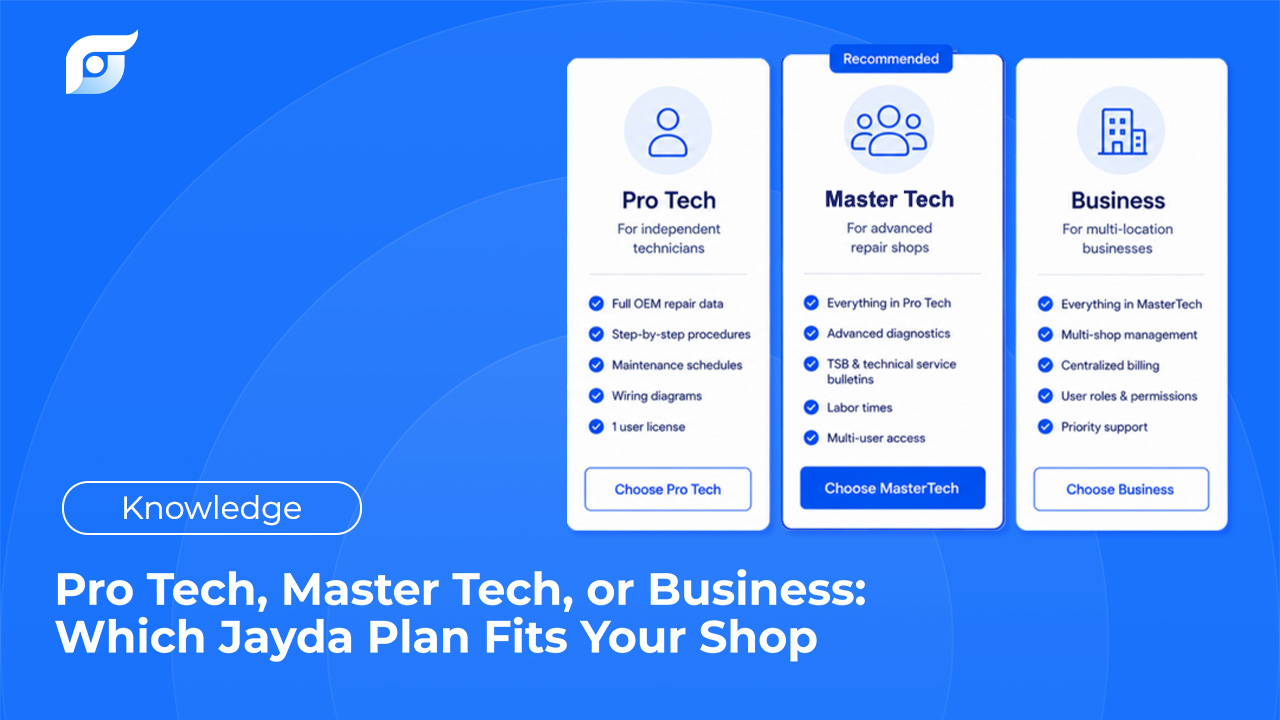
Business tier covers up to 10 technicians on one flat rate. For larger operations, Enterprise offers custom team size along with API access for integration into existing systems — worth a direct conversation rather than a fixed spec, since Enterprise terms are scoped to what a specific fleet or dealership group actually needs.
Frequently Asked Questions
Does this replace hands-on training for new technicians? No. It removes the software-navigation learning curve specifically — mechanical judgment and diagnostic experience still come from mentorship and repair work.
How is this different from just training everyone on the same legacy software? Training helps a tech learn a specific menu structure, but that knowledge doesn’t transfer to a different make’s portal or a new hire’s first week. Plain-language lookup and shared case history don’t require that structure-specific training in the first place.
Is the data different for junior versus senior technicians? No — every technician on the account gets the same 12 OEM data categories and the same citation-verified answers, regardless of experience level.
What if we have more than 10 technicians? That’s what Enterprise is for — custom team size, along with API access for larger or multi-location operations.
If your team spans a wide range of experience levels, contact us to see how standardized lookup and shared Projects fit your shop.