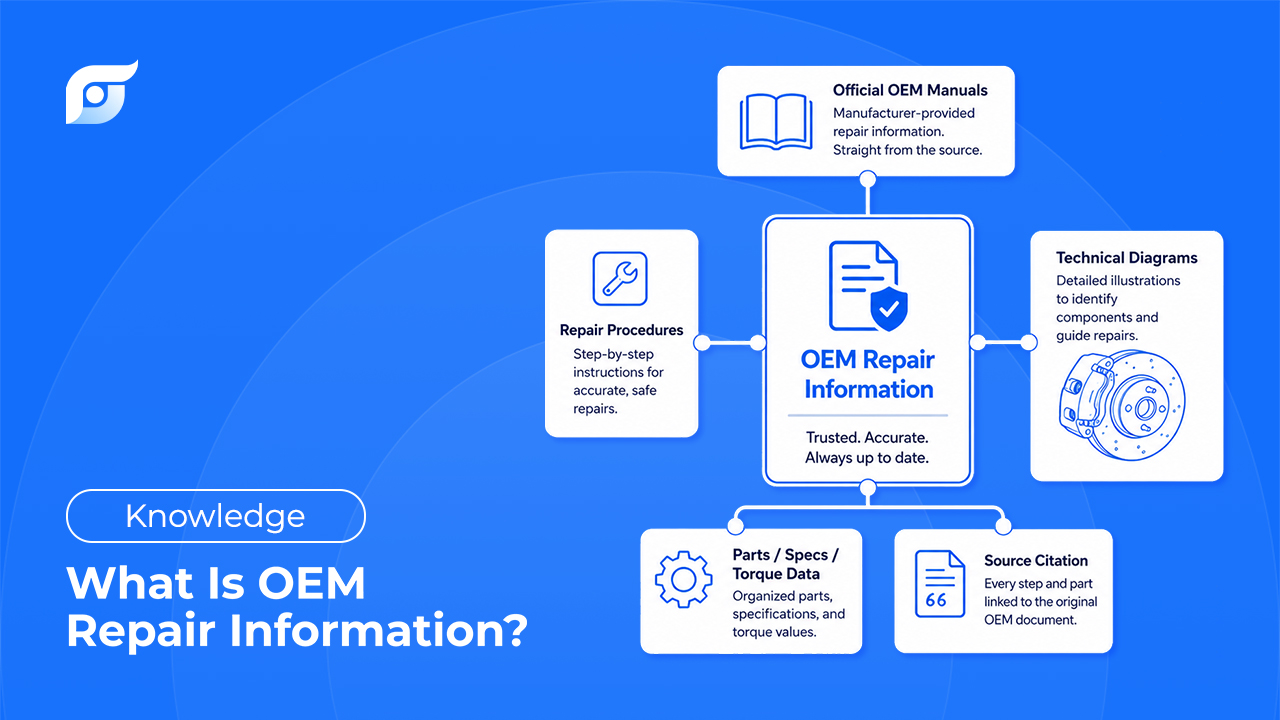
OEM repair information is repair, service, and specification data published directly by a vehicle’s manufacturer — the same procedures, torque specs, wiring diagrams, and bulletins engineers used to design and validate the vehicle. It’s distinct from aftermarket guides, forum advice, or general troubleshooting content because it comes from the source: the company that built the car, not a third party interpreting how it was built.
For a technician, that distinction isn’t academic. It’s the difference between a torque spec you can stand behind and one you’re hoping is close enough.
The Core Components of OEM Repair Data
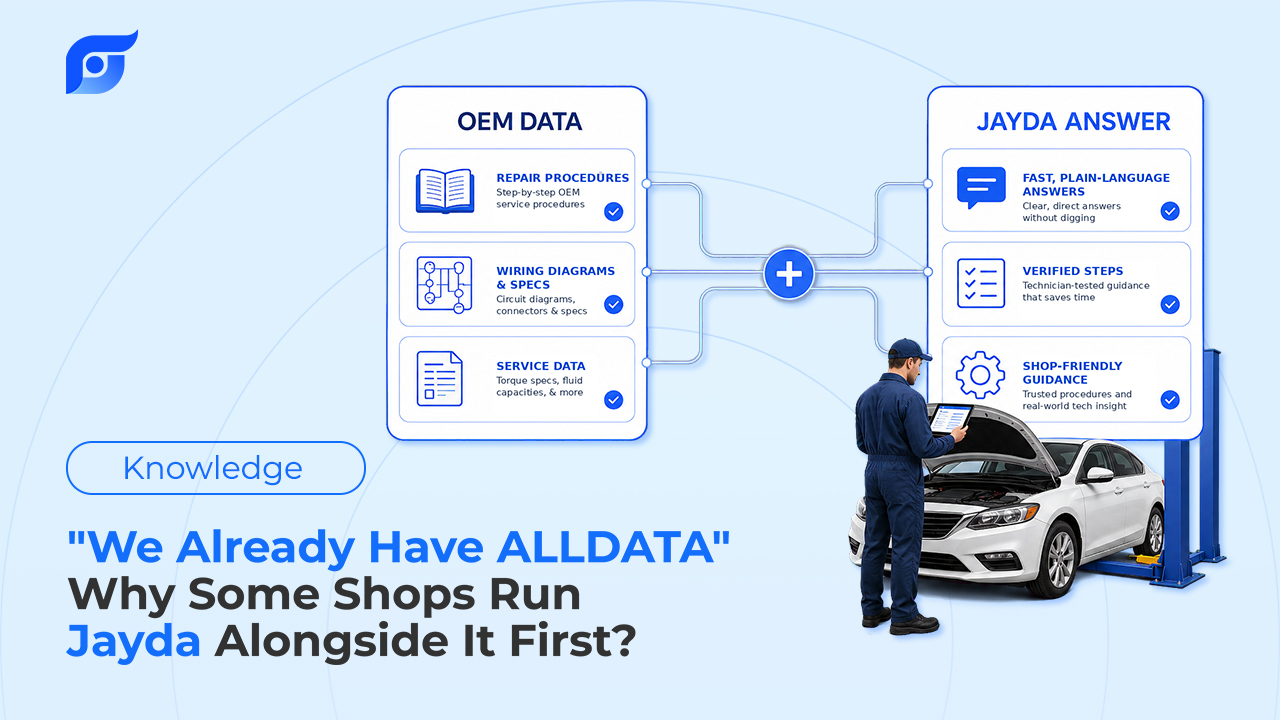
OEM repair information isn’t a single document — it’s a set of distinct data types, each covering a different part of the repair workflow.
Repair procedures and specifications. Step-by-step factory instructions for removal, installation, and reassembly, paired with the torque specs, sequences, and clearances the manufacturer requires. This is the layer most directly tied to whether a repair holds — get a torque sequence wrong on a cylinder head, and the OEM procedure was the one thing standing between that and a comeback.
Diagnostic data. OEM-defined trouble codes (DTCs) with their test conditions and diagnostic procedures, plus the wiring diagrams needed to trace a circuit — wire colors, connector pinouts, ground points — exactly as the manufacturer drew them.
Technical Service Bulletins (TSBs) and recalls. Manufacturer-issued updates for known issues, corrected procedures, and safety or emissions recall campaigns. A TSB can turn a multi-hour diagnostic into a five-minute confirmed fix — but only if you find it before you start guessing.
Manufacturer position statements. The manufacturer’s official stance on repair methods for a given system or component — useful whenever there’s a question about whether a shortcut or alternate method is actually sanctioned.
Maintenance schedules and fluid/capacity specs. Service intervals, severe-service requirements, and the exact fluid types and capacities a system calls for. This category causes more warranty disputes than people expect: the wrong transmission fluid, technically “close enough,” is still grounds for a denied warranty claim.
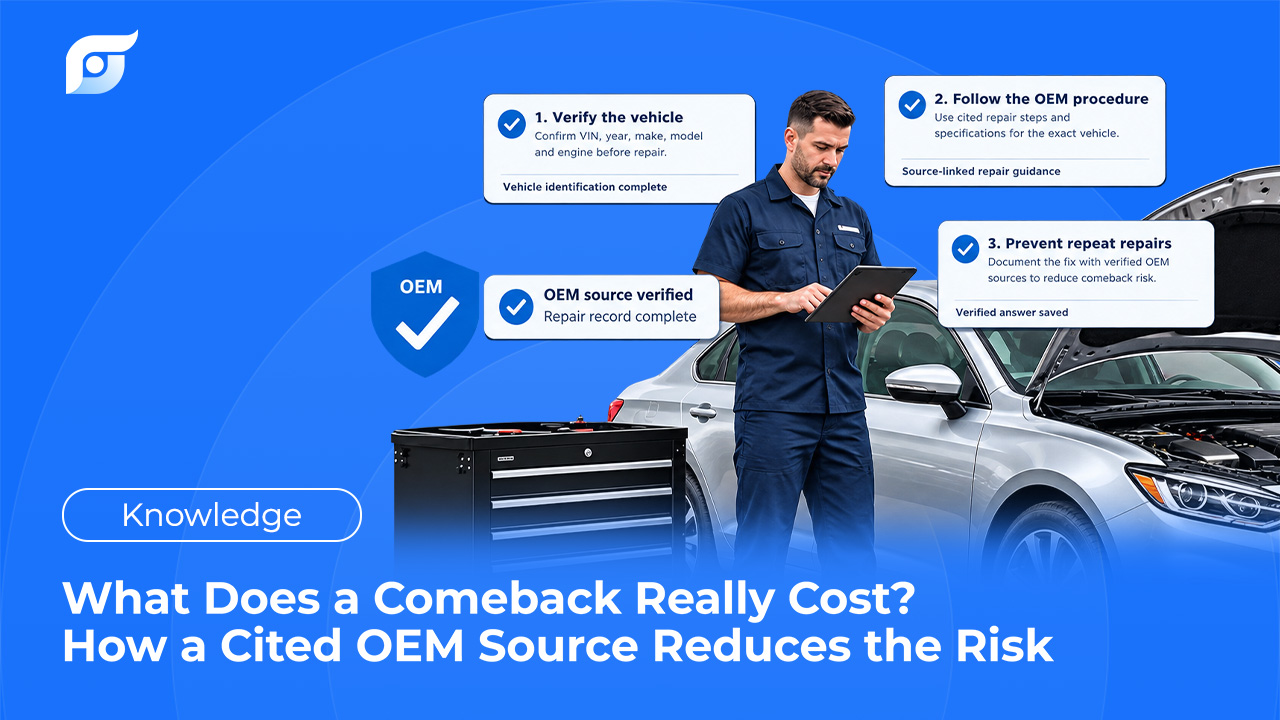
Every one of these categories exists because vehicles are engineered to specific tolerances, and repairing them outside those tolerances has consequences — a comeback, a failed inspection, a voided warranty, or worse.
Why Manual Lookup Is Still the Bottleneck
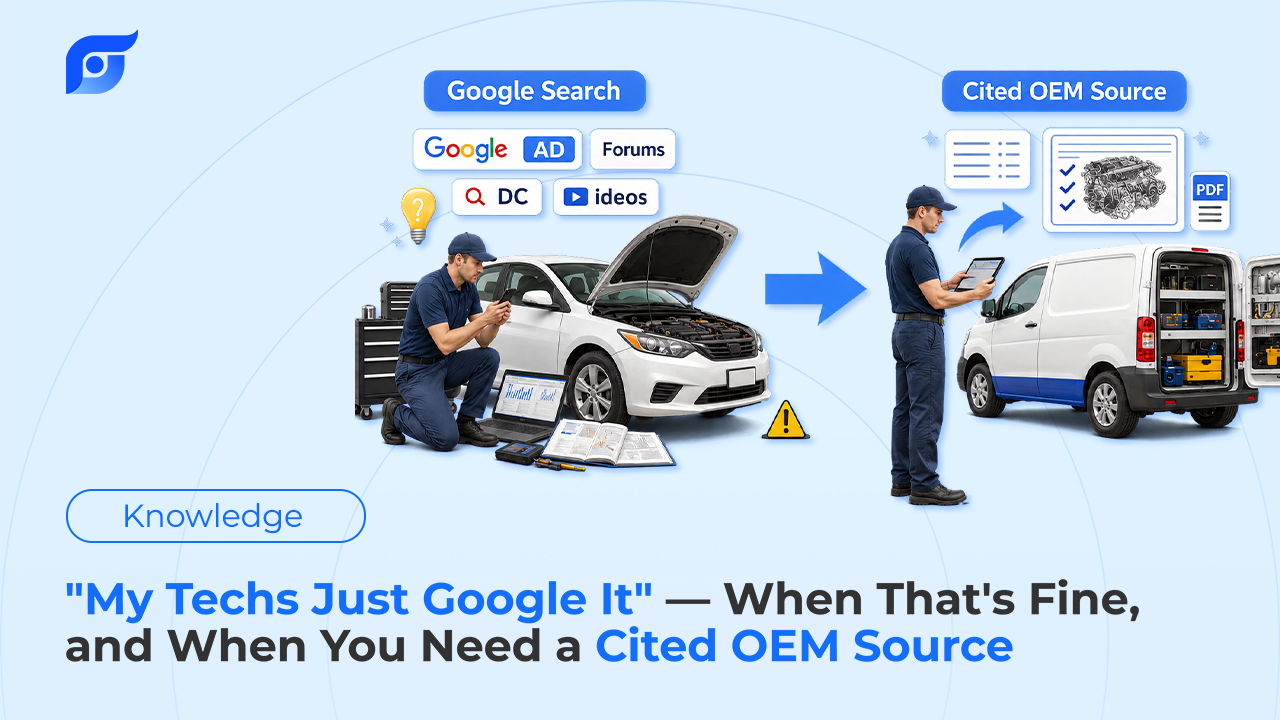
Most shops don’t lack access to OEM information — they lack a fast way to get to the right piece of it. A multi-brand shop ends up juggling several manufacturer portals, a legacy database with its own menu structure, and, when neither has the answer fast enough, a forum thread of unknown reliability. Each source has its own login, its own navigation logic, and its own idea of where a wiring diagram “should” live.
The result is time lost before the actual repair even starts. Locating a component without a diagram can cost 15–30 minutes of physical searching. Tracing one circuit through a nested menu instead of pulling it directly can turn a 30-second lookup into a 45-minute one. None of that time shows up on the invoice — it’s simply absorbed, repair order after repair order.
How AI Is Changing Access to OEM Repair Information
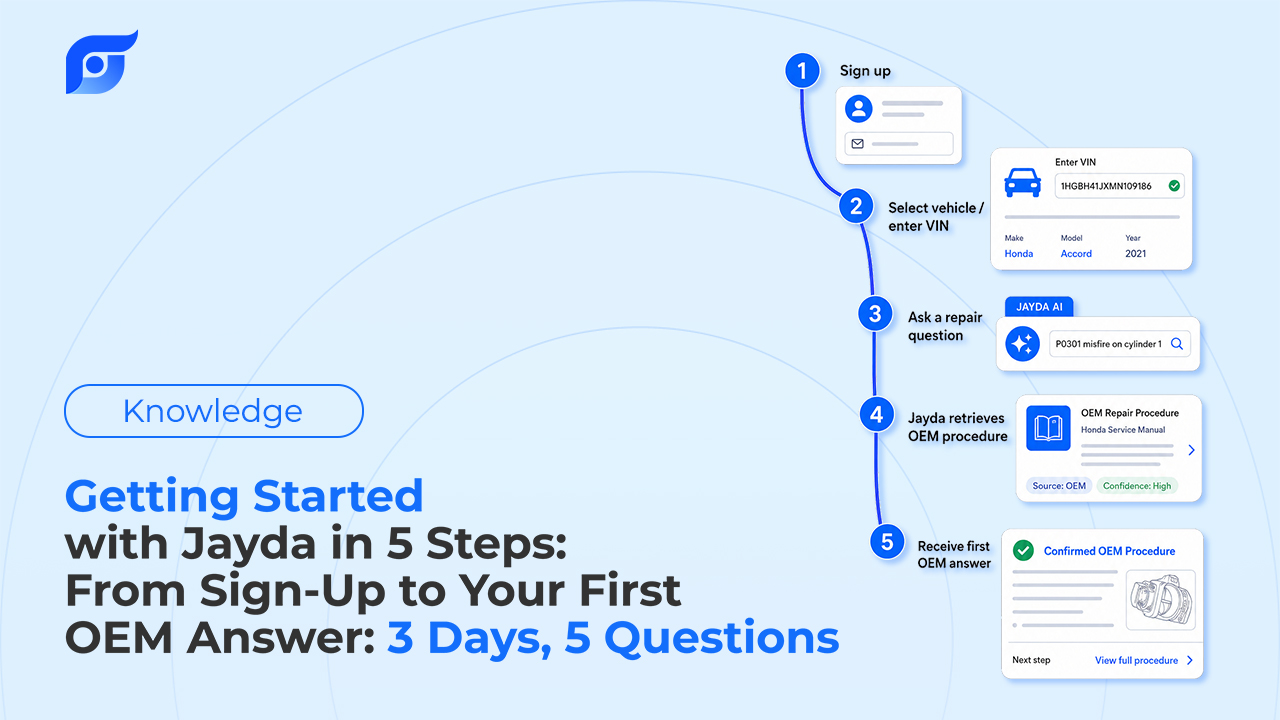
The manufacturer data hasn’t gotten harder to trust. What’s changed is how it can be reached. Instead of navigating a document tree, an AI tool can take a plain description of the job — “F-150 transmission shudder TSB,” “why is my P0335 setting” — match it to the vehicle’s exact year, make, model, and engine, and return the specific procedure, spec, or diagram, cited to its source.
That’s the model Jayda is built on, and it’s worth being precise about what the AI is doing: it’s searching licensed OEM content and showing you where the answer came from — not generating a plausible-sounding answer from general knowledge, and not making the repair decision for you. If a procedure isn’t in the data, Jayda says so directly rather than offering an approximation. You’re still the one who reads the citation, checks it against the vehicle in front of you, and does the repair. Jayda’s job is only to get you to the right page in seconds instead of minutes.
OEM vs. Aftermarket Information: Why the Source Matters
Aftermarket guides and forum advice aren’t worthless — they’re often useful for quick tips or confirming you’re not alone in seeing a strange symptom. But they’re not a substitute for OEM data on anything with a tolerance, a torque value, or a warranty attached to it, for a simple reason: they’re describing a repair, not sourcing the manufacturer’s actual specification for it.
The gap shows up in warranty and liability terms more than people expect. A fluid spec that’s “close enough” according to a forum post can still be the wrong fluid according to the manufacturer — and the wrong fluid is grounds for a denied warranty claim, regardless of how confidently it was recommended. A torque spec pulled from a general estimate rather than the OEM procedure can undertighten a fastener the manufacturer flagged as one-time-use, or over-torque a component with a documented failure mode. In both cases, the outcome traces back to the source of the information, not just its accuracy on the page.
This is also why citation matters as much as speed. Official OEM data, sourced from MOTOR Information Systems and presented 100% unmodified, comes with a stated manufacturer, model year, and last-updated date — so a technician can verify it before relying on it, instead of taking a summary on faith.
About Jayda
Jayda gives technicians the OEM answer for the exact vehicle, with source, in seconds. Built on licensed data from MOTOR Information Systems — an automotive data provider operating since 1903, part of the Hearst organization — Jayda’s AI searches official repair procedures, specifications, wiring diagrams, DTCs, TSBs, and recalls, and returns them with a citation rather than generating an answer.
Independent technicians, mobile mechanics, and repair shops use Jayda to find OEM information without navigating static manuals or cross-referencing multiple sources. Plans are available for individual technicians and shop teams, with a free trial for new users.
FAQ
What’s the difference between OEM and aftermarket repair information?
OEM repair information comes directly from the vehicle manufacturer — the same procedures and specs used to engineer and validate the vehicle. Aftermarket information is a third party’s interpretation of how to repair it, which may not reflect the manufacturer’s current procedure, tolerance, or position statement.
What does OEM repair information include?
Repair procedures, torque specs and tolerances, diagnostic trouble codes with test procedures, wiring diagrams, Technical Service Bulletins, recalls, manufacturer position statements, and maintenance schedules with fluid and capacity specifications.
Why does OEM repair information matter for warranty claims?
Manufacturers often require specific parts, fluids, or procedures to keep a warranty valid. Using an aftermarket equivalent that doesn’t match the OEM spec — even if it seems close — can be grounds for a denied claim.
How current is OEM repair data?
New OEM content is typically published within days of the manufacturer’s own release, which matters most for TSBs and updated procedures tied to recently identified issues.
Can AI replace the need to check OEM sources directly?
No — and it shouldn’t try to. An AI tool built for repair information should search licensed OEM content and show its source, not generate an answer or make the repair decision. The technician still verifies the citation and owns the call.