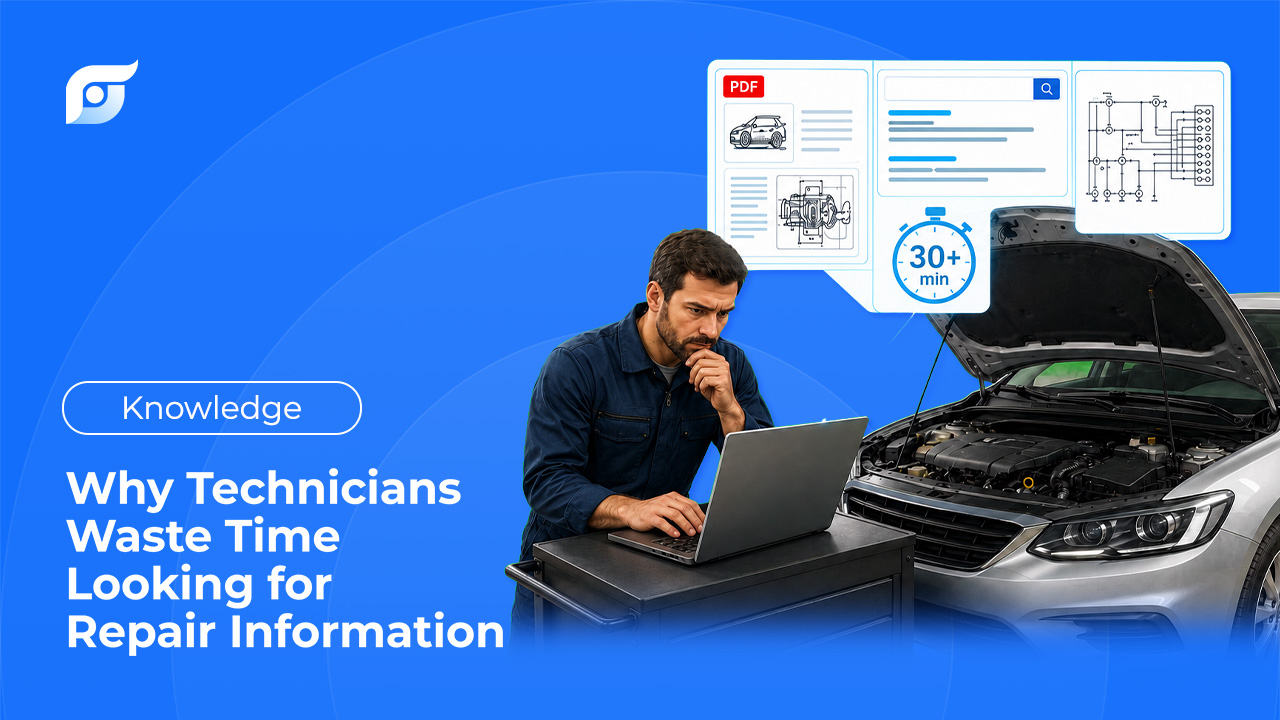
It’s not a skill problem. Most technicians losing time every day know exactly how to fix the vehicle in front of them — the time disappears before they ever pick up a wrench, spent digging through the wrong tab, the wrong PDF, or the wrong forum thread trying to confirm a spec they already half-remember. Here’s where that time actually goes, what’s driving it, and what changes when it doesn’t happen anymore.
The Real Cost of Looking Instead of Wrenching
Technicians can lose 15 to 45 minutes per repair order just navigating static menu trees, scrolling through 200-page PDFs, and cross-referencing multiple sources to confirm one procedure or spec. That’s not diagnostic time or repair time — it’s pure lookup overhead, and it happens on almost every job, not just the hard ones.
A single repair order can require several separate lookups before a wrench ever touches the vehicle:
- Confirming the torque spec and sequence for a component before reassembly
- Tracing a wiring diagram to identify a connector or ground point
- Checking whether a DTC has a known test procedure instead of guessing at a cause
- Verifying whether a TSB already documents the exact symptom in front of you
- Double-checking fluid type and capacity before a service, since the wrong fluid can void a warranty claim
Each one only takes a few minutes on its own. Stacked across a single repair order, they add up to the 15–45 minute range technicians report — and stacked across a full shift, that’s the difference between finishing four repair orders or five. The industry has a name for the time that’s left after all that: wrench time, the portion of a shift actually spent doing the job. Every minute spent navigating a menu instead of confirming a spec is a minute wrench time doesn’t get.
4 Reasons Technicians Struggle to Find Repair Information Fast
1. Data Fragmentation
A single job can require jumping between a DTC lookup tool, a separate wiring diagram source, and a forum thread for the parts that neither one covers. A P0171 code, for example, might need the code definition from one source, the test procedure and spec from another, and the wiring diagram for the affected circuit from a third — three or four tabs open just to answer one diagnostic question about one vehicle.
2. Legacy Navigation Design
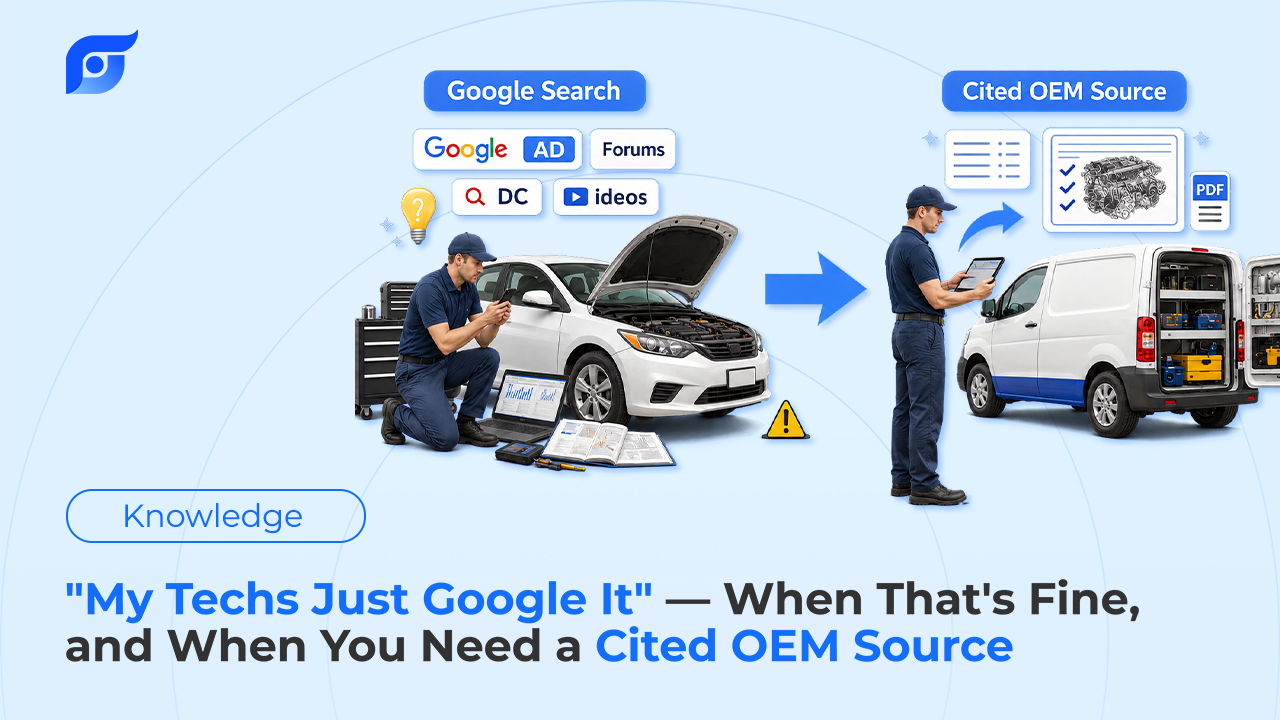
Most repair databases were built around a document-tree structure: system, subsystem, document, page. That works fine sitting at a desk. At the vehicle, with gloves on and a phone or tablet in one hand, clicking through five, six, or ten menu levels to reach one wiring diagram or one component location turns a simple lookup into a real interruption — one that often means stepping away from the vehicle entirely to sit down at a computer.
3. Rising Vehicle Complexity
Modern vehicles carry more control modules, more electrified systems, and more interconnected diagnostics than vehicles from even five years ago. Hybrid and CVT-equipped vehicles alone come with fluid and service requirements specific enough that using the wrong spec can void a warranty claim outright. More systems means more documentation to search through to find the one section that applies to the exact fault or service in front of you.
4. Lost Institutional Knowledge
A senior tech who’s already diagnosed a specific noise or code on a specific model rarely has a structured way to pass that down to the rest of the shop. When a newer tech hits the same issue six months later, they usually start from zero — same forum searches, same trial and error, same lost time, even though someone in the building already solved it once.
A Day in the Life: Where the Minutes Actually Go
Picture a fairly ordinary repair order: a customer brings in a vehicle with an intermittent check engine light and a knock on cold start. Before any actual repair work happens, a tech typically has to:
- Pull the DTC and look up its test conditions and procedure
- Cross-reference the wiring diagram for the circuit the code points to
- Check whether a TSB already documents this exact symptom for this model
- Confirm the torque spec for any component that needs to come off to test or replace
None of these steps is hard. None of them requires special skill. But each one means leaving the vehicle, opening a different tool or document, and navigating back to where you left off — and that back-and-forth is exactly where the 15–45 minutes per repair order goes. It’s not one big time sink; it’s four or five small ones that repeat on almost every job, every day.
Why Buying More Software Doesn’t Fix the Real Problem
The instinct in a lot of shops, once lookup time becomes a visible problem, is to add another subscription or another tablet. That usually adds cost without solving anything, because the underlying issue isn’t a shortage of tools — most shops already have access to solid OEM data through their existing system. The issue is that the tools available are still built around searching a library instead of returning a direct answer. Adding a second library to search doesn’t shorten the search; it just gives the tech one more place to look.
Jayda — Ask the Question, Get the Cited OEM Answer
This is the specific problem Jayda is built around: getting from a question to an OEM-sourced answer without navigating a document tree to get there. Instead of searching, you ask — the way you’d ask the most experienced tech in the shop:
“2021 Camry head bolt torque spec”
Jayda returns the manufacturer’s procedure or spec for that exact vehicle, cited to its source, built on licensed MOTOR data covering domestic and imported vehicles, light through heavy-duty. That covers the same lookups described above, just reached by asking instead of clicking:
- Component locations — find a hidden sensor or relay without the usual 15–30 minutes of physical searching.
- DTCs — get the code definition, test conditions, and procedure in one answer instead of piecing it together from separate sources.
- Wiring diagrams — pull the exact circuit, wire colors, and connector pinouts instead of navigating 10+ menu levels to get there.
- TSBs — describe the symptom instead of needing a bulletin number, and find out if the manufacturer already has a documented fix on file.
- Specs and torques — confirm a value in seconds instead of cross-referencing a separate spec sheet.
It also addresses the institutional-knowledge gap directly, within real limits. Jayda’s Projects feature saves the questions and answers from a specific repair case to that vehicle’s record, so the diagnostic path doesn’t just disappear once the job is closed. On the Business tier, a shop can share those saved Projects across up to 10 team members — so when a newer tech hits a similar case later, there’s a record to check before starting from scratch.
Worth being clear about the boundary here: Jayda finds and cites the OEM procedure — it doesn’t diagnose the vehicle or generate a repair process of its own. The tech still owns the diagnosis; Jayda just removes the time spent finding what the manufacturer already documented. Ask once. Know the OEM procedure.
Traditional Lookup vs. Jayda
| Lookup | Traditional Navigation | With Jayda |
|---|---|---|
| Component location | 5–10 clicks through nested menus, 15–30 min | fast search, under 30 seconds |
| Wiring diagram | 10+ clicks through nested menus, up to 45 min | Instant diagram with source-cited answer |
| TSB by symptom | Requires knowing the bulletin number | Matched by symptom description |
| Torque spec | Cross-reference a separate spec sheet | Retrieved directly, cited |
| Repair procedure | Available, but harder to navigate | Found in under 30 seconds |
FAQ
Does faster lookup replace training or experience?
No. Jayda finds and cites the manufacturer’s procedure — it doesn’t replace the judgment that comes from experience. The tech still decides what the vehicle needs; Jayda just removes the time spent confirming the spec or procedure that supports that decision.
Is this just a faster way to search PDFs?
Not quite — it’s a different way to reach the answer. Instead of searching a document tree and opening a PDF to the right page, you ask a direct question and get the manufacturer’s procedure back, cited to its source, without the navigation step in between.
Will switching repair-data providers fix the time problem on its own?
Not by itself. Most OEM data providers are built around the same search-and-navigate model — switching from one menu-based system to another doesn’t change how long it takes to get to the answer. The model has to change, not just the vendor.
Does this work for shops that already use ALLDATA or Mitchell 1?
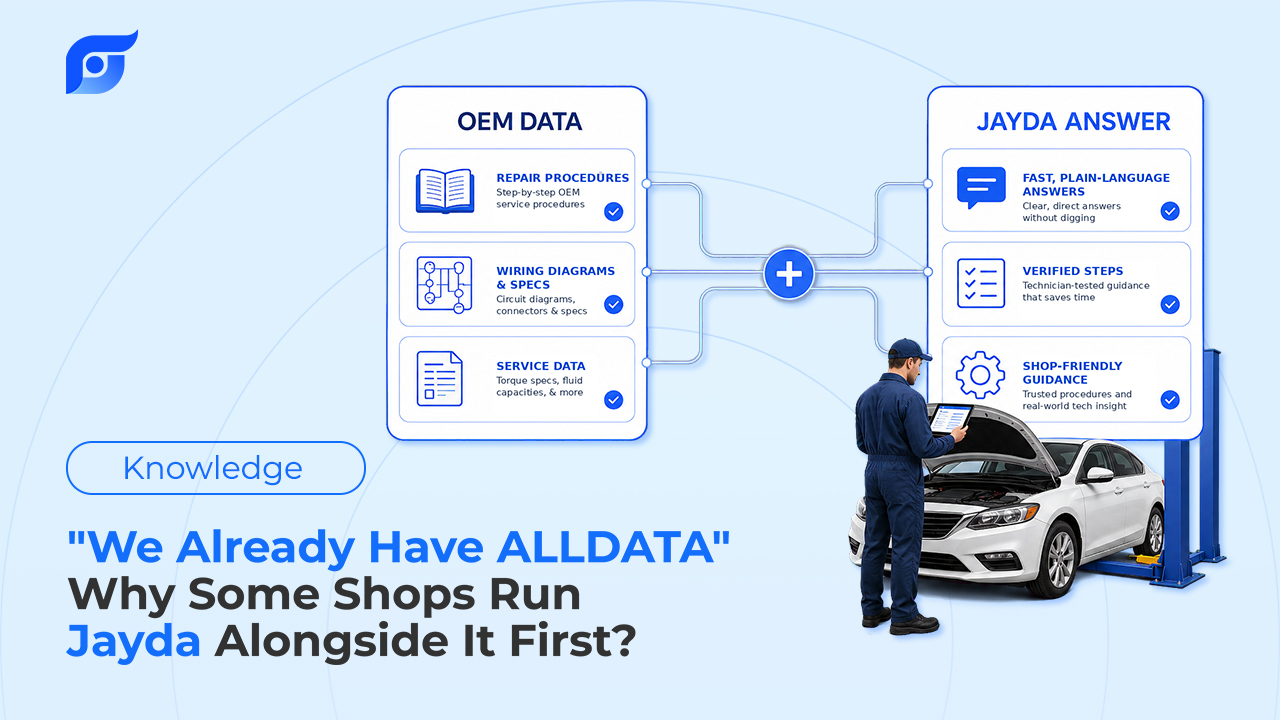
Yes. Jayda doesn’t require replacing an existing system. Many shops use it alongside what they already have, specifically for lookups at the vehicle, and compare the workflow difference before deciding anything about their current subscription.
Conclusion
Somewhere in your shop today, a tech who knows exactly how to fix a vehicle is going to lose twenty minutes proving it to a menu instead. That’s the actual cost — not a skills gap, a search problem. Fix the search, and the rest of the day looks the way it should.
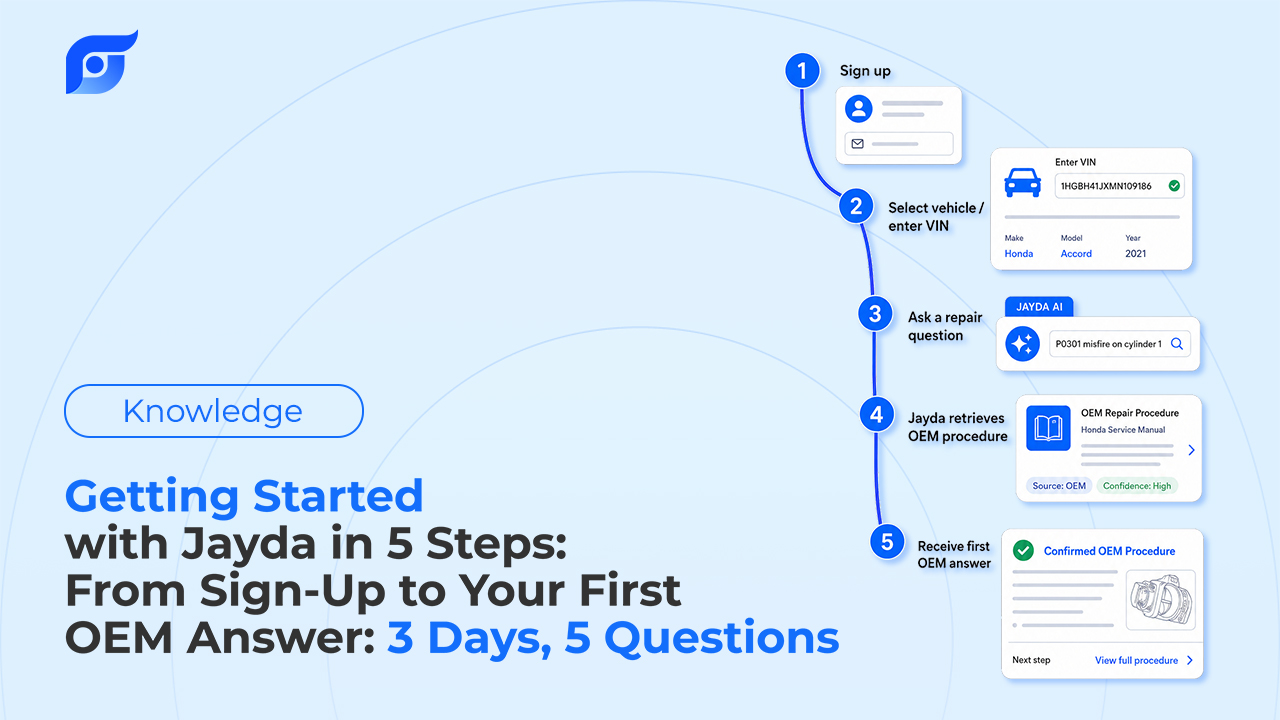
Individual techs can start a 3-day free trial on Pro Tech (5 questions included, no credit card required). Shop owners can contact Jayda to activate a 7-day team trial on Business.