A coolant temperature code comes in on a 2019 Equinox. Over the next forty minutes, the tech pulls up where the thermostat housing actually sits, reads the OEM test procedure for the code, checks the coolant spec before draining anything, confirms the torque sequence on the housing bolts, and glances at open TSBs before closing the RO — five separate lookups, pulling from five different parts of the OEM manual, for one repair order.
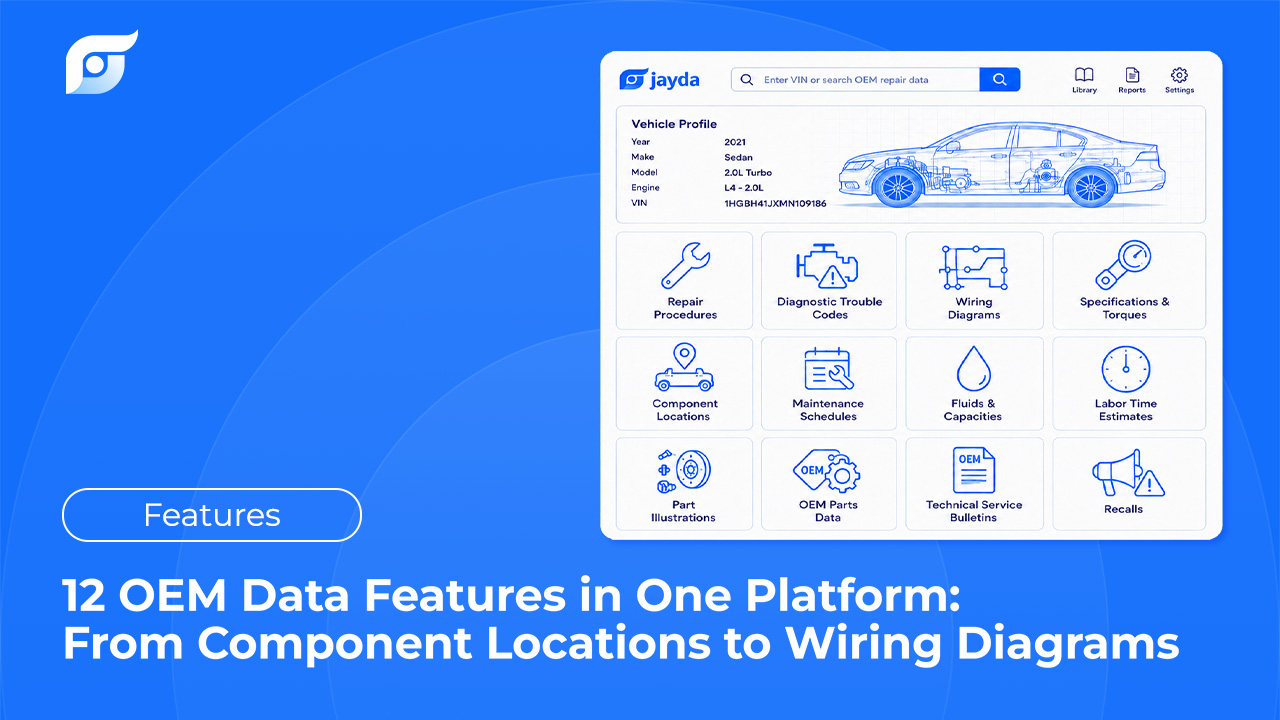
Jayda organizes that same OEM content — sourced from MOTOR Information Systems — into 12 distinct data categories, covering everything from where a part physically sits to whether the vehicle is under an open recall. Here’s what each one actually includes, grouped in the order most repairs use them.
Locate: Component Locations
Before anything gets diagnosed or removed, someone has to find it. Component location data shows exactly where a sensor, module, or part physically sits in a given vehicle — not a generic “usually near the intake” description, but the OEM diagram for that specific engine and trim.
This is its own category separate from wiring diagrams on purpose: a wiring diagram tells you what a component is electrically connected to, not where to put your hands. Component location diagrams solve the second problem — the one that turns into an unnecessary tear-down when a tech starts removing whatever’s in the way instead of going straight to the part.
Diagnose: Diagnostic Trouble Codes (DTCs)
A DTC on its own is a starting point, not an answer. This category includes the full OEM diagnostic package for a code: the definition, the conditions that set it, the manufacturer’s step-by-step test procedure, and the wiring diagram or spec that procedure references.
That last part matters more than it sounds. When Jayda returns a test procedure for a code, it’s retrieving the manufacturer’s actual diagnostic sequence — it searches for the OEM procedure rather than generating one, which is the difference between a documented test and a plausible-sounding guess when a fault is intermittent and doesn’t want to reproduce on demand.
Quote: Labor Times
MOTOR-developed labor times, plus published OEM factory times where available, for the specific operation on the specific vehicle — not a flat estimate that ignores which trim or engine is on the lift.
Getting this number right before the RO is written is the difference between a quote that holds up and one that eats the shop’s margin on every job that runs long. What OEM labor times actually are, and why the number changes depending on which one you’re quoting from, is worth a closer read if labor pricing is where your shop feels the most friction.
Verify Before You Start: Fluids & Maintenance Schedules
Two categories, same purpose — catching a mistake before it becomes a comeback.
Fluids & Capacities covers engine oil viscosity and API rating, transmission and differential fluid types, coolant specs, and exact system capacities — including the OEM-specific requirements on CVTs, hybrids, and diesels where the wrong fluid isn’t just suboptimal, it can void a warranty claim.
Maintenance Schedules covers normal and severe service intervals and what’s due at each one. Most daily-driven vehicles actually qualify for the severe schedule — short trips, stop-and-go traffic, towing — which is also where a documented OEM interval turns into an easy, defensible upsell instead of a guess at “probably due soon.”
Identify the Parts: Illustrations & Parts Data
Part Vector Illustrations are multi-layer OEM diagrams — exploded views, callout numbers, multiple angles — for identifying exactly which fastener, clip, or component is being referenced before anything comes apart.
OEM Parts Data is the part number itself: description, application, supersession (the current replacement when the original number is discontinued), and pricing where available.
Together, these two remove the step where a tech orders a part based on a guess and it’s wrong, or discontinued, or not quite the version this trim needs. They’re also the two categories where Starter differs from the rest of the lineup — Starter includes 10 of the 12 features, and upgrading to Pro Tech adds part illustrations and OEM parts data on top of everything else.
Do the Repair: Procedures, Specs, and Wiring
The core of the actual job lives in three categories.
OEM Repair Procedures are the manufacturer’s step-by-step instructions — removal and installation order, special tool requirements, and the warnings that exist because someone, somewhere, found out the hard way. This is the difference between a factory procedure and a forum shortcut that happens to work most of the time.
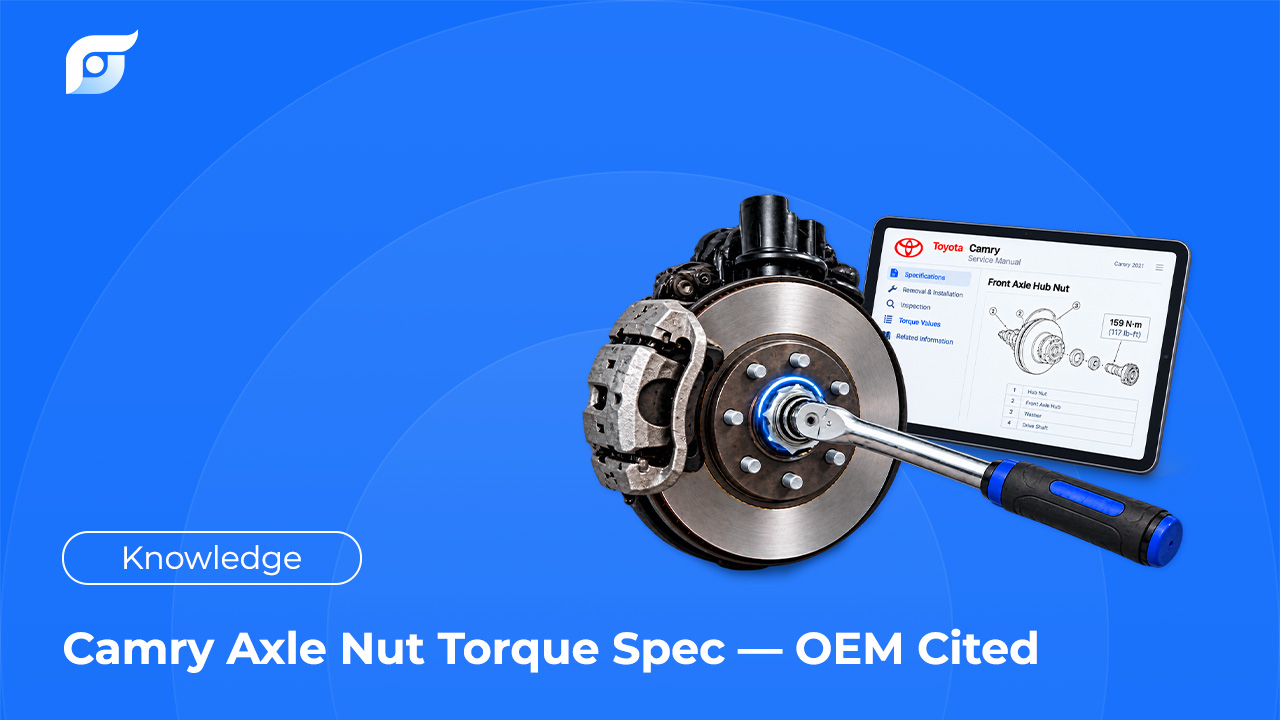
Specifications covers torque values and sequences, clearances and tolerances, and electrical specs — the numbers a repair procedure references but doesn’t always repeat in full, and the numbers that matter most when they’re wrong: an over-torqued head bolt or an under-torqued suspension fastener doesn’t announce itself immediately.
Wiring Diagrams cover complete circuits by system — wire colors, connector pinouts, splice locations, ground points — drawn by the manufacturer, not redrawn or inferred. Why a wiring diagram belongs at the start of an electrical diagnosis, not the end of one, covers this in more depth than fits here.
Check Before You Close the RO: TSBs & Recalls
Technical Service Bulletins document known issues and the manufacturer’s recommended fix — sometimes with a warranty extension attached that covers a repair the customer would otherwise pay for out of pocket. TSB 21-2315, covering AFM valve failure on the 2020 Silverado, is a real example: an $1,800 repair, 89% covered under GM’s warranty extension for the affected vehicles. A shop that checks TSBs before diagnosing catches that kind of coverage before quoting the job, not after the customer’s already paid for it.
Recalls cover safety campaigns (NHTSA), emissions-related campaigns (EPA/CARB), and other manufacturer-issued repair campaigns, along with completion status for the specific VIN. Knowing a vehicle has an open recall before selling a related repair — or before the customer hears it from the dealer first — is a trust question as much as a technical one.
The difference between a TSB and a recall, and why both are worth checking on the same RO, gets its own explanation if the distinction isn’t already second nature.
Which Tier Includes All 12?
Pro Tech and Business include all 12 features. Starter includes 10 — everything except Part Vector Illustrations and OEM Parts Data, which are the two categories with the highest data licensing cost behind them. If your work regularly involves ordering parts or identifying fasteners visually before disassembly, that’s the point where Starter starts to feel incomplete. A closer look at how to weigh OEM repair software options by what your shop actually needs covers that decision in more detail.
Frequently Asked Questions
Is any of this AI-generated, or is it all OEM data? All 12 categories are 100% unedited OEM content, sourced through MOTOR. Jayda’s AI is used only to match a question to the right data — it never writes, rewrites, or fills in a repair procedure, spec, or diagram on its own.
Do I need Pro Tech to get all 12 features? Starter includes 10 of the 12. Part Vector Illustrations and OEM Parts Data are available starting at Pro Tech, along with unlimited queries.
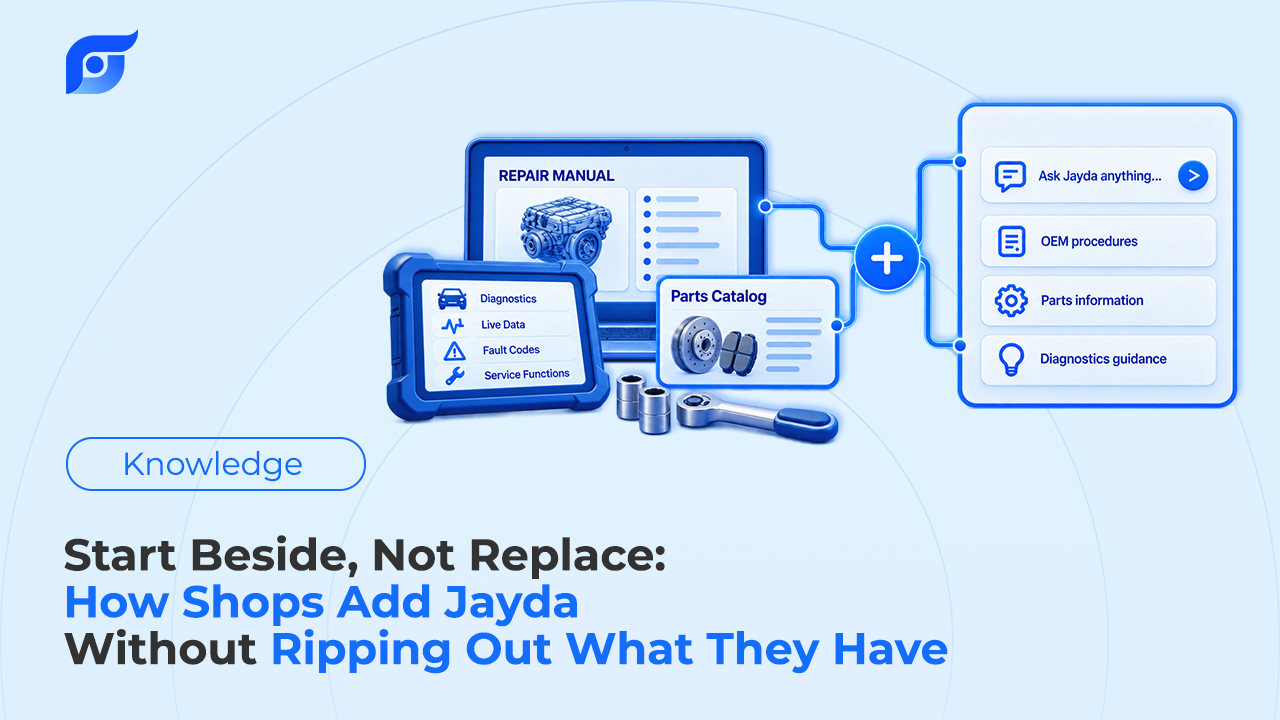
Does this replace ALLDATA or Mitchell 1 for this data? Not automatically. Many shops use Jayda alongside an existing subscription and compare the workflow on real jobs before deciding whether anything changes.
What happens if a specific vehicle’s data isn’t available for one of these categories? Jayda says so directly instead of showing a close match from a similar vehicle. Coverage varies by make, model, and system age — when something isn’t in the database, the honest answer is “not found,” not an approximation.
If you run a shop, contact us for a trial to see all 12 categories across your team. If you’re a technician working solo, start a free trial and pull up the next spec, diagram, or procedure you need before you open a menu.