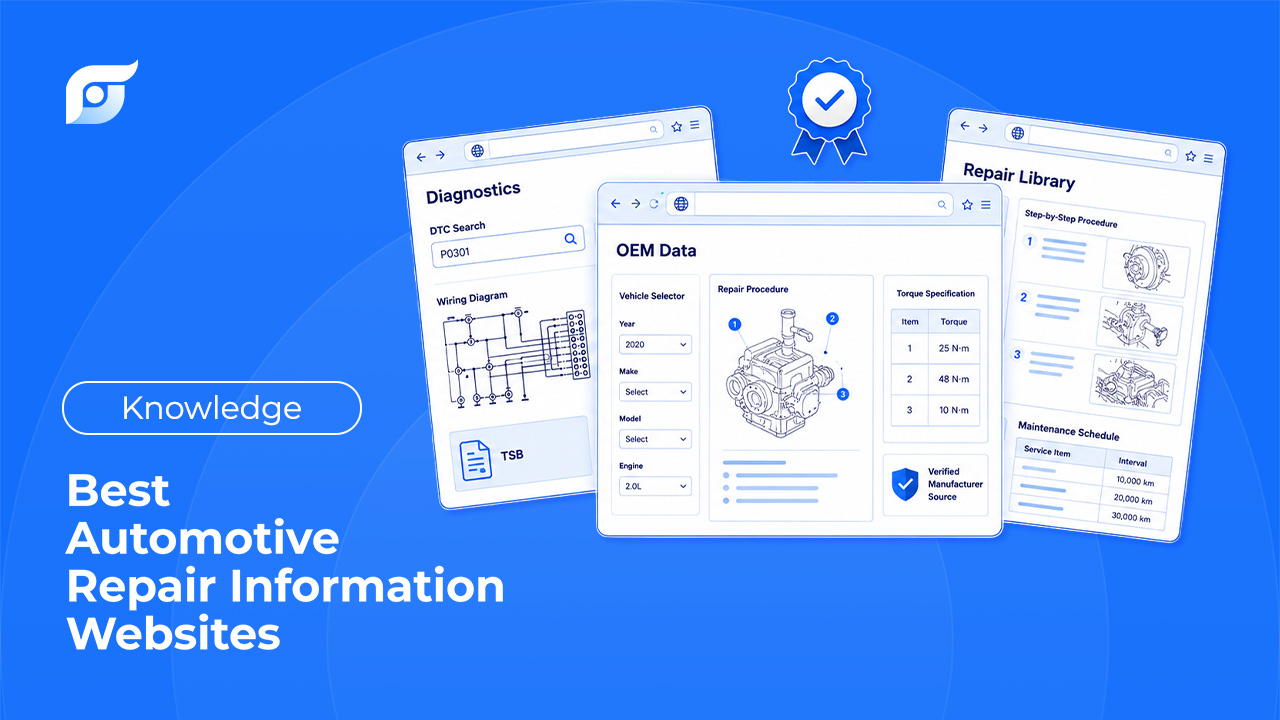
Every shop ends up building the same shortlist eventually: which repair information source actually has what you need, at a price that makes sense, without eating half your day in navigation. Here’s how the major options compare — OEM platforms, free DIY resources, and budget guides — and where the model itself is starting to change.
What Makes a Great Auto Repair Information Website?
Before ranking anything, it helps to know what actually separates a good option from a frustrating one:
- OEM accuracy — is the data sourced directly from the manufacturer, or compiled independently?
- Search speed — how many clicks does it take to get from a question to an answer?
- Wiring diagram quality — are diagrams complete, accurate, and easy to trace?
- Mobile usability — does it actually work well on a phone or tablet at the vehicle, or is it built for a desktop first?
- Cost — what’s the real monthly or annual commitment, including any setup friction?
5 Best Traditional Automotive Repair Information Platforms
ALLDATA — Best for Factory-Direct OEM Accuracy
ALLDATA’s library stays close to the manufacturer’s original documentation, which makes it a strong choice when unedited OEM accuracy matters most. The tradeoff is navigation — getting to a specific spec or diagram usually means clicking through several menu levels, and pricing typically requires a sales conversation rather than transparent self-serve signup. For a closer look at how it stacks up against its biggest competitor, see ALLDATA vs ShopKey Pro: Which Repair Software Is Best for Your Shop? (2026 Breakdown), and for lower-cost options in the same category, see 7 Best ALLDATA Alternatives for Independent Shops in 2026.
Mitchell 1 ProDemand — Best for Interactive Wiring Diagrams
Mitchell 1 pairs OEM and aftermarket data with interactive wiring diagrams — click a wire and the full circuit highlights — plus integrated shop management and estimating. It’s a strong all-in-one pick for shops that want one system running both data and workflow, though it comes at a premium price point and the interface takes some getting used to.
iFixit — Best Free Option for Visual DIY Guides
iFixit’s automotive section offers free, photo-heavy, step-by-step guides that are genuinely easy to follow for common repairs. It’s not built for professional shop use — there’s no wiring diagram library or DTC depth — but for straightforward maintenance and light DIY jobs, it’s hard to beat on cost.
Chilton Library — Best Budget Choice for Entry-Level Techs
Chilton is accessible for free through most US public library systems, making it one of the most affordable ways to get baseline repair information. Coverage and diagnostic depth are limited compared to professional-grade tools, so it works best as a starting point rather than a shop’s primary system. See how it compares more broadly to OEM sources in OEM Repair Procedures vs. Aftermarket Repair Guides: Which One Does Your Shop Need?.
Mechanic Base — Best for Quick Symptom & DTC Overview
Mechanic Base is a free resource for looking up common symptoms and general DTC explanations — useful for a quick sanity check on what a code typically means. It’s not sourced from OEM documentation and doesn’t include manufacturer test procedures, so it works better as a starting point than a final answer. For the OEM-sourced version of symptom-to-bulletin matching, see What Is a Technical Service Bulletin (TSB)? Everything You Need to Know and TSB vs. Recall: What’s the Difference and What Should You Do About Each?.
The Core Problem: All of These Are Still Search-First
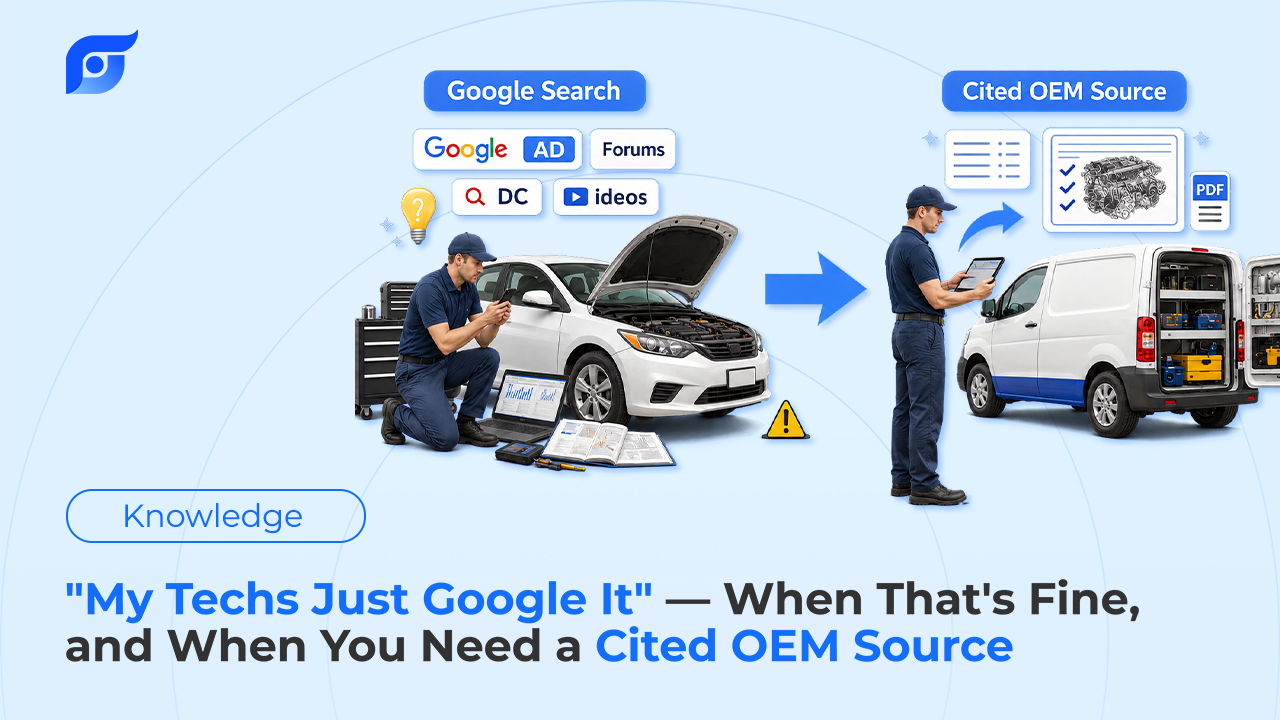
Rank them however you want — OEM accuracy, price, ease of use — every option on this list shares the same underlying model. You go to the site, you search or browse, you click through categories, and eventually you land on the page that answers your question. Free resources and premium OEM platforms alike are all built around navigation, not around answering directly. That’s the actual bottleneck for a lot of shops, and it’s not something a better-ranked website on this list solves on its own. For a closer look at where that lookup time actually goes, see Why Technicians Waste Time Looking for Repair Information.
Jayda — Ask the Question, Get the Cited OEM Answer
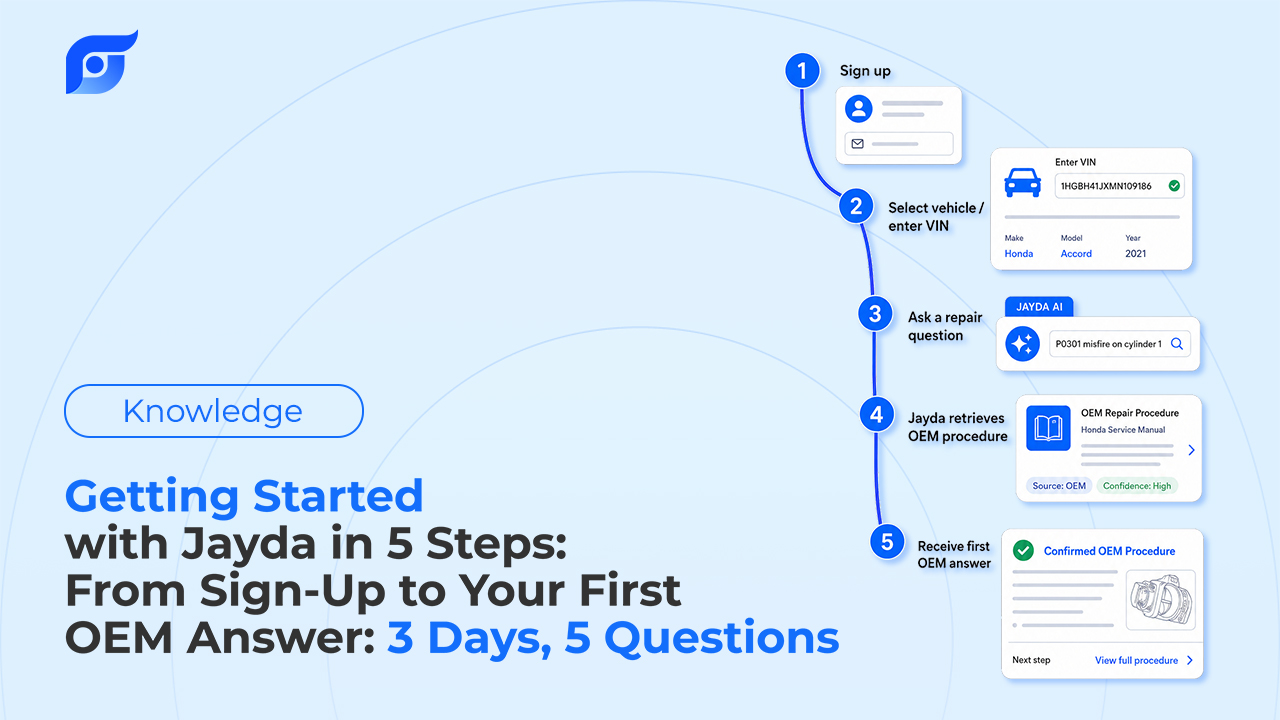
Jayda takes a different approach to the same underlying content. Instead of searching a site, you ask directly — the way you’d ask the most experienced tech in the shop:
“2018 Silverado 5.3L knock sensor location”
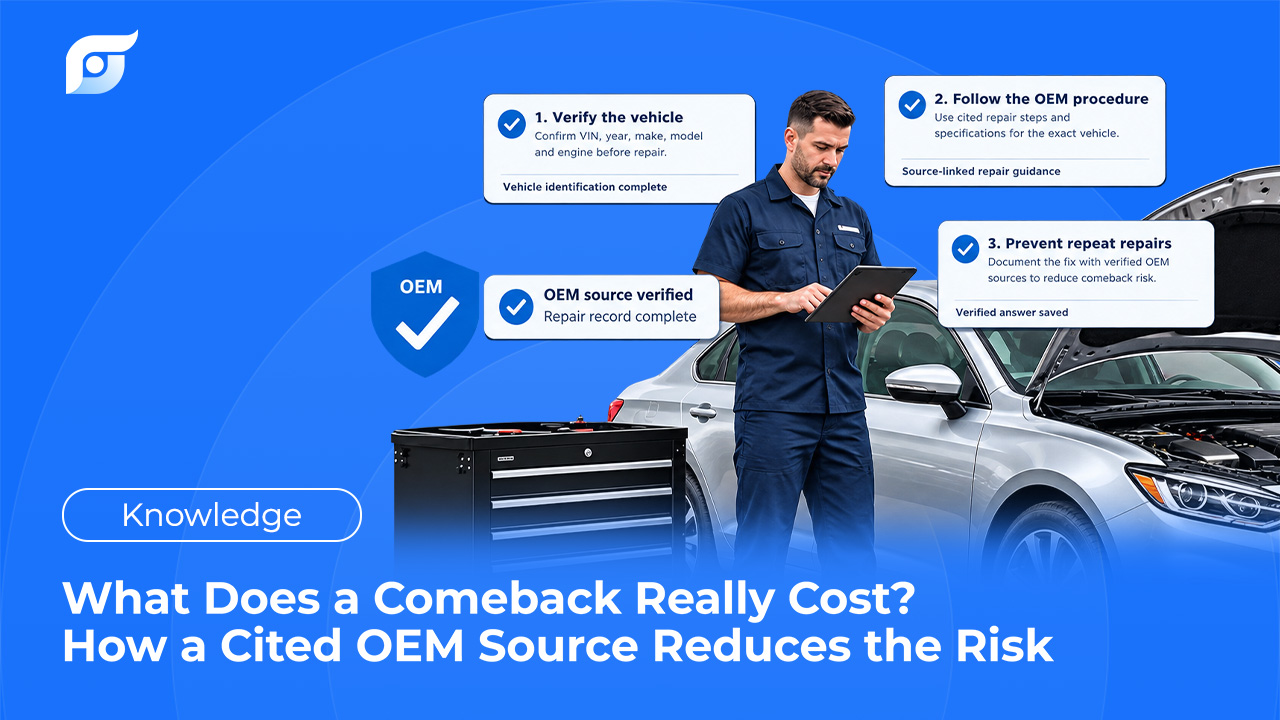
Jayda returns the manufacturer’s answer for that exact vehicle, cited to its source, built on licensed MOTOR data covering domestic and imported vehicles, light through heavy-duty. The content itself is unedited OEM documentation — Jayda’s AI finds and retrieves it, it doesn’t rewrite or summarize it, because the exact manufacturer wording is what protects you if you’re relying on it for a warranty claim or a liability question.
If no matching procedure exists for a vehicle, Jayda says so directly instead of approximating from a similar model — no guessing when it matters. Ask once. Know the OEM procedure.
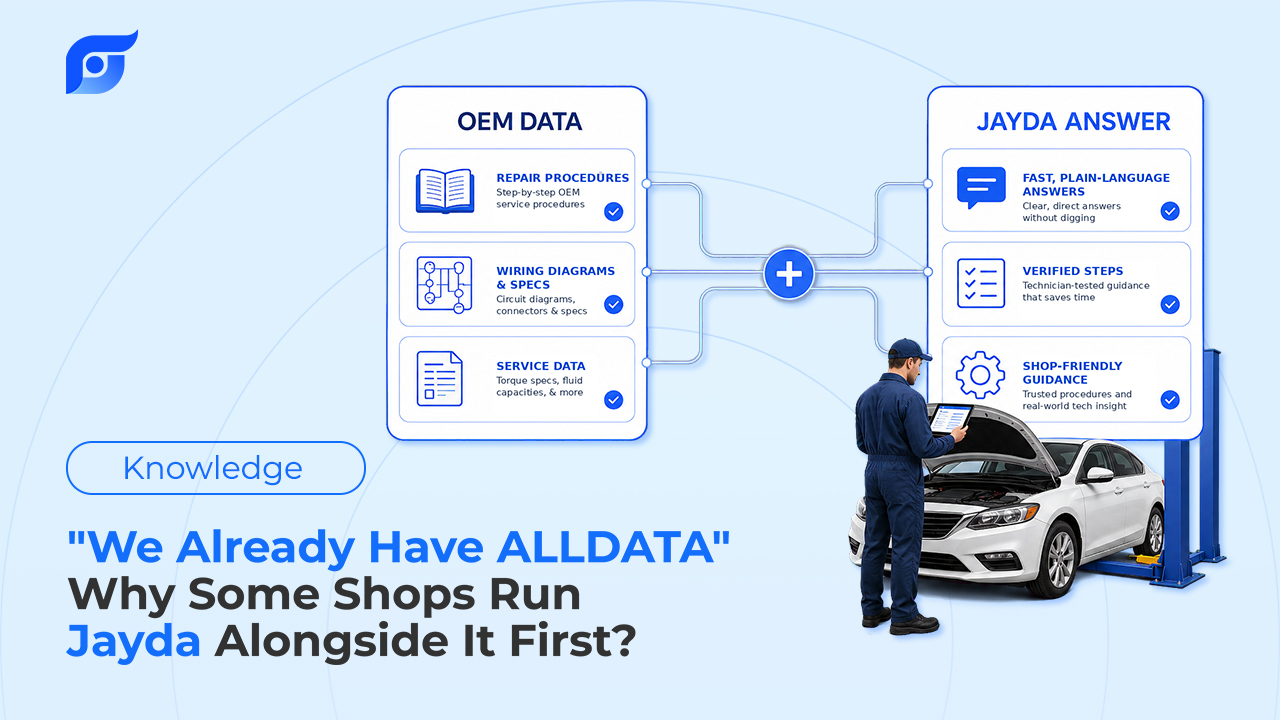
It’s also worth noting what Jayda doesn’t try to be: it’s not a workshop management suite, and it doesn’t replace whatever OEM or Aftermarket source your shop already relies on for its full library. Many shops run it alongside their existing subscription specifically for faster point-of-repair lookups, and compare the workflow before changing anything else. For teams that want to hold onto what’s learned on a given vehicle, the Projects feature saves the questions and answers from a specific repair case, and Business tier accounts can share those Projects across up to 10 team members.
Comparison Table: Traditional Websites vs. Jayda
| ALLDATA | Mitchell 1 | iFixit | Chilton | Mechanic Base | Jayda | |
|---|---|---|---|---|---|---|
| Data source | OEM, unedited | OEM + aftermarket, standardized | Community-compiled | OEM-derived | Independent | Licensed MOTOR OEM data, cited |
| How you search | Browse/search menus | Browse/search + shortcuts | Browse guides | Browse/search | Browse/search | Ask in natural language |
| Cost | Premium, sales call required | Premium, sales call required | Free | Free–low cost | Free | Starter $7.95/mo · Pro Tech $14.95/mo · Business $149/mo |
| Mobile-first | Secondary | Secondary | Yes | Moderate | Yes | Yes |
| Best for | Factory-direct accuracy | All-in-one shop workflow | Free DIY guides | Budget entry point | Quick symptom overview | Fast, cited lookup at the vehicle |