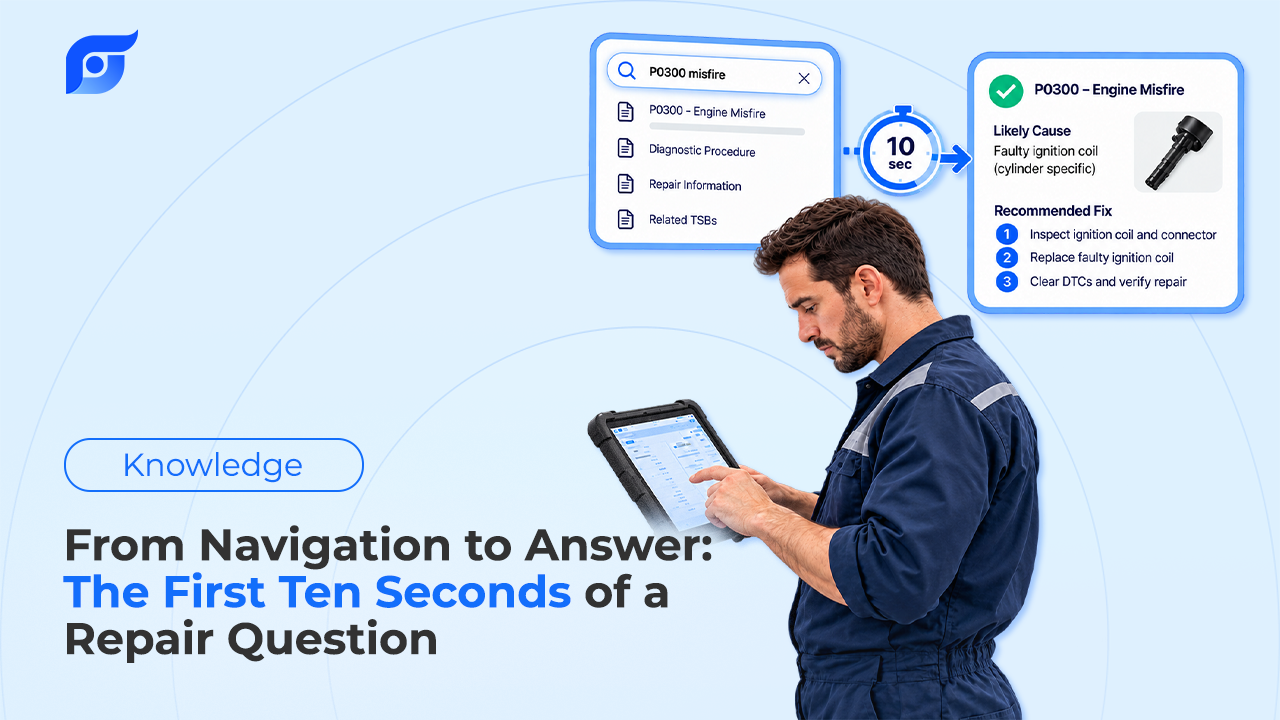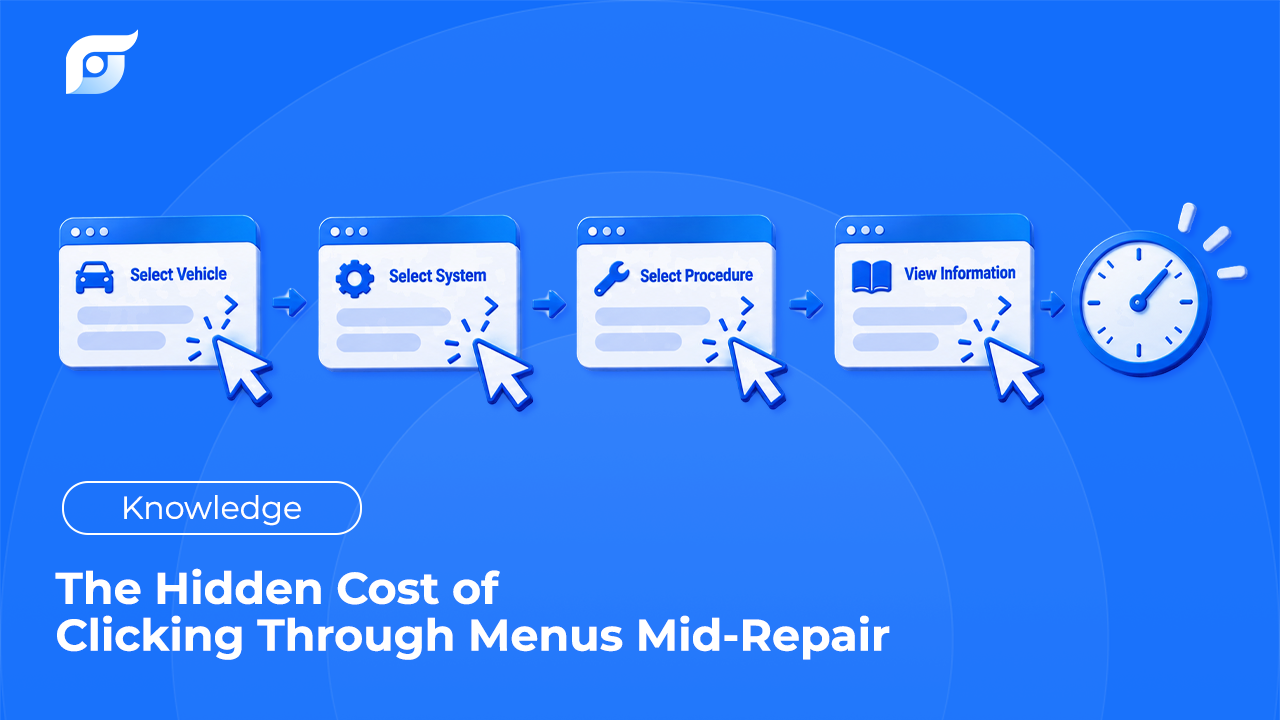
The lookup before a job starts is annoying but harmless. The tech hasn’t touched the vehicle yet. The lookup in the middle of a job is different. The caliper is off, three bolts are out, and the tech needs the torque value for the bracket. Now they’re walking to a terminal, clicking through year, model, system, and document, then walking back to a job they have to pick up where they left off. The minutes are the visible cost. The less visible cost is what happens to the repair when the person doing it gets pulled out of the sequence.
Quick Answer: Clicking through menus mid-repair costs more than lookup time, because it interrupts a sequenced task, and interruptions cause skipped steps. In a lab study published in the Journal of Experimental Psychology: General (2014), Altmann, Trafton, and Hambrick found that interruptions averaging about 2.8 seconds doubled the rate of sequence errors on a multistep procedural task, and interruptions of about 4.4 seconds tripled it. Aviation maintenance treats distraction as one of the FAA’s “Dirty Dozen” common causes of maintenance error. A menu lookup in the middle of a job is a far longer interruption than either, and the steps most at risk are the ones a repair depends on: a fastener left short of final torque, a connector not reseated, a one-time-use bolt reused. Shops can reduce that risk by pulling specs before disassembly, marking the last completed step before stepping away, and making mid-job lookups short enough to do at the vehicle.
Why Is a Mid-Repair Lookup Different From Any Other?
A repair procedure is a sequence. Remove, inspect, replace, install, torque, verify. When a tech stops partway through to find information, they have to hold their place in that sequence in memory while their attention goes somewhere else. The menu path, the wrong engine selection, and the document list all compete for the same attention the job needs.
The time side of this is well understood, and it’s covered in the hidden cost of searching before every repair order. The mid-job version adds a second cost that doesn’t show up on a timesheet: the chance that the tech comes back to the bay and picks up at the wrong step.
What Does the Research Say About Interruptions and Errors?
Human-factors research has measured this directly, though not in auto repair. In the 2014 study by Erik Altmann, Greg Trafton, and David Hambrick, participants performed a set of steps in a prescribed order and were briefly interrupted. Interruptions of about 2.8 seconds, roughly the time it took to perform one step, doubled the rate of sequence errors after the interruption. Interruptions of about 4.4 seconds tripled it.
That was a controlled lab task, not a brake job, and it shouldn’t be read as a prediction for any shop. The direction of the finding is what matters: even very short breaks in a sequenced task make skipped and repeated steps more likely. A trip to a terminal and back is not seconds. It’s minutes.
Aviation maintenance, where a missed step can ground an aircraft, built this into training. The FAA’s human factors program teaches the “Dirty Dozen,” twelve common causes of maintenance error, and distraction is one of them. Boeing’s Maintenance Error Decision Aid (MEDA), a process for investigating maintenance events that the FAA publishes guidance for, tracks error types such as incomplete installation and incorrect torque application, the kinds of mistakes an interrupted repair can produce.
Which Steps Are Most at Risk When a Tech Walks Away?
The steps that don’t leave a visible trace when they’re skipped:
- Final torque. A fastener run down snug looks the same as one torqued to spec. If the tech left to look up the value, the bolt they were about to torque may still be at snug when they return.
- Connectors and ground straps. A connector unplugged for access and not reseated may not show itself until the customer drives away with a warning lamp.
- One-time-use fasteners. The procedure calls for a new bolt or nut, and the interruption comes between reading that note and reaching for the part.
- Staking, clips, and retainers. The last small step of an installation is the easiest one to lose track of.
These are also the steps the OEM procedure is most specific about. OEM repair information exists largely to capture exactly these details, which is why losing your place in it matters.
What Can a Shop Do About It, Whatever Tool It Uses?
Aviation maintenance safety guidance offers habits that transfer directly to the bay:
- Pull the numbers before disassembly. Torque specs, fluid capacities, one-time-use parts, and any special sequence go on the repair order or a note before the first bolt comes out. Many mid-job lookups are for information that was knowable at the start.
- Finish or fully undo before stepping away. Don’t leave a fastener half-tightened. Either complete the step or return it to a clearly incomplete state.
- Mark the last completed step. A paint mark on torqued fasteners, a tag on the last connection, or a line on the printed procedure tells you exactly where you were.
- Go back a few steps when you return. A common aviation practice is to restart a few steps before the point of interruption and confirm the work already done.
- Keep the lookup at the vehicle. A lookup done on a phone or tablet in the bay, with gloves still on, is a shorter break than a walk to the front counter.
Some lookups can’t be done ahead of time. A wiring fault changes the plan halfway through, or a part isn’t where you expected, and a component location diagram suddenly becomes the next step. On electrical work, OEM wiring diagrams often get pulled in the middle of the job by necessity. For those lookups, the goal is simply to make the break as short as possible.
What Makes a Mid-Repair Lookup Shorter?
Fewer decisions between the question and the answer. A menu path asks the tech to choose year, make, model, engine, system, and document type, then pick the right document from a list. Every one of those choices is another moment of attention away from the job. That’s the pattern technicians describe when they say looking up repair information takes longer than reading it.
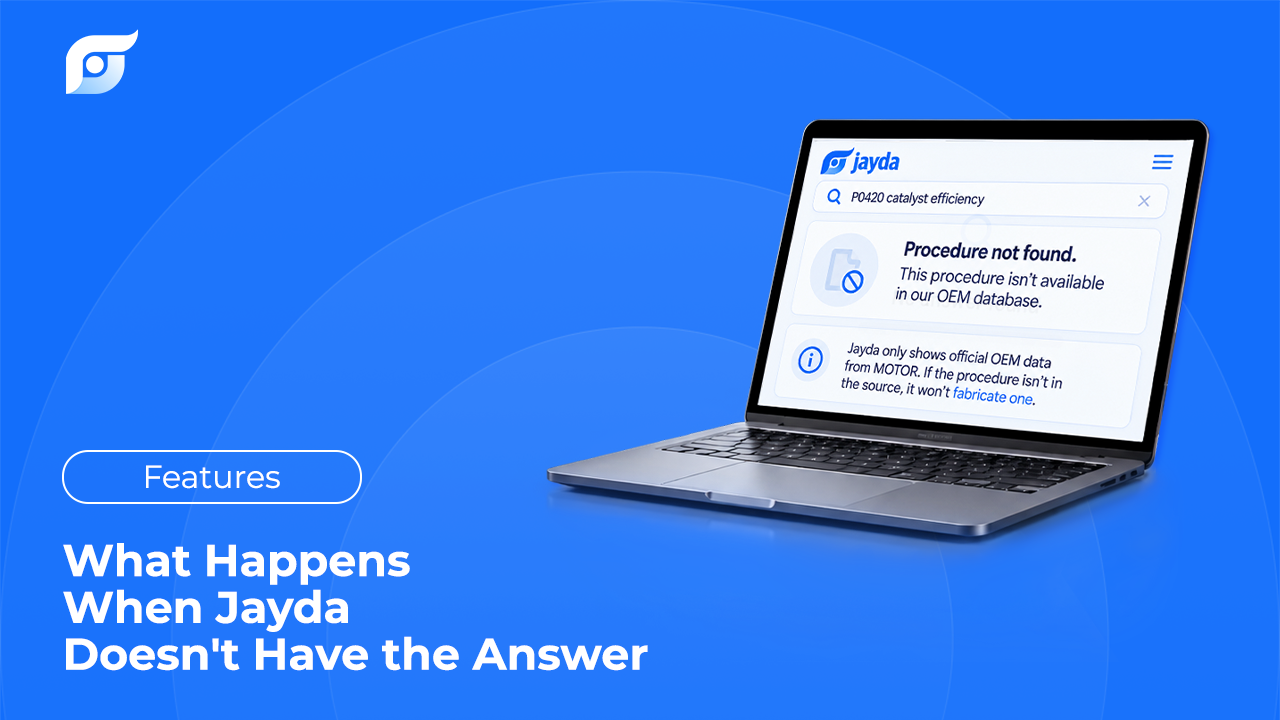
Jayda removes the menu path. The tech asks the question at the vehicle, the way they’d ask another tech: “caliper bracket bolt torque, 2019 Silverado 1500.” Jayda returns the matching OEM document with its source shown. The data is licensed from MOTOR Information Systems, and Jayda’s AI searches and retrieves the manufacturer’s document rather than writing an answer, the reason set out in why AI should search repair information, not generate it. The tech reads the number, checks the source, and goes back to the step they were on.