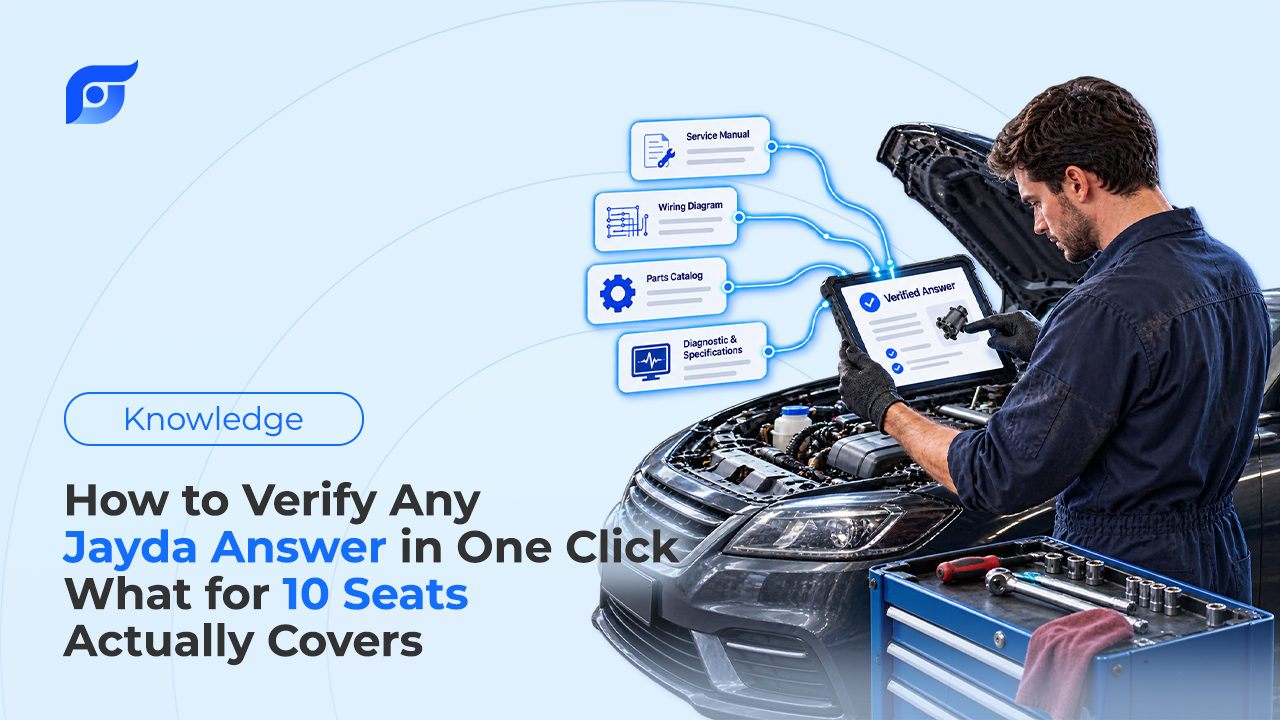
An answer on a screen is a claim until you’ve seen where it came from. That’s true of a forum post, a chart, a coworker’s memory, and it’s true of Jayda. The difference is how much work verification takes: with a cited answer, opening the source is one click. What to look at once the manufacturer’s page is open takes slightly longer to explain, and it’s the part that actually protects the repair.
Quick Answer: Every Jayda result carries a citation to the OEM document behind it. Click it to open the manufacturer’s page, unedited, then run five checks before using the number: 1) vehicle match — year, make, model, engine, and submodel, plus build date where the document is scoped that way; 2) document type — a repair procedure, a spec table, and a bulletin answer different questions; 3) version and date — citations show the last update date where available, and a newer bulletin can supersede what you’re reading; 4) the conditions around the value — clean and dry threads, tightening sequence, one-time-use fasteners, preconditions for a test; 5) record the source on the repair order. If no document matches, Jayda says so rather than offering the nearest result, and that “not found” is a correct answer, not a failure. The same five checks work on any repair information tool.
What Does the Click Actually Get You?
The citation under a Jayda answer points at a specific document, not at a website or a database in general. Clicking opens the manufacturer’s page as published, with no rewriting in between. Where the source provides it, the citation identifies the document, the manufacturer, and the model year, along with the last update date.
Jayda also lists related OEM documents when they exist, which is how a torque spec arrives next to the tightening sequence, or a procedure next to the bulletin that revises it. The underlying content is licensed from MOTOR Information Systems, a Hearst company operating since 1903, whose data also powers diagnostic and shop platforms including Autel tools and Identifix Direct-Hit. MOTOR publishes new OEM content within days of a manufacturer releasing it.
The Five Checks to Run on the Open Document
1. Does it match the vehicle in the bay?
Check the model year range, engine, and submodel printed on the document itself, not just the vehicle you typed. Where a document is scoped by build date, that line is the one that matters: Ford’s 10R80 bulletin 20-2117 applies to 2017–2018 F-150s built on or before 20 November 2017, so a truck built in December of 2017 falls outside it even though the model year matches.
2. Is it the right kind of document?
A repair procedure tells you how to do the job. A specification table gives the value. A bulletin describes a known pattern and may change both. Pulling a spec from a bulletin written for a different symptom is a common way to get a technically real number that doesn’t apply. If what opened is a technical service bulletin, read the Issue and Action sections before trusting anything inside it, because its scope is narrower than a service manual page.
3. Is this the current version?
Bulletins supersede each other, sometimes more than once, and a superseded document is still a genuine document. Look for a supersession line near the top and for the date. The citation’s last-update date, where available, is the fastest check that you aren’t reading something that has been replaced.
4. What conditions come with the number?
This is the check most often skipped, and it’s where a correct value still produces a wrong repair. A torque spec usually assumes clean, dry threads; lubricant changes the clamp load a given setting produces. Sequence and number of passes matter on multi-fastener joints. A fastener may be one-time-use. A test spec may assume ignition on, engine at temperature, or another DTC cleared first. Those conditions live in the manufacturer’s text around the number, which is exactly what you’re looking at after the click, and what a consolidated chart tends to drop — the practical difference between an OEM procedure and an aftermarket guide.
5. Write down what you used
Note the document on the repair order: name, model year, and date. On a comeback, that line tells you whether the repair followed the wrong document or the right one, and those are different problems with different fixes. On a team plan, it also lets another tech pick up the job without redoing the lookup.
Why Verify at All If the Data Is Licensed OEM Content?
Because provenance and selection are two different things. Licensed data guarantees the document is the manufacturer’s; it doesn’t guarantee that the document in front of you is the one your job needs. A tech can ask a question that returns a real page for the wrong system, or the right page for a trim the shop doesn’t have. The citation exists so that gap is visible before the wrench comes out, not after reassembly.
There’s a second reason, and it’s about what AI does to source material. A 2024 Stanford RegLab study of AI legal research tools built on retrieval found they still produced incorrect or misgrounded answers in 17% to 33% of queries, with citations attached. Attaching a source to an AI-written summary doesn’t guarantee the summary matches the source. Jayda avoids that failure mode by not writing repair content at all, the policy explained in why Jayda never generates OEM repair procedures with AI and why AI should search repair information rather than generate it. The retrieved page is the answer. The click just confirms it.
What “Not Found” Means
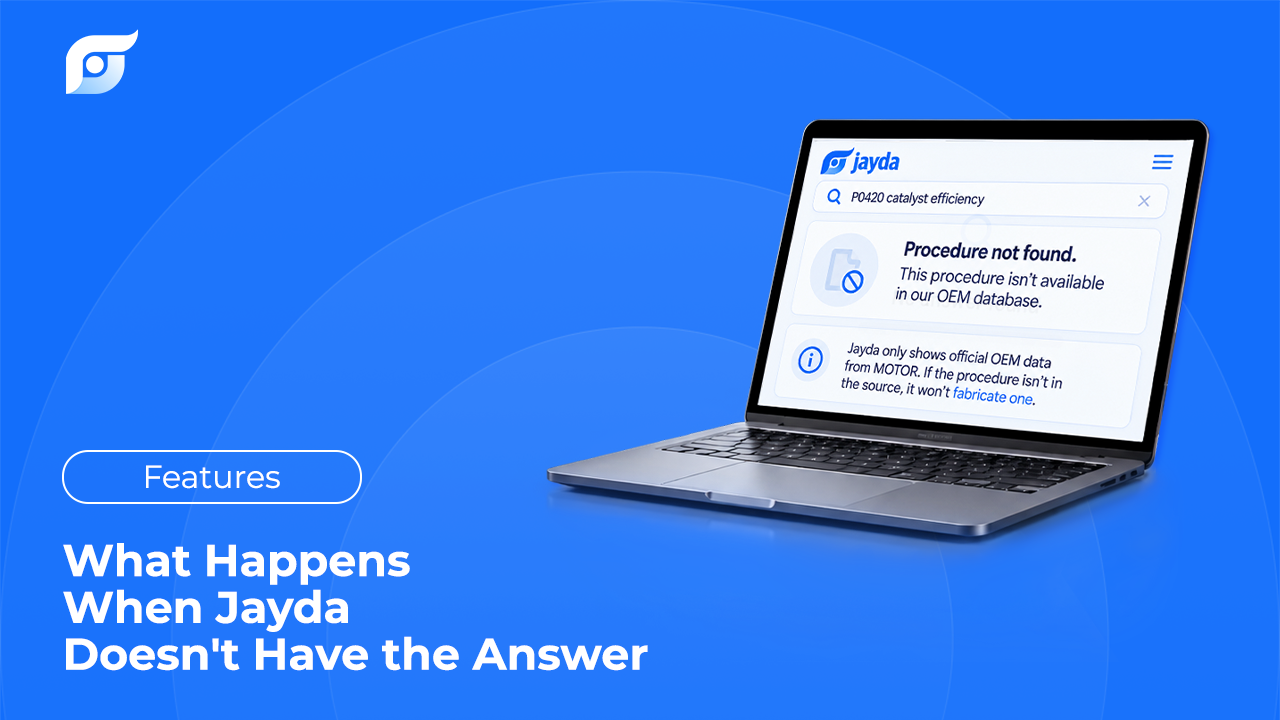
Sometimes the honest answer is that the document isn’t there. Coverage spans 43 manufacturers from 1985 to 2026, and it isn’t uniform: Toyota, Lexus, and Scion data is pending, and older or rare configurations can be thin anywhere. When there’s no match, Jayda says so instead of returning the closest thing it has.
That behavior is worth treating as a feature during evaluation. A tool that always produces an answer, including for vehicles and systems where no document exists, is composing rather than retrieving, and on a torque value the difference between no answer and an invented one is the whole point of using OEM repair information in the first place.
Use the Same Test on Any Tool
Nothing in those five checks is specific to Jayda, and that’s deliberate. Whatever system your shop runs, the questions are the same: can you open the source document, does it name the exact vehicle, is it current, does it carry the conditions around the value, and can you record what you used? A tool that can’t answer the first question makes the other four impossible. For the wider evaluation criteria, including licensing and coverage, see how to choose OEM repair software.
Verification isn’t a sign of distrust in the tool. It’s the same instinct that makes a good tech check the spec before the wrench, and the one-click version just removes the excuse not to.