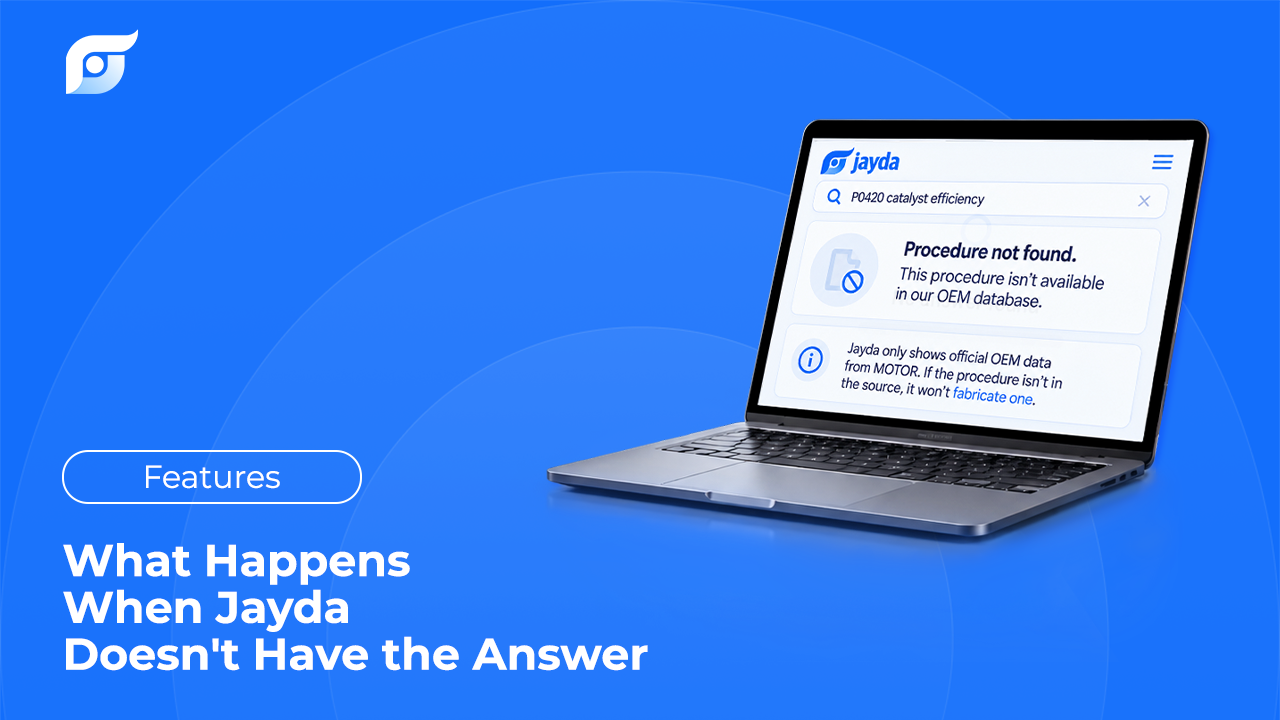
Every repair information system has edges. The question worth asking before you trust one is what it does when it reaches them, because that behavior tells you more about the tool than any coverage claim on a pricing page. Here is exactly what happens in Jayda when no matching document exists, why gaps occur, and what to do next on the job you’re standing in front of.
Quick Answer: When Jayda has no matching OEM document, it says so. It does not substitute a similar vehicle, fall back on general knowledge, or generate an approximation to fill the space. Gaps have ordinary causes: coverage runs to 43 manufacturers from 1985 to 2026 and isn’t uniform (Toyota, Lexus, and Scion data is pending), very old and very new vehicles sit at the edges, rare submodels and fleet variants are thinner, the question may target something manufacturers don’t publish as a document (a diagnosis, for instance), the vehicle context may be set to the wrong engine or year, or the wording may not match the manufacturer’s own name for the artifact. Practical next steps: confirm the vehicle by VIN, re-ask by document type, widen to the system-level procedure, check NHTSA (recalls by VIN, manufacturer communications by year, make, and model), read the vehicle’s own labels for the specs they carry, and if it’s still missing, get that one document from a dealer or an OEM subscription rather than guessing.
What Jayda Does at the Edge
The boundary rule is short, and it is the same every time: no result rather than an invented one. Specifically, Jayda does not fall back on general knowledge, does not produce an AI-generated approximation, and does not answer “based on a similar vehicle.” A near match on a torque spec isn’t a partial answer, it’s a different number.
That rule is the whole reason the retrieval model exists. A system that writes answers can always produce something, including for a vehicle it has no data for, which is the failure mode described in why Jayda never generates OEM repair procedures with AI and why AI should search repair information, not generate it. The cost of that choice is visible: sometimes the honest output is nothing. That’s the trade.
Why a Document Might Not Be There
Six causes cover most empty results, and the first three are coverage, while the last three are fixable from your side of the screen.
- Manufacturer coverage. The data is licensed from MOTOR Information Systems and spans 43 manufacturers across 1985 to 2026. It isn’t uniform across every make: Toyota, Lexus, and Scion data is pending, so confirm your vehicle mix is covered before you rely on any tool for it.
- The ends of the range. Very old vehicles sit at or below the 1985 floor. Very new ones depend on the manufacturer having published the content, which MOTOR then makes available within days of release — but “within days of release” still means after release.
- Rare configurations. Low-volume submodels, fleet and export variants, and mid-year running changes have thinner documentation everywhere, not just here.
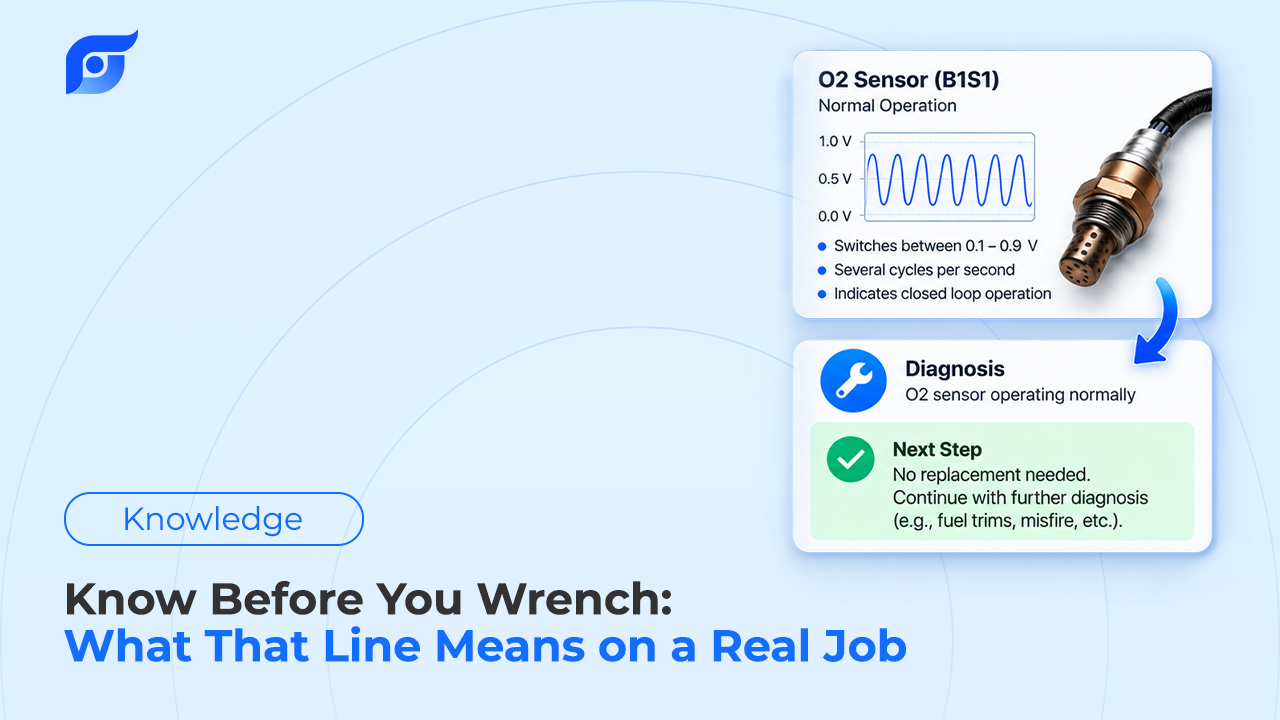
- The question targets something that isn’t a document. “What’s wrong with this car” has no manufacturer page behind it. Jayda retrieves procedures, specs, diagrams, bulletins, and workflows; the diagnosis stays with you.
- The vehicle context is off. A wrong engine or year in the vehicle you selected will return nothing, or the wrong thing, for a perfectly good question.
- The wording missed the artifact. Manufacturers name things their own way: Ford routes codes to a pinpoint test, Toyota to an inspection procedure, GM to Circuit/System Testing. Asking for the thing by what it does usually works better than asking for it by the name another brand uses.
What to Do Next
- Confirm the vehicle. Re-enter it by 17-character VIN rather than year, make, and model, and check engine and submodel against the vehicle in front of you.
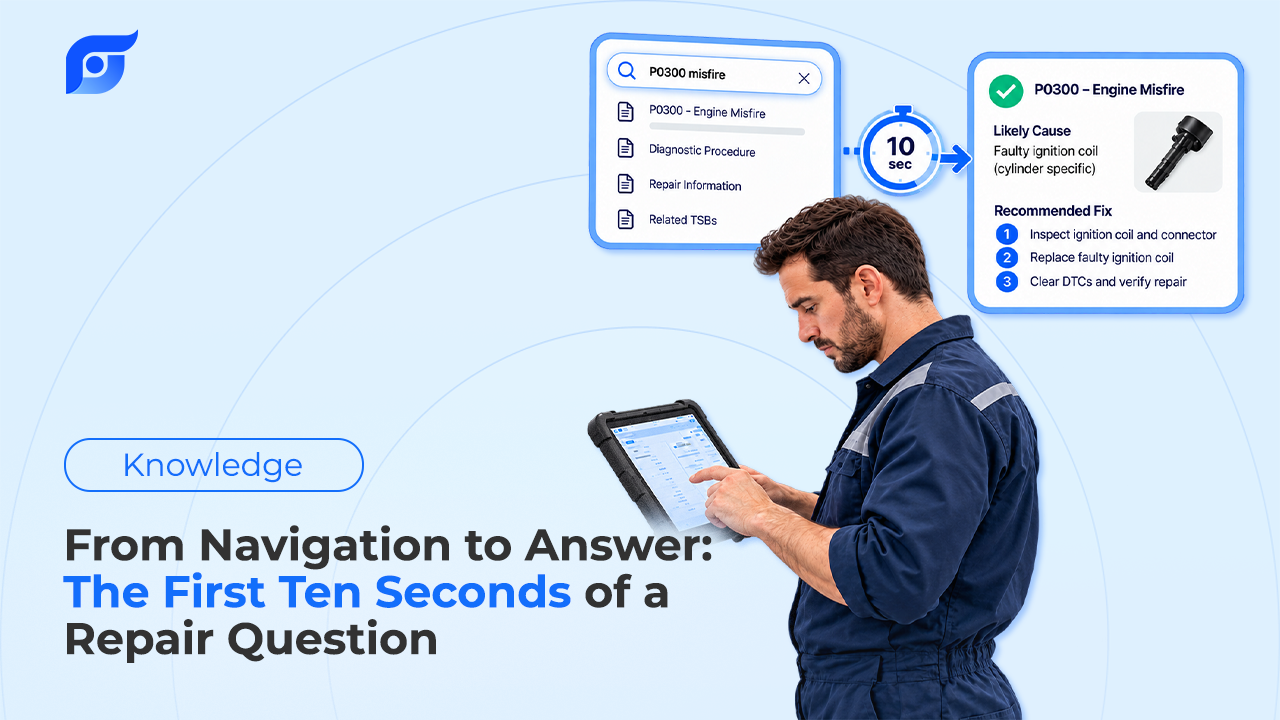
- Re-ask by document type. Instead of describing the symptom, ask for the artifact: the wiring diagram for that circuit, the removal procedure for that component, the specification table for that assembly.
- Widen one level. If the subassembly has nothing, ask for the system-level procedure. The specification you need is often inside a larger document rather than in one of its own.
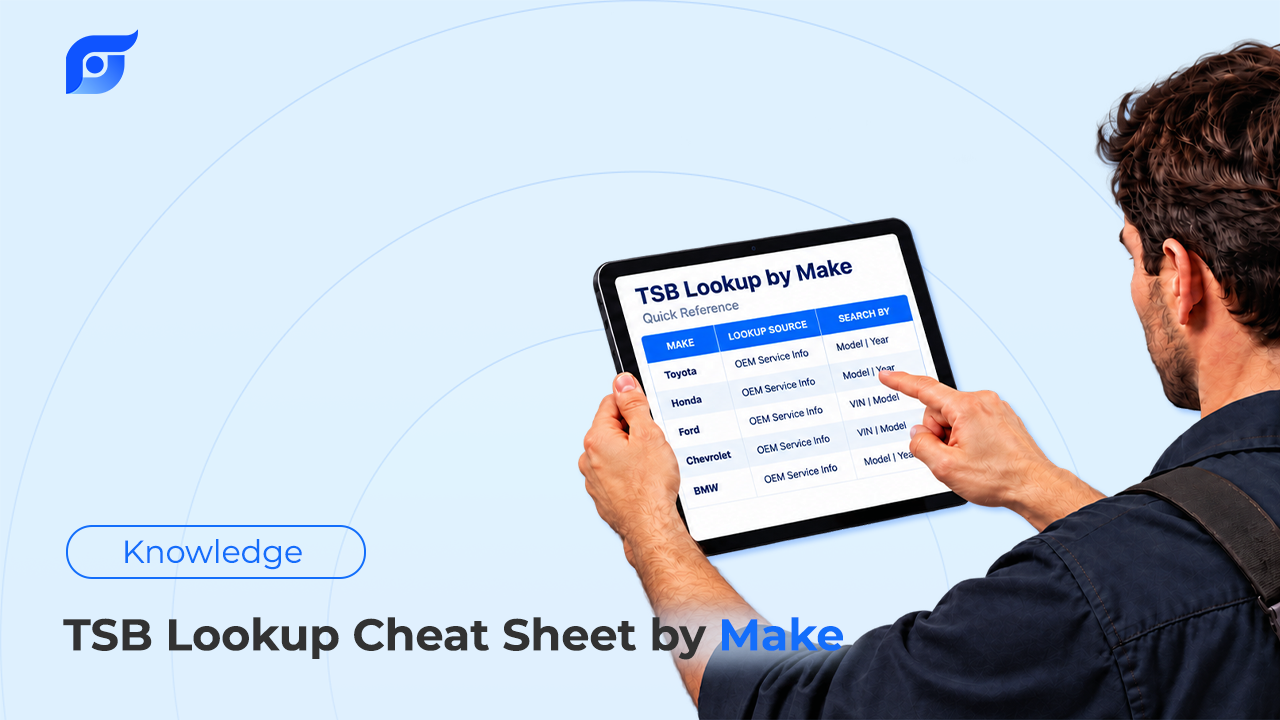
- Check the public sources. NHTSA publishes recalls, searchable by VIN at nhtsa.gov/recalls, and manufacturer communications including TSB filings, searchable by year, make, and model. If a bulletin exists for the complaint, that search will often surface it even when a database doesn’t.
- Read the vehicle. Some specs are federally required to be on the car. The tire and loading placard carries the recommended cold tire inflation pressure, tire size, seating capacity, and capacity weight — on passenger cars it’s typically on the glove compartment door or an equally accessible spot, and on many light vehicles it’s on the driver-side B-pillar. Underhood emissions labels carry other values.
- Buy the one document. For a job that genuinely needs a procedure no subscription you hold covers, a dealer or a short-term OEM subscription for that make is a legitimate line on the ticket. It’s cheaper than the comeback, and it’s a better fallback than substituting an aftermarket guide for a procedure the manufacturer wrote differently.
- Write down what was missing. Note the vehicle, the question, and what you ended up using. That record is what tells you whether gaps are a pattern for your car mix or a one-off.
When “Not Found” Is the Answer You Needed
Sometimes an empty result is information rather than an obstacle.
No bulletin for the complaint means there’s no documented shortcut, so the diagnostic procedure is the path rather than a hunt for a known fix. No procedure for the submodel you selected often means the submodel assumption is wrong, which is worth catching before parts come off. And on a job where you expected a specific special-tool procedure and found none, that absence is a prompt to check whether you’re looking at the right system entirely. A TSB documents a known pattern; the absence of one tells you this isn’t a known pattern, at least not one the manufacturer has published.
Judge Any Tool by Its Failure Mode
This is the test worth running on whatever your shop uses, including Jayda. Ask for something that cannot exist — a torque spec for a system the vehicle doesn’t have, a procedure for a trim never sold here — and watch what comes back. A retrieval tool returns nothing and says so. A generating tool returns prose.
The difference matters most exactly where verification is hardest: an unfamiliar vehicle, late in the day, on a number nobody will audit until something breaks. Everything else about a repair information tool is convenience. This part is trust, and it’s why the first thing to check in any result is still whether what came back is OEM repair information for the exact vehicle. For the wider evaluation criteria, including licensing and coverage, see how to choose OEM repair software.